
Look inside
AI Connectors Explained: Link ChatGPT, Claude, Gemini, Copilot and Grok to Your Email, Files and Apps (2026 Edition)
A plain-English guide to connecting an AI assistant to your email, calendar and files, and staying safe when you do
By AI Project
Price
$12.99Was $19.99
Buying opens soon. Nothing on Bookstorez is on sale yet.
Look inside
What you get
| File | Format | Size |
|---|---|---|
| ai-connectors-explained-screen-letter.pdf | 1.6 MB | |
| ai-connectors-explained-screen-a4.pdf | 1.6 MB | |
| ai-connectors-explained-my-connections-fillable-letter.pdf | 145.3 KB | |
| ai-connectors-explained-my-connections-fillable-a4.pdf | 147.7 KB | |
| ai-connectors-explained-print-edition-and-prompts.zip | ZIP | 3.4 MB |
| Pages | 52 pages | |
About this product
This is a plain-English guide to connectors, designed for people who already use an AI assistant and want it to read their email, calendar and files, but are not sure how to set that up, or whether it is safe. 2026 edition: 52 pages, 5 assistants, 12 everyday jobs with prompts, 8 pages on staying safe.
A connector is a permission. It lets an AI assistant such as ChatGPT, Claude, Gemini, Copilot or Grok look inside another service that holds your things, such as Gmail, Outlook, Google Drive or your calendar, and sometimes send, edit or delete there for you. With one, you can ask "find the three emails about the venue and draft a reply" and the assistant goes and looks. The five makers use three different names for it (apps, connectors, Connected Apps) and keep it in five different places. This guide puts them side by side.
Checked against official documentation in October 2026. Every feature name, menu path and plan detail was read that month on the makers' own pages: 48 pages from OpenAI, Anthropic, Google, Microsoft, xAI and the Model Context Protocol site, listed on the last page. Each of the 121 cells in the comparison and "who has it" tables is matched to a quoted sentence. This subject changes fast, so where the official pages did not say something, the guide prints "Not stated" and does not guess.
How you use it
- Read three pages on what a connector is, what travels where, and the three levels: reads, asks first, acts.
- Follow the worked example: one real job from start to finish, with the exact prompts.
- Turn to the chapter for your own assistant and connect one service.
- Do one of the twelve everyday jobs with your own email or files.
- Read the safety pages, then fill in your connections record.
What is inside (52 pages)
- Start here and a one-page map of the guide, with linked contents.
- What a connector is (3 pages): a diagram of what travels where, how it differs from uploading a file, what each assistant calls it, and the difference between letting an assistant read and letting it act.
- A worked example (2 pages): find the emails about a venue, work out what is settled, draft one reply, review it and send it yourself. Four prompts, with what might come back.
- The five assistants (14 pages): ChatGPT, Claude, Gemini, Copilot and Grok. For each: what you can connect (only services the official pages name), how to turn a connection on and off step by step, how to call on it in a prompt, what it can read and what it can do, who has it, and what the maker says about how connected data is used, in the maker's own quoted words.
- Side by side (2 pages): one table of ten questions across all five, and six differences that matter.
- Twelve everyday jobs (13 pages): catch up on an inbox, find one fact in old email, get ready for tomorrow's meetings, find a time and book it, draft a reply to a long thread, find a file, compare two versions of a document, move dates from an email into a calendar, build a trip sheet, list what you have promised people, turn notes into actions, and run a weekly review. Each has the prompt, what to expect, a scrap of a good answer, a follow-up, and what to check before you act on it.
- Staying safe (8 pages): how to read a consent screen; read access compared with the power to send, edit or delete; reviewing before anything is sent in your name; prompt injection explained simply, with what the makers themselves say about it and six habits; work accounts and your employer's rules; how to review and remove connections in the assistant and again in the other service; and what to do if something looks wrong.
- MCP and custom connectors (1 page, optional): what the Model Context Protocol is, and who offers custom connectors.
- Reference: a fillable "My connections" record with a filled-in example first, a twelve-point check to run every few months, a glossary of 30 terms, a quick reference and the list of sources.
What it does not do
- It is not for developers. It does not show how to build a connector.
- It does not quote subscription prices or usage allowances.
- It uses simple drawings, not screenshots.
- It does not promise results. It is not security, legal or workplace-policy advice.
What you download
- The guide in US Letter and A4, for reading on screen, with linked contents and page references.
- The "My connections" record and the checklist as a fillable file in both sizes, for typing into on a computer.
- One ZIP with the low-ink print edition in both sizes (white pages, light on ink), every prompt in one plain-text file, and the Start here page.
- You need only one paper size: Letter for the USA and Canada, A4 for almost everywhere else.
Good to know
- Independent guide. Not affiliated with or endorsed by OpenAI, Anthropic, Google, Microsoft or xAI.
- You need your own account with one of the five assistants and with the service you want to connect. Neither is included. Which plans and account types have connectors differs by maker and is set out in each chapter.
- 2026 edition, checked October 2026. Some things could not be confirmed on any official page and are printed as "Not stated", for example whether Copilot's personal connectors can send anything, and whether Grok asks before it acts.
- An assistant can be wrong and sound sure, and it can be misled by text inside an email or web page. The guide gives you the checks; what you do with an answer stays your responsibility.
- The fillable pages are made for a desktop PDF reader such as the free Adobe Acrobat Reader. Many phone and tablet apps do not keep typed entries.
- Print at 100% or "actual size", not "fit to page".
Contents
- Cover
- Start here
- Start here
- Map of this guide, and contents
- What a connector is
- What a connector is, and what travels where
- Five assistants, three names for one idea
- Read, ask first, act: the three levels
- A worked example
- One job from start to finish: find, then check
- The five assistants
- ChatGPT: what you can connect, on and off
- ChatGPT: calling on an app, and approvals
- ChatGPT: plans and your data
- Claude: what you can connect, on and off
- Claude: calling on a connector, and approvals
- Claude: plans and your data
- Gemini: what you can connect, on and off
- Gemini: calling on an app, and its limits
- Gemini: who can use it, and your data
- Copilot: what you can connect, on and off
- Copilot: what it reads, who has it, your data
- Grok: what you can connect, on and off
- Grok: calling on a connector, and permissions
- Grok: who has it, and your data
- Side by side
- The five assistants compared
- Six differences that matter
- Twelve everyday jobs
- How the job pages work
- 1. Catch up on your inbox after time away
- 2. Find one fact buried in old email
- 3. Get ready for tomorrow's meetings
- 4. Find a time that works, then book it
- 5. Draft a reply to a long email thread
- 6. Find a file and get the gist
- 7. Compare two versions of a document
- 8. Move dates from an email into your calendar
- 9. Build a trip sheet from your confirmations
- 10. List what you have promised people
More from AI Project
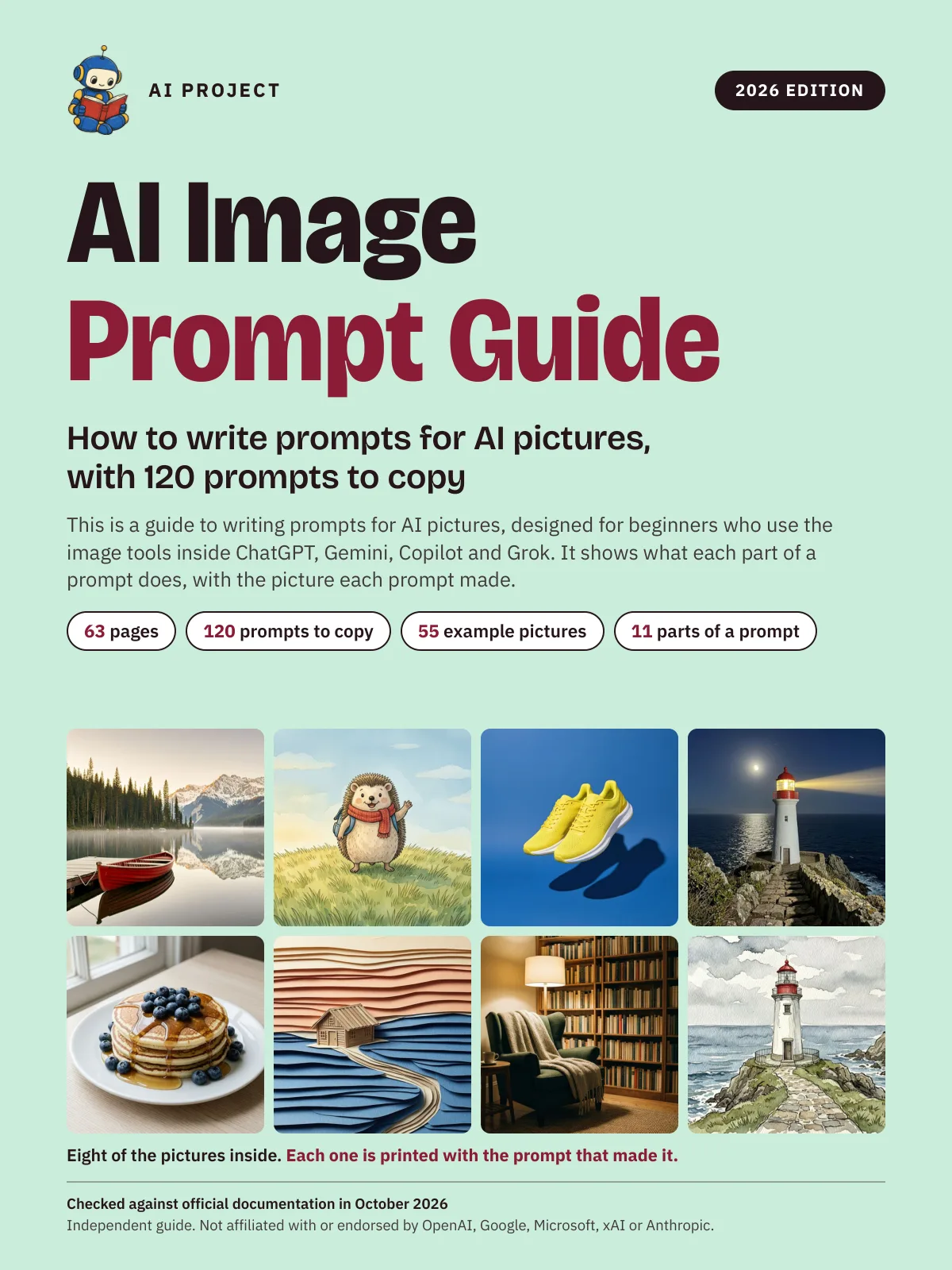 Item 1479
AI Image Prompt Guide: How to Write Prompts for AI Pictures, with 120 Prompts to Copy (2026 Edition)
AI Project
$9.99Was $15.99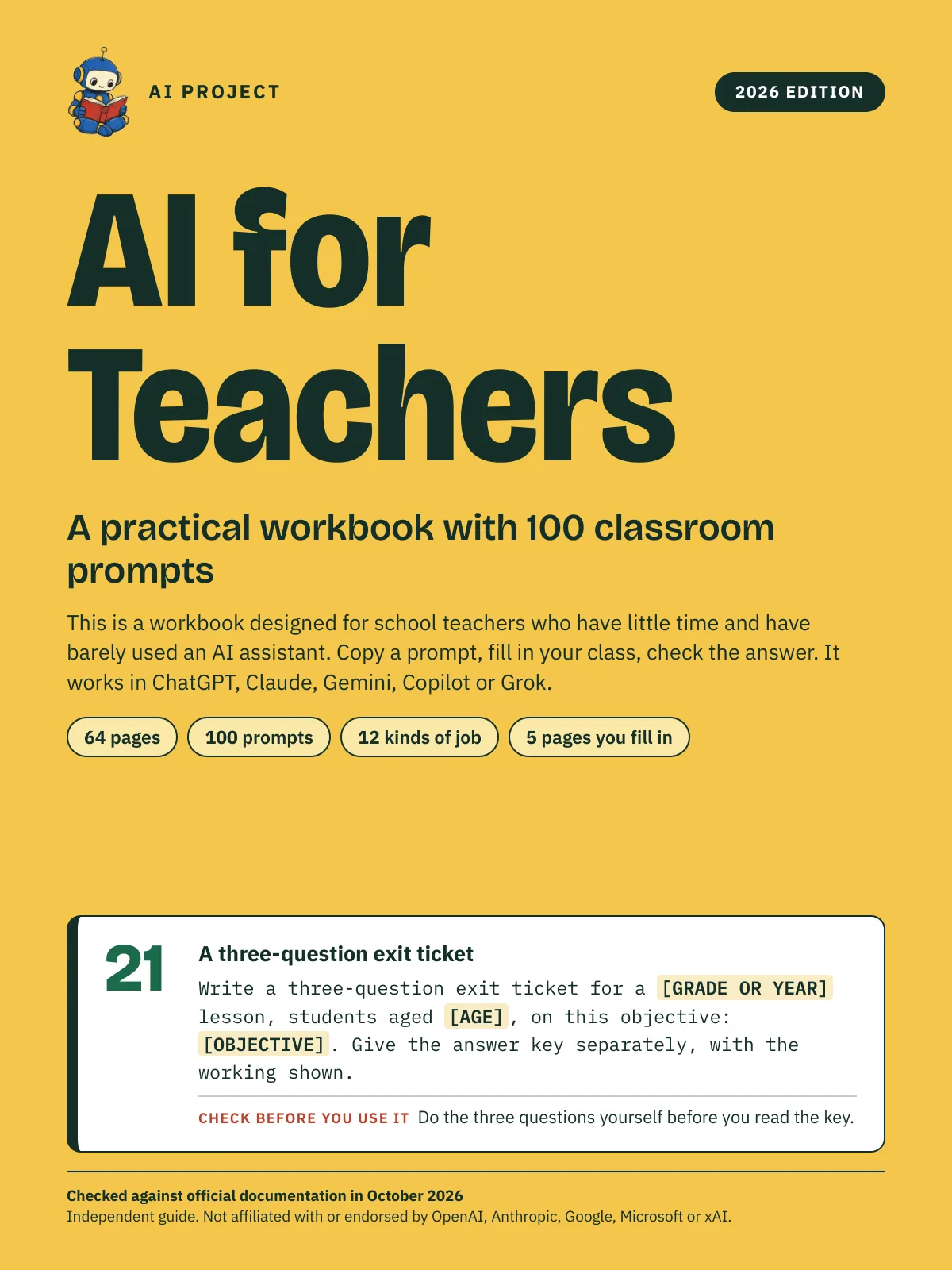 Item 1478
AI for Teachers: A Practical Workbook with 100 Classroom Prompts (2026 Edition)
AI Project
$12.99Was $19.99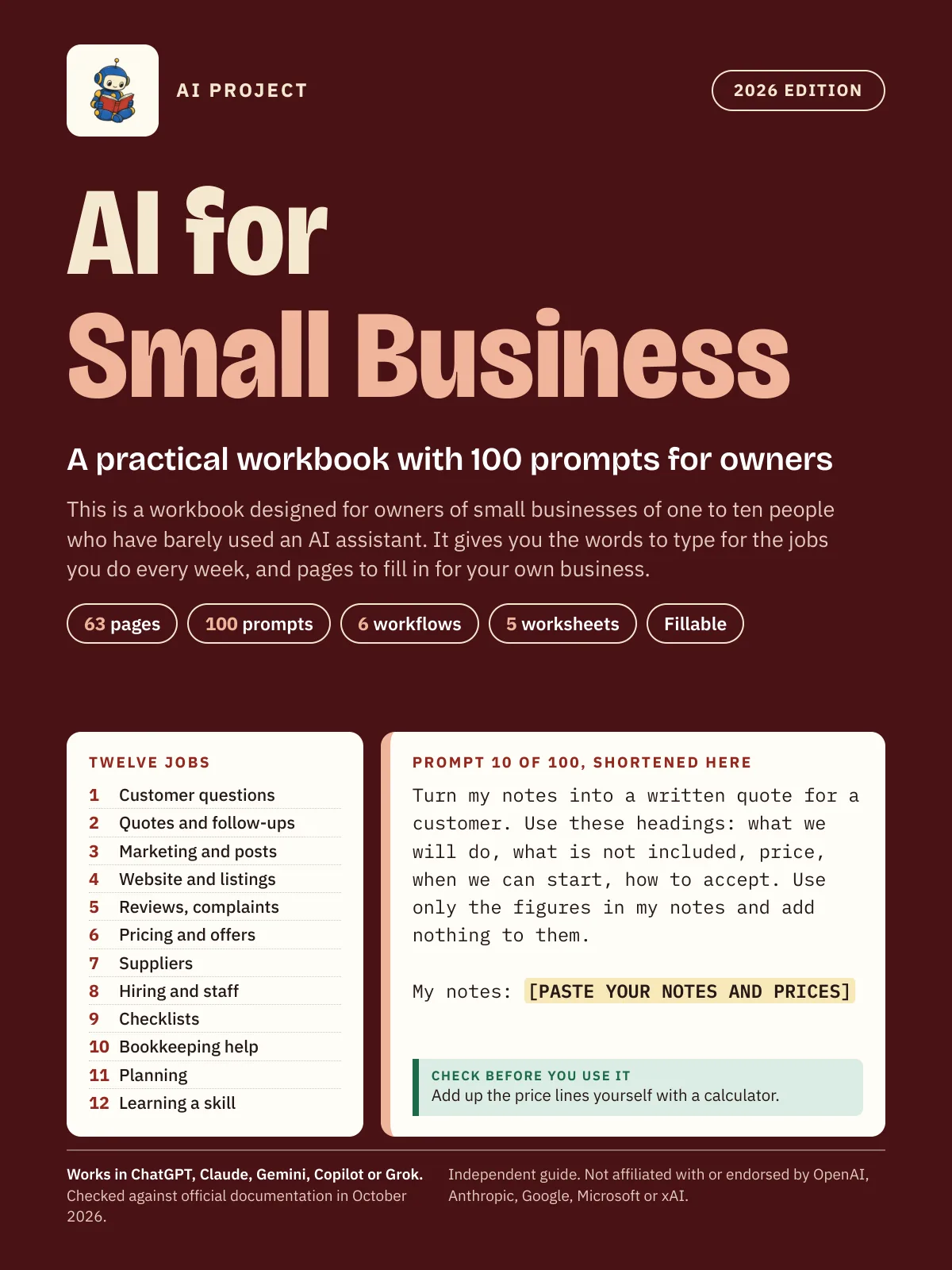 Item 1475
AI for Small Business: A Practical Workbook with 100 Prompts for Owners (2026 Edition)
AI Project
$12.99Was $19.99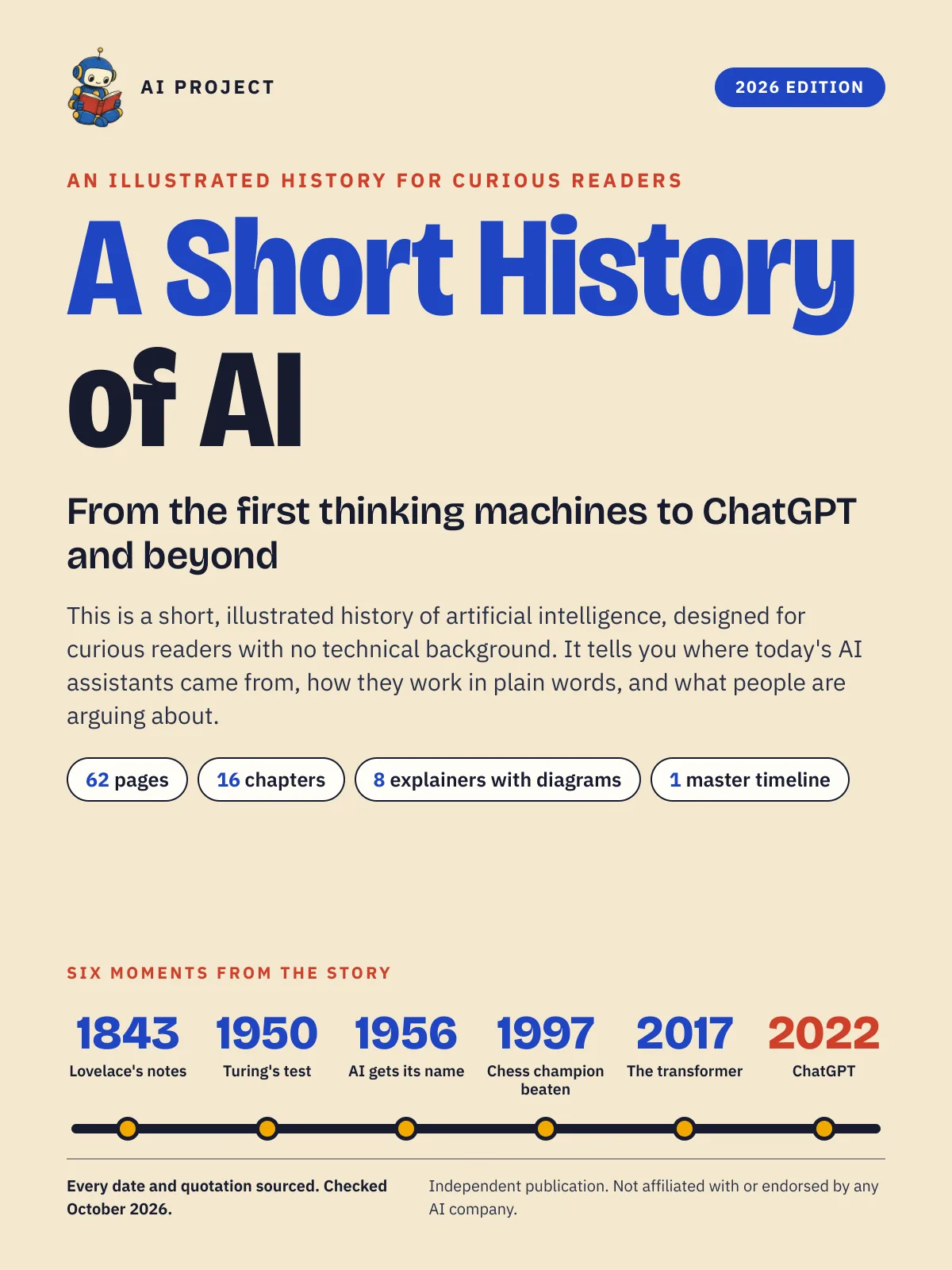 Item 1477
A Short History of AI: From the First Thinking Machines to ChatGPT and Beyond (2026 Edition)
AI Project
$19.99Was $29.99