
Look inside
AI for Small Business: A Practical Workbook with 100 Prompts for Owners (2026 Edition)
A workbook for owners of small businesses of one to ten people who have barely used an AI assistant
By AI Project
Price
$12.99Was $19.99
Buying opens soon. Nothing on Bookstorez is on sale yet.
Look inside
What you get
| File | Format | Size |
|---|---|---|
| ai-for-small-business-screen-letter.pdf | 2.8 MB | |
| ai-for-small-business-screen-a4.pdf | 2.8 MB | |
| ai-for-small-business-workbook-fillable-letter.pdf | 340.4 KB | |
| ai-for-small-business-workbook-fillable-a4.pdf | 354.7 KB | |
| ai-for-small-business-print-edition-and-prompts.zip | ZIP | 5.7 MB |
| Pages | 63 pages | |
About this product
This is a workbook designed for owners of small businesses of one to ten people (a shop, a trade, a salon, a cafe, a consultancy, an online store) who do most jobs themselves and have barely used an AI assistant. 2026 edition: 63 pages, 100 prompts, 6 workflows, 5 fill-in worksheets.
An AI assistant is a service you type to, and it writes back. What you type is called a prompt. A vague prompt gets a vague answer. A prompt that carries your prices, your hours and your way of talking gets a draft you can use after a few minutes of checking. This workbook gives you the words to type for the jobs a small business does every week, and pages to fill in so the assistant knows your business.
It works in ChatGPT, Claude, Gemini, Copilot or Grok. Every prompt is plain text, so none depends on a paid feature. You do not need to know anything about AI.
What it promises, and what it does not. Time back on real tasks: replies, quotes, posts, checklists and plans, drafted in minutes for you to check. It promises nothing about income, sales or growth.
How you use it
- Read the worked example: one real job done from start to finish, with the exact prompts, what came back and what the owner changed.
- Learn the five-part formula for an owner's prompt. It takes ten minutes.
- Fill in your business block once and paste it at the top of any chat.
- Pick a prompt for a job you have today, replace the parts in brackets, and do the check printed under it.
- Use the 30-day plan to try one new task a week.
What is inside (63 pages)
- Start here and a one-page map, with linked contents.
- A worked example (3 pages): an invented dog groomer turns a rough price list, three reviews and a complaint into an offer sheet, a week of posts and a reply. Eight things the assistant got wrong are marked, with why the owner changed each one.
- The owner's prompt formula (3 pages): the business and who buys, the job, the facts that must stay true, the tone, the format. Three before-and-after examples and eight follow-ups to copy.
- My business block (3 pages): a filled-in example, your own page, and how to save it as standing instructions in each of the five assistants, with the feature's official name and where the maker says it is.
- 100 prompts in 12 chapters by job (25 pages): customers and their questions; quotes, proposals and follow-ups; marketing and social posts; website and listing copy; reviews and complaints; pricing and offers; suppliers and negotiation; hiring, schedules and staff messages; processes and checklists; bookkeeping help and reading a statement; planning the week and the quarter; learning a skill fast. Every prompt is complete, has parts in [SQUARE BRACKETS] to replace, and has a "check before you use it" line.
- Six workflows drawn as diagrams: launch a new product or service; from a first message to a booked job; from a complaint to a fix; hire your first helper; month-end, ready for your accountant; the Monday hour.
- Five workbook pages, each with a filled-in example first: hours I could give to AI, my tone of voice built from my own past messages, my customer-reply library, a 30-day plan, and a "what I checked" log.
- Using it safely (5 pages): what not to paste and why; the data setting in each assistant; checking numbers, names, prices and claims before a customer sees them, with an example of a confident wrong answer; true advertising claims and real reviews; and telling customers when AI wrote to them.
- Reference: which assistant suits what, a glossary of 36 terms, a list of all 100 prompts, and the sources.
Checked against official documentation in October 2026. The workbook is tool-neutral, so it holds few product facts: the name and place of each assistant's saved-instructions setting, its data setting, and how each maker describes its own product. Each was read on the maker's own pages that month. Three tables carry those facts, and every cell is matched to a sentence on an official page. Where a maker documents nothing, the page says so.
What it does not do
- It does not promise income, sales or results.
- It does not give legal, tax, financial or employment advice. The pricing chapter is thinking help only, and the bookkeeping chapter explains and sorts only. Your accountant decides.
- It does not quote subscription prices, plan tables or model names. They change.
- It will not help anyone write a review. It says plainly that fake reviews are never acceptable.
- It uses no screenshots or logos.
What you download
- The workbook in US Letter and A4, for reading on screen, with linked contents and page references.
- Fillable workbook pages in both sizes: the business block and the five worksheets, each after its filled-in example, to type into on a computer.
- One ZIP with the low-ink print edition in both sizes, all 100 prompts as a plain-text file and as a Word file, and the Start here page.
- You need only one paper size: Letter for the USA and Canada, A4 for almost everywhere else.
Good to know
- Independent guide. Not affiliated with or endorsed by OpenAI, Anthropic, Google, Microsoft or xAI.
- You need an account with one assistant, which is not included.
- Written for owners in the US and the UK alike. Money examples use the dollar sign ($). Use your own currency.
- The businesses, customers and reviews in the examples are invented.
- AI assistants can be wrong and sound sure. The workbook gives you the checks. What you send to a customer stays your responsibility.
- The fillable pages are made for a desktop PDF reader such as the free Adobe Acrobat Reader. Many phone and tablet apps do not keep typed entries.
- Print at 100% or "actual size", not "fit to page".
Contents
- Cover
- Start here
- Start here
- Map of this workbook, and contents
- A worked example
- One real job, start to finish
- The owner's prompt formula
- The five parts of an owner's prompt
- Before and after: three everyday requests
- The second message, and when to start again
- My business block
- My business block: a filled-in example
- My business block: your page
- Saving your block as standing instructions
- 100 prompts by job
- How to use the 100 prompts
- 1. Customers and their questions (prompts 1 to 9)
- 2. Quotes, proposals and follow-ups (prompts 10 to 18)
- 3. Marketing and social posts (prompts 19 to 28)
- 4. Website and listing copy (prompts 29 to 36)
- 5. Reviews and complaints (prompts 37 to 44)
- 6. Pricing and offers (prompts 45 to 52)
- 7. Suppliers and negotiation (prompts 53 to 59)
- 8. Hiring, schedules and staff messages (prompts 60 to 68)
- 9. Processes and checklists (prompts 69 to 76)
- 10. Bookkeeping help and reading a statement (prompts 77 to 84)
- 11. Planning the week and the quarter (prompts 85 to 92)
- 12. Learning a skill fast (prompts 93 to 100)
- Six workflows
- Workflow 1: Launch a new product or service
- Workflow 2: From a first message to a booked job
- Workflow 3: From a complaint to a fix
- Workflow 4: Hire your first helper
- Workflow 5: Month-end, ready for your accountant
- Workflow 6: The Monday hour
- Workbook pages
- Hours I could give to AI: a filled-in example
- Hours I could give to AI: your page
- My tone of voice: a filled-in example
- My tone of voice: your page
Category: Workbooks
Topics: Artificial intelligence prompts · Small business planning · Workplace productivity
AI-assisted
More from AI Project
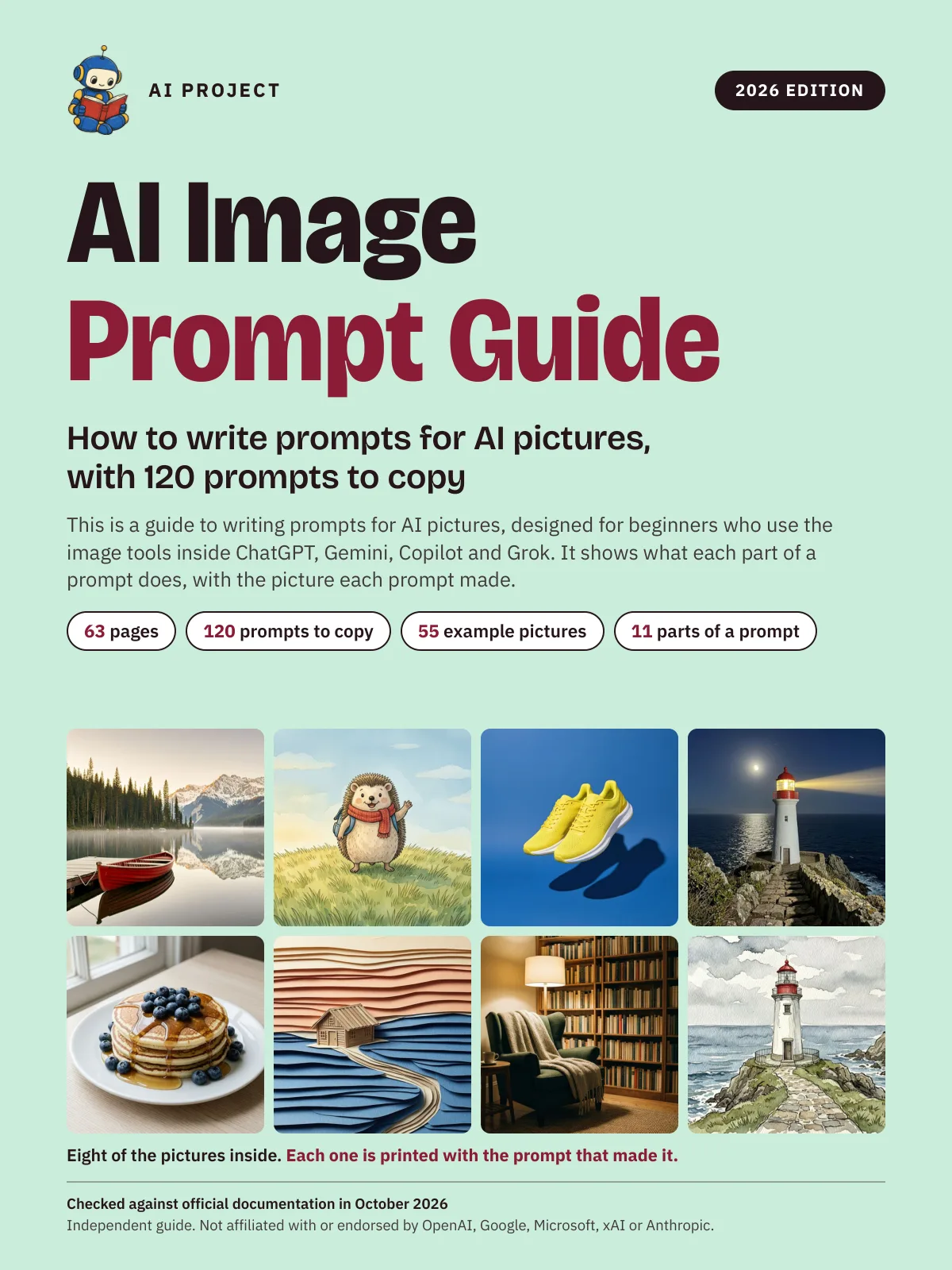 Item 1479
AI Image Prompt Guide: How to Write Prompts for AI Pictures, with 120 Prompts to Copy (2026 Edition)
AI Project
$9.99Was $15.99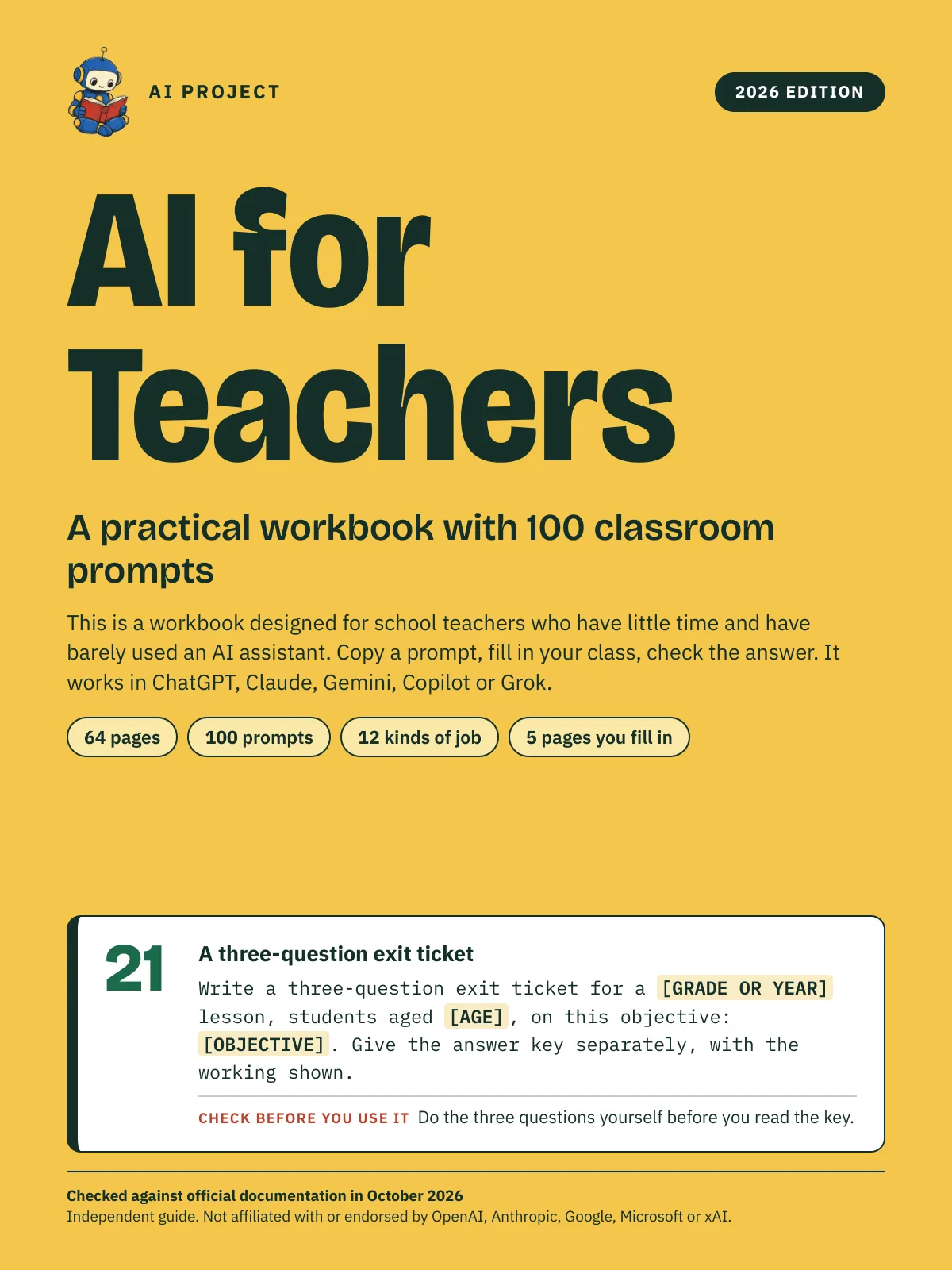 Item 1478
AI for Teachers: A Practical Workbook with 100 Classroom Prompts (2026 Edition)
AI Project
$12.99Was $19.99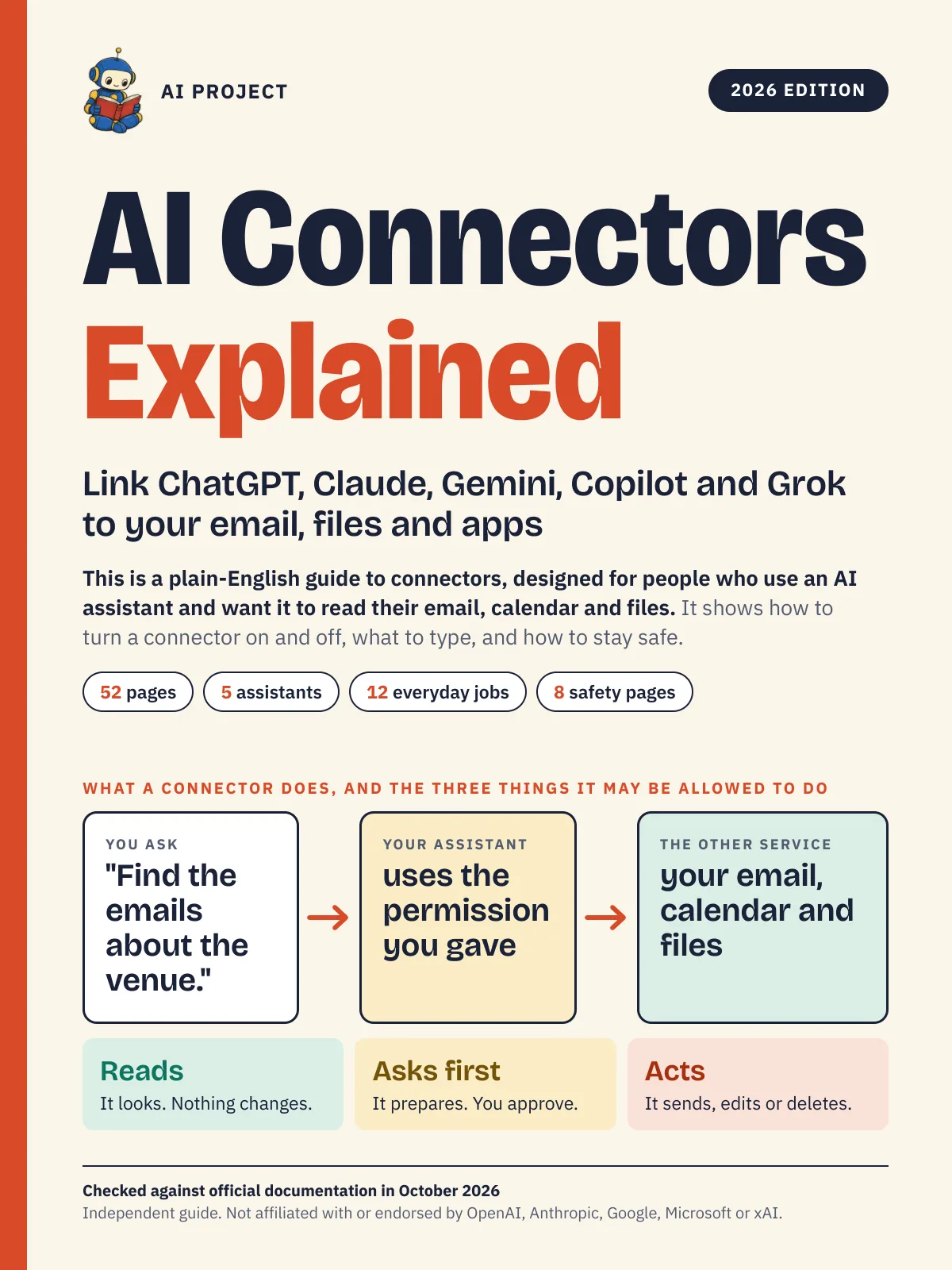 Item 1476
AI Connectors Explained: Link ChatGPT, Claude, Gemini, Copilot and Grok to Your Email, Files and Apps (2026 Edition)
AI Project
$12.99Was $19.99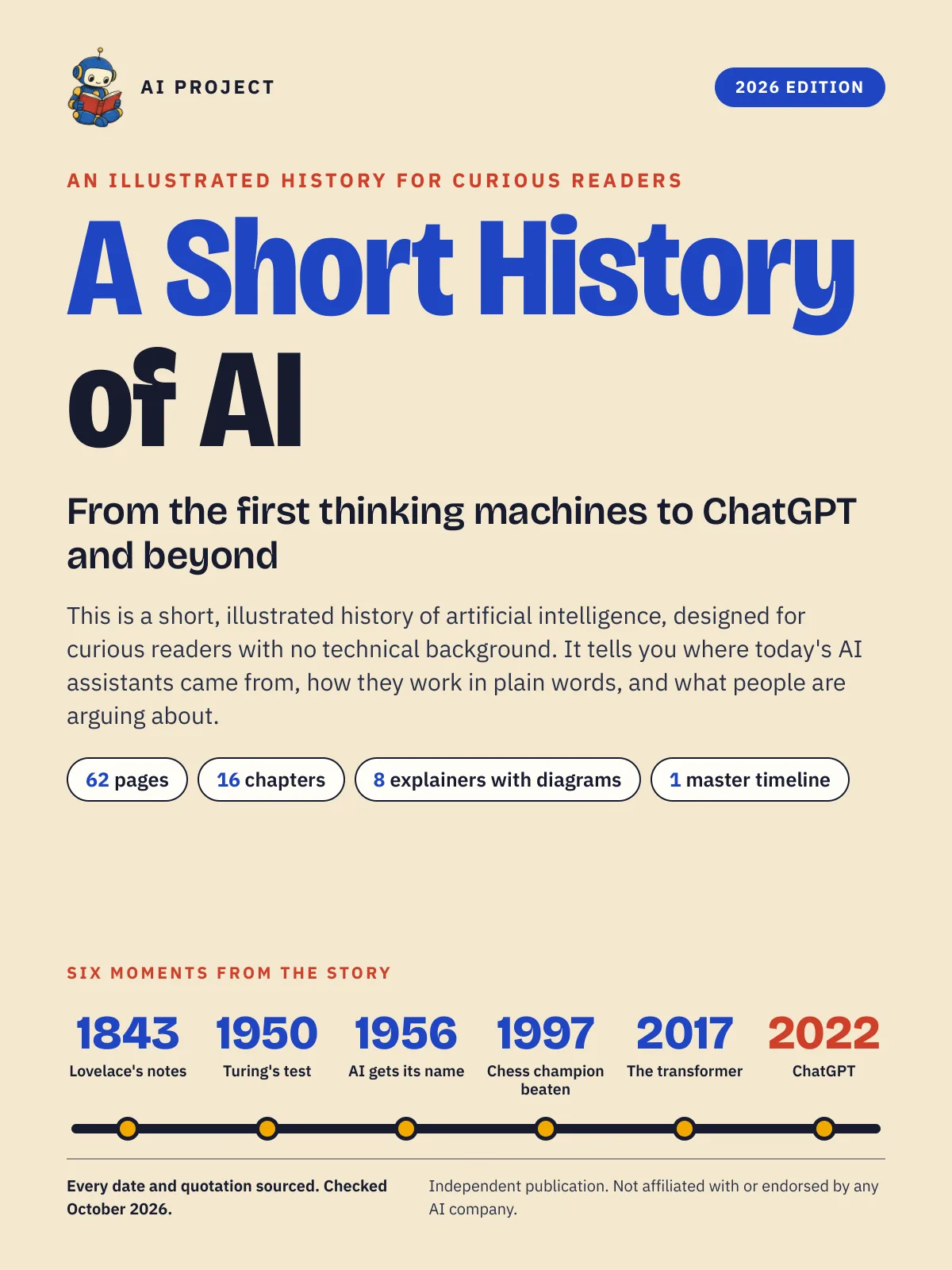 Item 1477
A Short History of AI: From the First Thinking Machines to ChatGPT and Beyond (2026 Edition)
AI Project
$19.99Was $29.99