Look inside
AI Image Prompt Guide: How to Write Prompts for AI Pictures, with 120 Prompts to Copy (2026 Edition)
A guide to writing prompts for AI pictures, designed for beginners who use the image tools inside AI assistants
By AI Project
Price
$9.99Was $15.99
Buying opens soon. Nothing on Bookstorez is on sale yet.
Look inside
What you get
| File | Format | Size |
|---|---|---|
| ai-image-prompt-guide-screen-letter.pdf | 8.7 MB | |
| ai-image-prompt-guide-screen-a4.pdf | 8.7 MB | |
| ai-image-prompt-guide-my-prompts-fillable-letter.pdf | 81.8 KB | |
| ai-image-prompt-guide-my-prompts-fillable-a4.pdf | 81.7 KB | |
| ai-image-prompt-guide-print-edition-and-prompts.zip | ZIP | 17.3 MB |
| Pages | 63 pages | |
About this product
This is a guide to writing prompts for AI pictures, designed for beginners who make pictures with the image tools inside ChatGPT, Gemini, Copilot or Grok, or with a separate image tool, and get results that are not what they pictured. 2026 edition: 63 pages, 120 prompts to copy, 55 example pictures, each printed with the prompt that made it.
An AI picture tool turns a written description, called a prompt, into a picture. Most beginners type a few words, get something impressive that is not what they wanted, and do not know what to change. This guide shows you the parts a prompt is made of, what each part does to the picture, and the words to use for each. It teaches you to describe a picture, so it works in any tool and does not go out of date when a button moves.
Every picture in it is real. Each one is the output of the prompt printed beside it, made in October 2026 and not retouched. Three that came out wrong are printed on purpose, with what went wrong and how the prompt was fixed.
How you use it
- Read the worked example: one picture built up over five prompts, so you see what each added part does.
- Learn the eleven parts of a prompt. Each has pictures made from prompts that differ in that one part only.
- Use the visual vocabulary to find the word for the look you want.
- Copy one of the 120 prompts and put your own words in the brackets.
- When a picture is wrong, use the pages on edits, faults and follow-ups to ask again.
What is inside (63 pages)
- Start here and a one-page map of the guide, with linked contents.
- The worked example (3 pages): five prompts, five pictures, then five facts about how picture tools read your words.
- The parts of a prompt (8 pages): subject, action, setting, composition and framing, lighting, style or medium, color, mood, detail level, aspect ratio, and what to leave out. One lighthouse, photographed and painted fifteen ways, with the one sentence that changed each time.
- A visual vocabulary (4 pages): 48 small pictures with their words, for camera angles and framing, kinds of light, art media and styles, and color schemes. Styles are described by technique and period, never by an artist's name.
- Fixing and changing pictures (5 pages): editing by asking for one change, keeping a character or product the same, words inside pictures and why they go wrong, hands, faces and other common faults, and twenty follow-ups that work.
- Where to make pictures (6 pages): what the picture feature is called in ChatGPT, Gemini, Microsoft Copilot and Grok, how to start it, how to change a picture, and what marks it puts on your pictures, plus what Claude does and does not do. From the makers' own pages only.
- 120 prompts to copy (24 pages): twelve groups of ten. Social posts, product pictures, presentations, cards and invitations, children's story pictures, logos and icons as a starting point, photos of food, rooms and interiors, backgrounds and patterns, portraits of invented people, posters, and coloring pages. Each has its replaceable words in brackets, and 30 are printed with the picture they made.
- Using pictures responsibly (4 pages): what each maker's terms say about who may use the output, quoted word for word; real people, brands and characters; labels and watermarks; and a checklist to run before you publish.
- Reference: a fillable page for the prompts that worked for you, with a filled-in example first, a glossary of 30 terms, a quick reference card, an index of the 120 prompts and the list of sources.
Checked against official documentation in October 2026. The pages on the assistants and on terms rest on 45 official pages read that month and listed on the last page. Anything that could not be confirmed on an official page was left out or printed as "Not listed".
What it does not do
- It does not quote prices or how many pictures a plan allows. They change, and it points you to the makers' own pages.
- It does not teach video, or the settings of any one specialist image tool.
- It is not legal advice. It quotes the makers' terms and two copyright sources and tells you when to ask a lawyer.
- It does not promise results or income.
What you download
- The guide in US Letter and A4, for reading on a screen, with linked contents and page references.
- A fillable "My prompts that worked" file in both sizes, for typing into on a computer.
- One ZIP with the low-ink print edition in both sizes (white pages, lighter on ink), all 120 prompts and every example prompt in one plain-text file, and the Start here page.
- The plain-text file opens on any computer, tablet or phone and is the easiest place to copy a prompt from.
- You need only one paper size: Letter for the USA and Canada, A4 for almost everywhere else.
Good to know
- Independent guide. Not affiliated with or endorsed by OpenAI, Google, Microsoft, xAI or Anthropic.
- You need a picture tool, which is not included. The guide says what each maker's pages state about using its tool without a paid plan, and does not guess where they are silent.
- A picture tool gives a different picture every time, so your pictures will not match the ones printed.
- The example pictures were made with the image model Wan 2.7 Image. Other tools will draw the same prompt differently.
- The guide uses the spelling "color" throughout, because that is the word the tools use.
- The fillable pages are made for a desktop PDF reader such as the free Adobe Acrobat Reader. Many phone and tablet apps do not keep typed entries.
- Print at 100% or "actual size", not "fit to page".
Contents
- Cover
- Start here
- Start here
- Map of this guide, and contents
- The worked example
- One picture, built up over five prompts
- How a picture tool reads your words
- The parts of a prompt
- The eleven parts of an image prompt
- Subject, action and setting
- Composition and framing
- Lighting
- Style or medium
- Color
- Mood and detail level
- Aspect ratio, and what to leave out
- A visual vocabulary
- Camera angles and framing
- Kinds of light
- Art media and styles
- Color schemes
- Fixing and changing pictures
- Editing a picture by asking for changes
- Keeping a character or product the same
- Words inside pictures
- Hands, faces and other common faults
- Asking again: twenty follow-ups that work
- Where to make pictures
- Five assistants at a glance
- ChatGPT
- Gemini
- Microsoft Copilot
- Grok
- Claude, and dedicated image tools
- 120 prompts to copy
- Social posts (prompts 1 to 10)
- Product pictures (prompts 11 to 20)
- Presentations (prompts 21 to 30)
- Cards and invitations (prompts 31 to 40)
- Children's story pictures (prompts 41 to 50)
Category: Guides
Topics: Artificial intelligence prompts · Visual communication · Digital creativity
AI-assisted
More from AI Project
 Item 1478
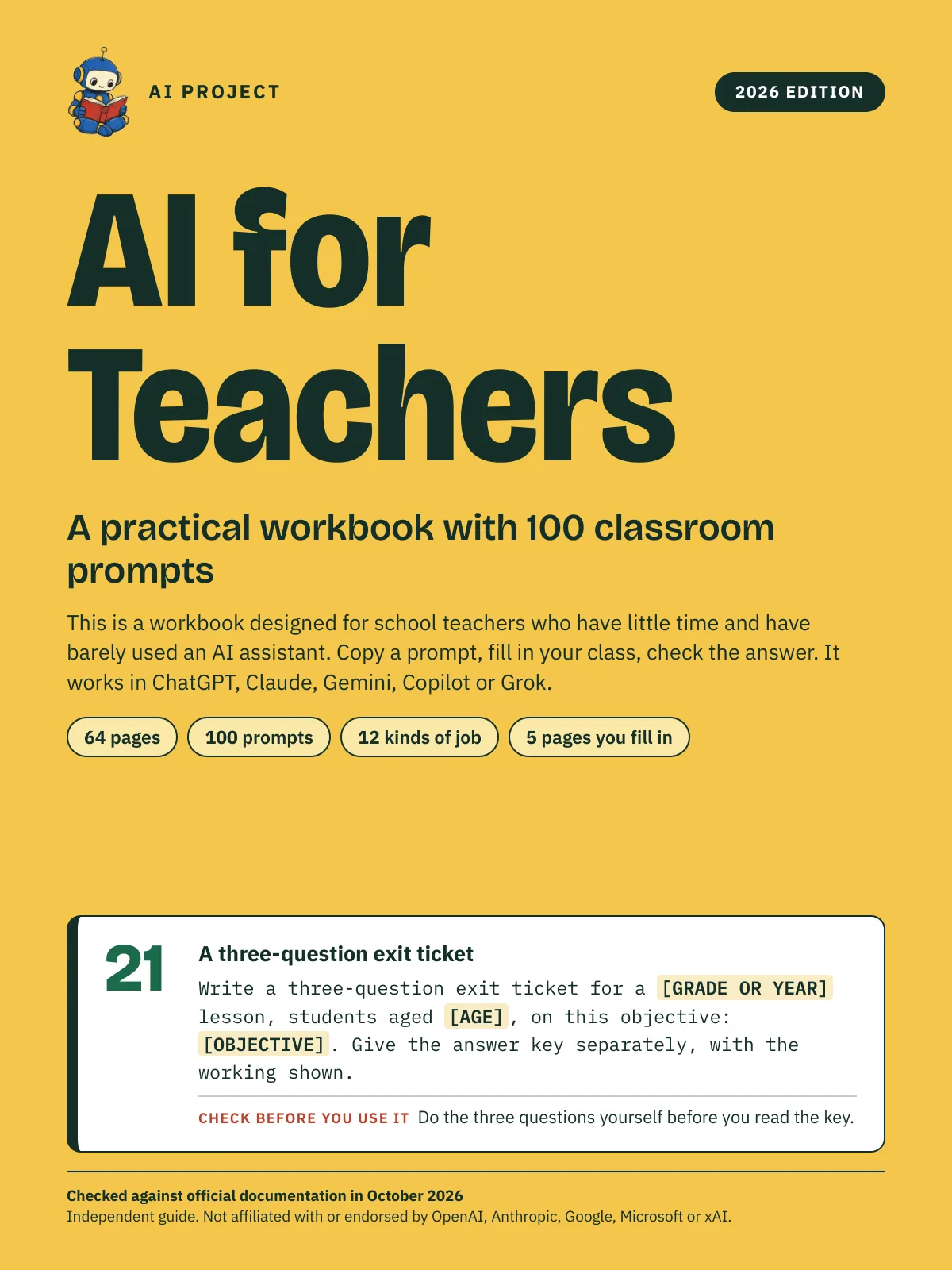
AI for Teachers: A Practical Workbook with 100 Classroom Prompts (2026 Edition)
AI Project
$12.99Was $19.99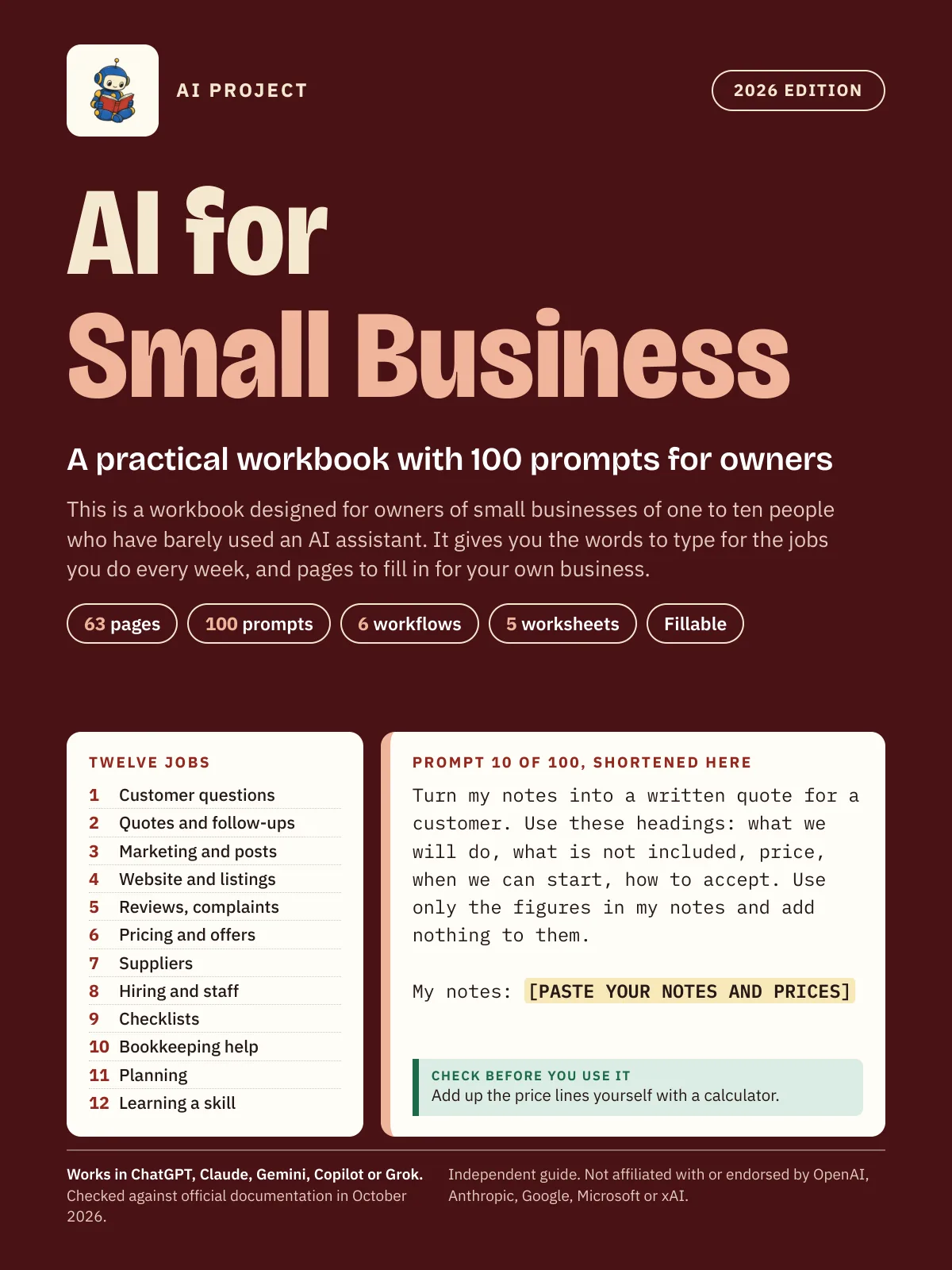 Item 1475
AI for Small Business: A Practical Workbook with 100 Prompts for Owners (2026 Edition)
AI Project
$12.99Was $19.99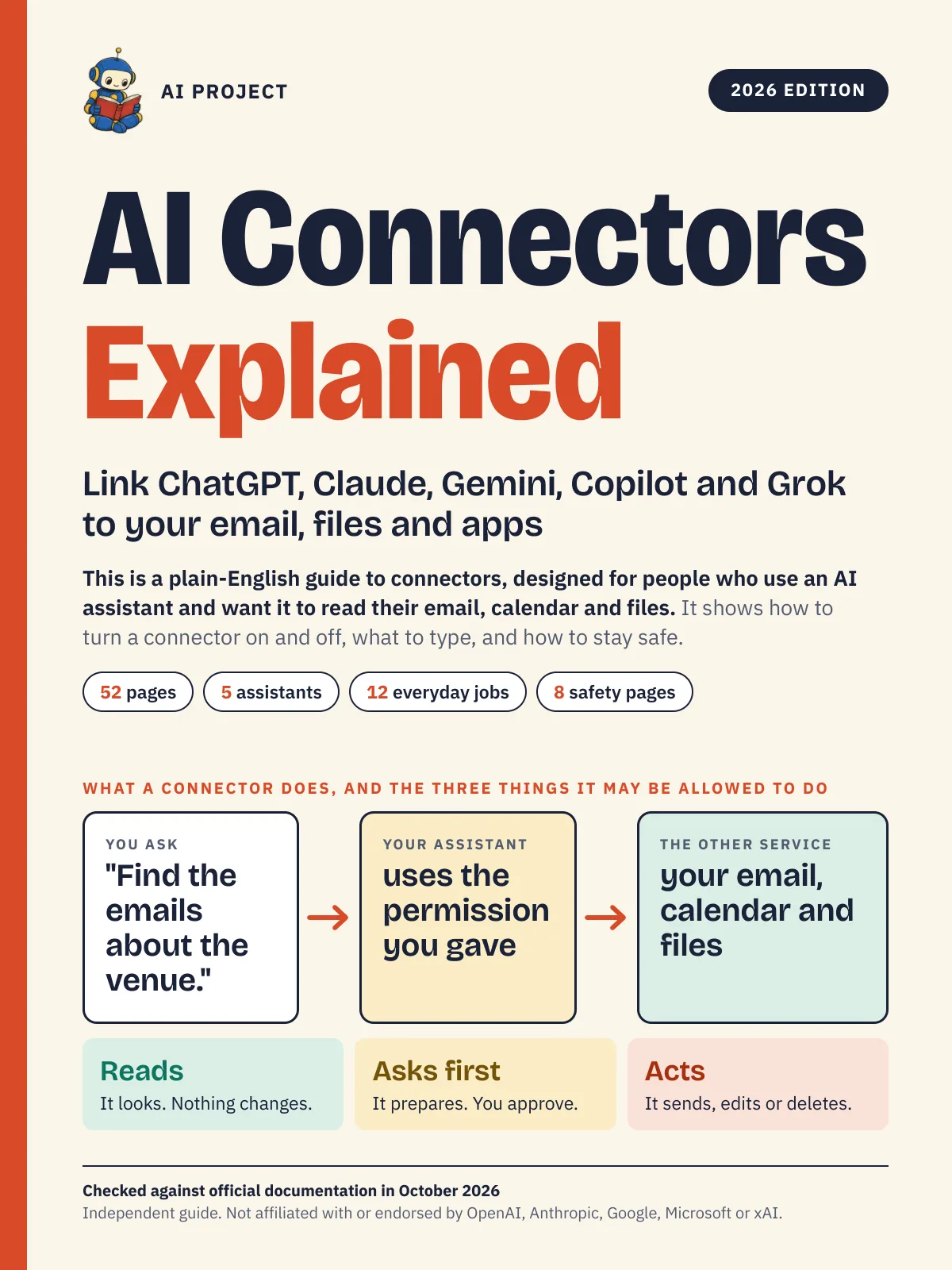 Item 1476
AI Connectors Explained: Link ChatGPT, Claude, Gemini, Copilot and Grok to Your Email, Files and Apps (2026 Edition)
AI Project
$12.99Was $19.99 Item 1477
A Short History of AI: From the First Thinking Machines to ChatGPT and Beyond (2026 Edition)
AI Project
$19.99Was $29.99