
Look inside
AI for Teachers: A Practical Workbook with 100 Classroom Prompts (2026 Edition)
A workbook designed for school teachers who have little time and have barely used an AI assistant
By AI Project
Price
$12.99Was $19.99
Buying opens soon. Nothing on Bookstorez is on sale yet.
Look inside
What you get
| File | Format | Size |
|---|---|---|
| ai-for-teachers-screen-letter.pdf | 1.8 MB | |
| ai-for-teachers-screen-a4.pdf | 1.8 MB | |
| ai-for-teachers-workbook-pages-fillable-letter.pdf | 221.4 KB | |
| ai-for-teachers-workbook-pages-fillable-a4.pdf | 222.0 KB | |
| ai-for-teachers-print-edition-and-prompts.zip | ZIP | 3.8 MB |
| Pages | 64 pages | |
About this product
This is a workbook designed for school teachers who have little time and have barely used an AI assistant. 2026 edition: 64 pages, 100 classroom prompts in 12 chapters, 5 pages you fill in, and plain guidance on using AI safely in a school.
An AI assistant is software you talk to in ordinary language. You type a message, called a prompt, and it writes back: a lesson plan, a quiz, a draft email. What comes back depends on what you tell it about your class. This workbook shows you what to tell it, gives you the prompts ready to copy, and shows you how to check the answer before it reaches a student.
It is tool-neutral. Every prompt works in ChatGPT, Claude, Gemini, Copilot or Grok. It is written for teachers of students aged about 5 to 18, in the US, the UK and elsewhere, and keeps to words that work in both ("students", "grade or year", "cover lesson").
Checked against official documentation in October 2026. Each assistant's age limit, how its maker says your chats are used, and what it offers schools were read that month on the makers' own pages, along with published guidance from UNESCO and from governments in England, the United States, Australia, Ireland, New Zealand, Scotland, Wales and British Columbia: 83 pages, listed on the last page. Every one of those facts is tied to a sentence quoted from the page. What could not be confirmed was left out.
How you use it
- Read the worked example: one teacher plans a week of fractions lessons, with the exact prompts, what came back, what she changed and why, and the wrong answer she caught in the key.
- Learn the five-part prompt formula: class and age, subject and objective, what the students already know, your constraints, and the format you want.
- Fill in your class context block once, and paste it at the top of any chat.
- Pick a prompt for a job you have this week, replace the parts in brackets, and do the check printed under it.
- Read the pages on privacy, checking, bias and age limits before students or their work come near an AI tool.
What is inside (64 pages)
- Start here and a one-page map, with linked contents.
- A worked example (3 pages): a week of lessons on equivalent fractions for a class aged 9 and 10, start to finish.
- The prompt formula (3 pages): the five parts, three before-and-after examples, and eight follow-ups for when an answer is close but not right.
- 100 prompts (26 pages), every one complete, with its replaceable parts in brackets and a "check before you use it" line:
- Planning lessons and units (12)
- Explaining and re-explaining (8)
- Questions, quizzes and exit tickets (8)
- Differentiating one task three ways (8)
- Worksheets and practice sets (8)
- Rubrics and success criteria (8)
- Feedback on students' work, written so that no student's details go in (8)
- Reports and messages to parents (8)
- Routines and classroom management (8)
- Cover lessons and substitute plans (8)
- Admin, meetings and policies (8)
- Your own subject knowledge and development (8)
- Workbook pages (10 pages): my class context block, my AI rules for this class, a lesson planning sheet built on the formula, a "what I checked" log, and a term planner. Each has a filled-in example first.
- Using AI well and safely (9 pages): student data and privacy; how each maker says your chats are used and the name of the setting; checking facts and answer keys, with a wrong key to try your hand on; bias and fair feedback; the age limits in each maker's terms; what to say to students and parents; eight task designs for academic honesty; what is known about AI detectors, with dated sources; and the official guidance to read.
- The assistants and schools (5 pages): what OpenAI, Anthropic, Google and Microsoft each document for teachers and learners, such as study and learning modes and editions for teachers, and what xAI does not.
- Reference: a glossary of 28 words, all 100 prompts by number, and the sources.
What it does not do
- It does not promise results, better grades or time saved.
- It does not give legal advice. Your school's or district's policy comes first, and the workbook says so on almost every page.
- It does not quote subscription prices, and it is not a guide to any one app's buttons.
- It does not tell you how accurate today's AI detectors are, because no independent test from this year was found. It tells you what their makers and the exam boards have said.
- Some editions for teachers named in it are offered only to educators in the United States. The 100 prompts need none of them.
What you download
- The workbook in US Letter and A4, for reading on screen, with linked contents and page references.
- The ten workbook pages as a fillable PDF in both sizes, for typing into on a computer.
- One ZIP with the low-ink print edition in both sizes (white pages, light on ink), all 100 prompts as a plain-text file and as a Word file, and the Start here page.
- The plain-text file opens on any computer, tablet or phone and is the easiest place to copy a prompt from.
- You need only one paper size: Letter for the USA and Canada, A4 for almost everywhere else.
Good to know
- Independent guide. Not affiliated with or endorsed by OpenAI, Anthropic, Google, Microsoft or xAI.
- You need an account with one AI assistant, which is not included. The prompts are plain text and work in any of them.
- 2026 edition, checked October 2026. Makers rename features and move settings; each table names the official page to look at.
- AI can be wrong and sound sure. The workbook gives you the checks; what you use in your classroom stays your decision and your responsibility.
- The answers shown in the worked examples were written for this workbook to show what to expect. Yours will differ.
- The fillable pages are made for a desktop PDF reader such as the free Adobe Acrobat Reader. Many phone and tablet apps do not keep typed entries.
- Print at 100% or "actual size", not "fit to page".
Contents
- Cover
- Start here
- Start here
- Map of this workbook, and contents
- A worked example
- A week of lessons on fractions: the first prompt
- What came back, and what the teacher changed
- The finished week, and what was checked
- The prompt formula
- The teacher's prompt formula
- Before and after: a lesson and a quiz
- Before and after: a message home, and follow-ups
- 100 prompts
- How to use the 100 prompts
- 1. Planning lessons and units
- 2. Explaining and re-explaining
- 3. Questions, quizzes and exit tickets
- 4. Differentiating one task three ways
- 5. Worksheets and practice sets
- 6. Rubrics and success criteria
- 7. Feedback on students' work
- 8. Reports and messages to parents
- 9. Routines and classroom management
- 10. Cover lessons and substitute plans
- 11. Admin, meetings and policies
- 12. Your subject knowledge and development
- Workbook pages
- My class context block
- My AI rules for this class
- Lesson planning sheet
- What I checked: a log
- Term planner: where AI could help
- Using AI well and safely
- Student data and privacy
- How each maker says your chats are used
- Checking facts and answer keys
- Bias, and fair feedback
- Age limits in the makers' terms
- Talking to students and parents about AI
- Academic honesty: design the task
Category: Workbooks
Topics: Lesson planning · Artificial intelligence prompts · Classroom management
AI-assisted
More from AI Project
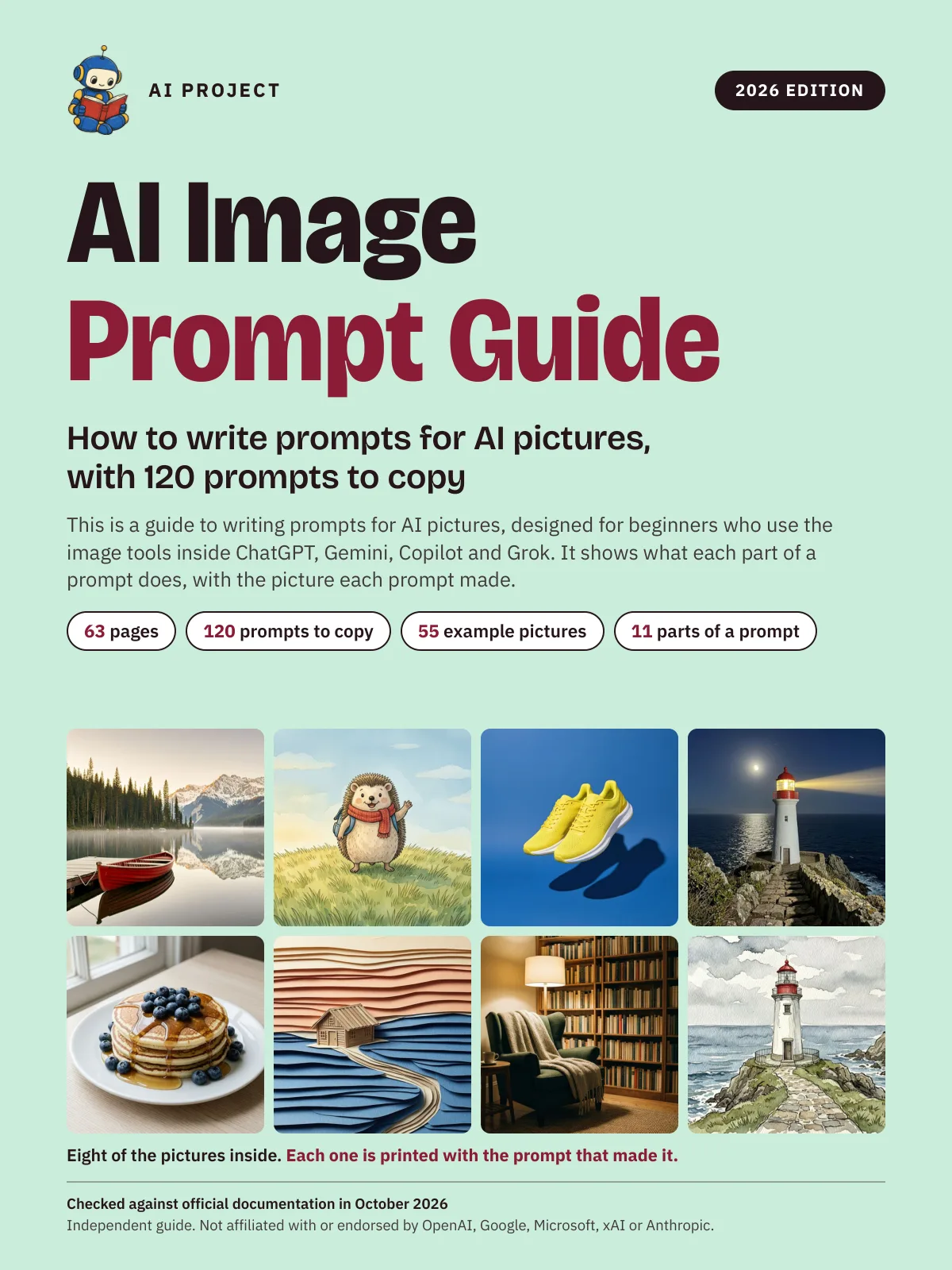 Item 1479
AI Image Prompt Guide: How to Write Prompts for AI Pictures, with 120 Prompts to Copy (2026 Edition)
AI Project
$9.99Was $15.99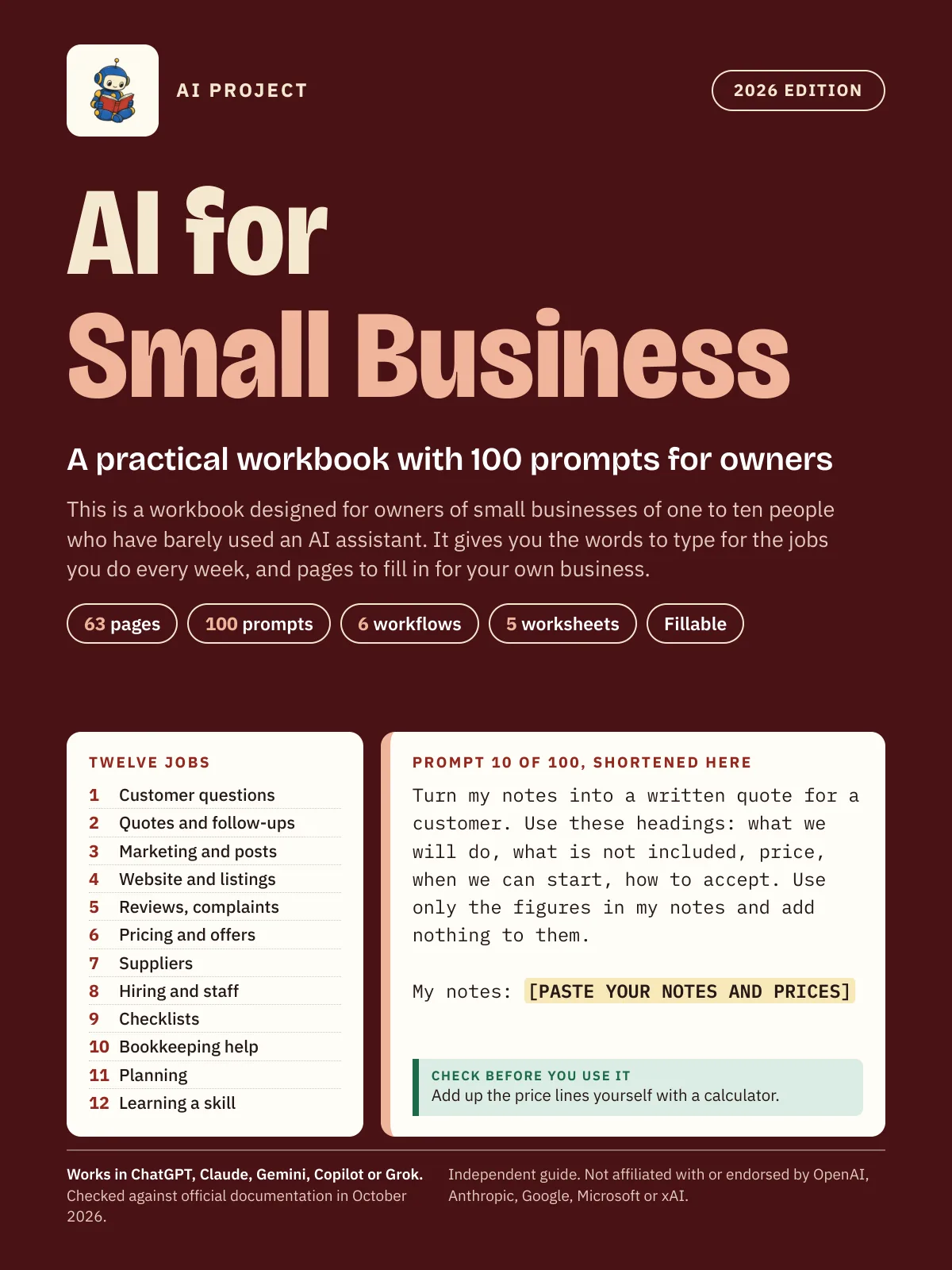 Item 1475
AI for Small Business: A Practical Workbook with 100 Prompts for Owners (2026 Edition)
AI Project
$12.99Was $19.99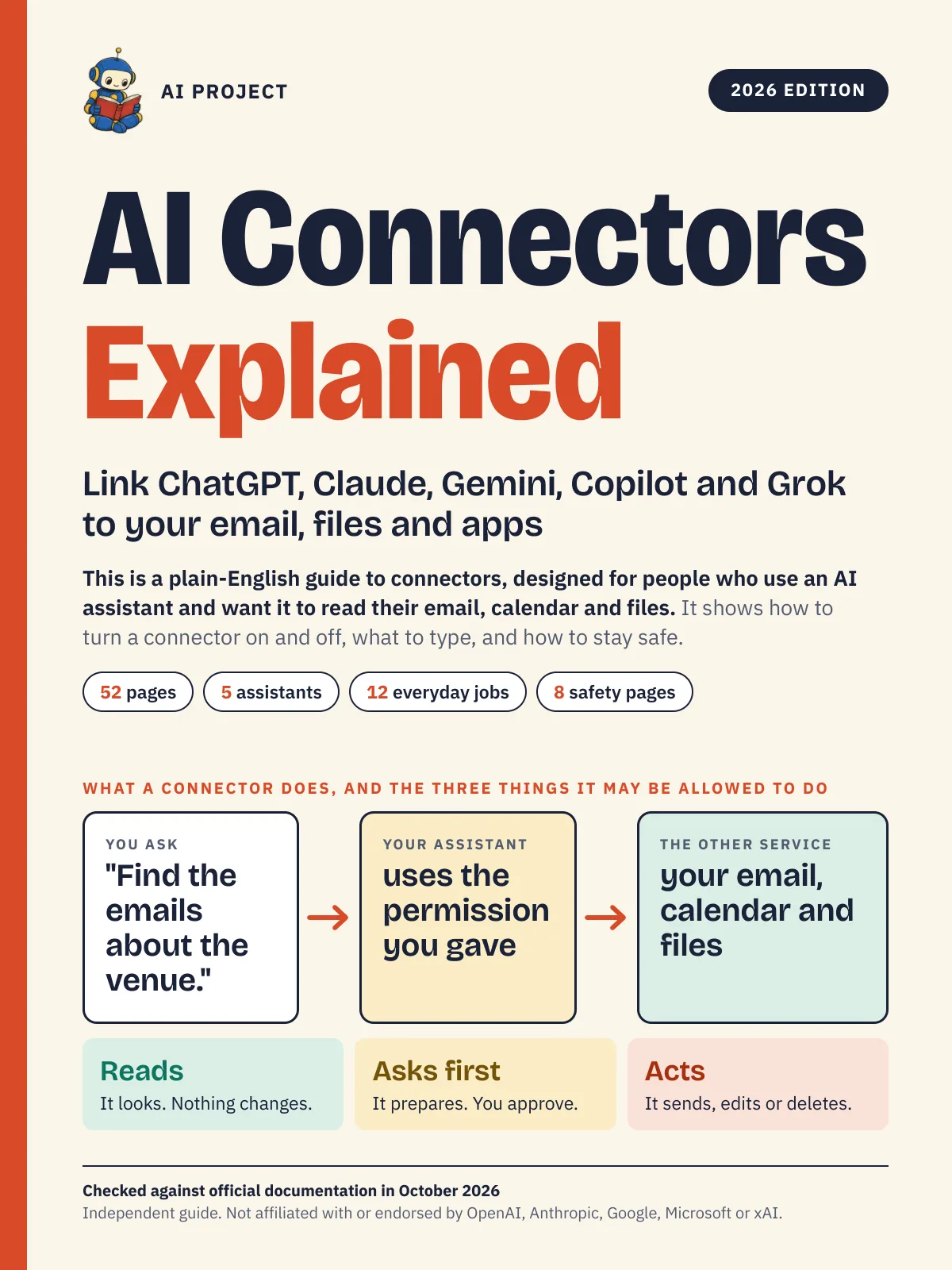 Item 1476
AI Connectors Explained: Link ChatGPT, Claude, Gemini, Copilot and Grok to Your Email, Files and Apps (2026 Edition)
AI Project
$12.99Was $19.99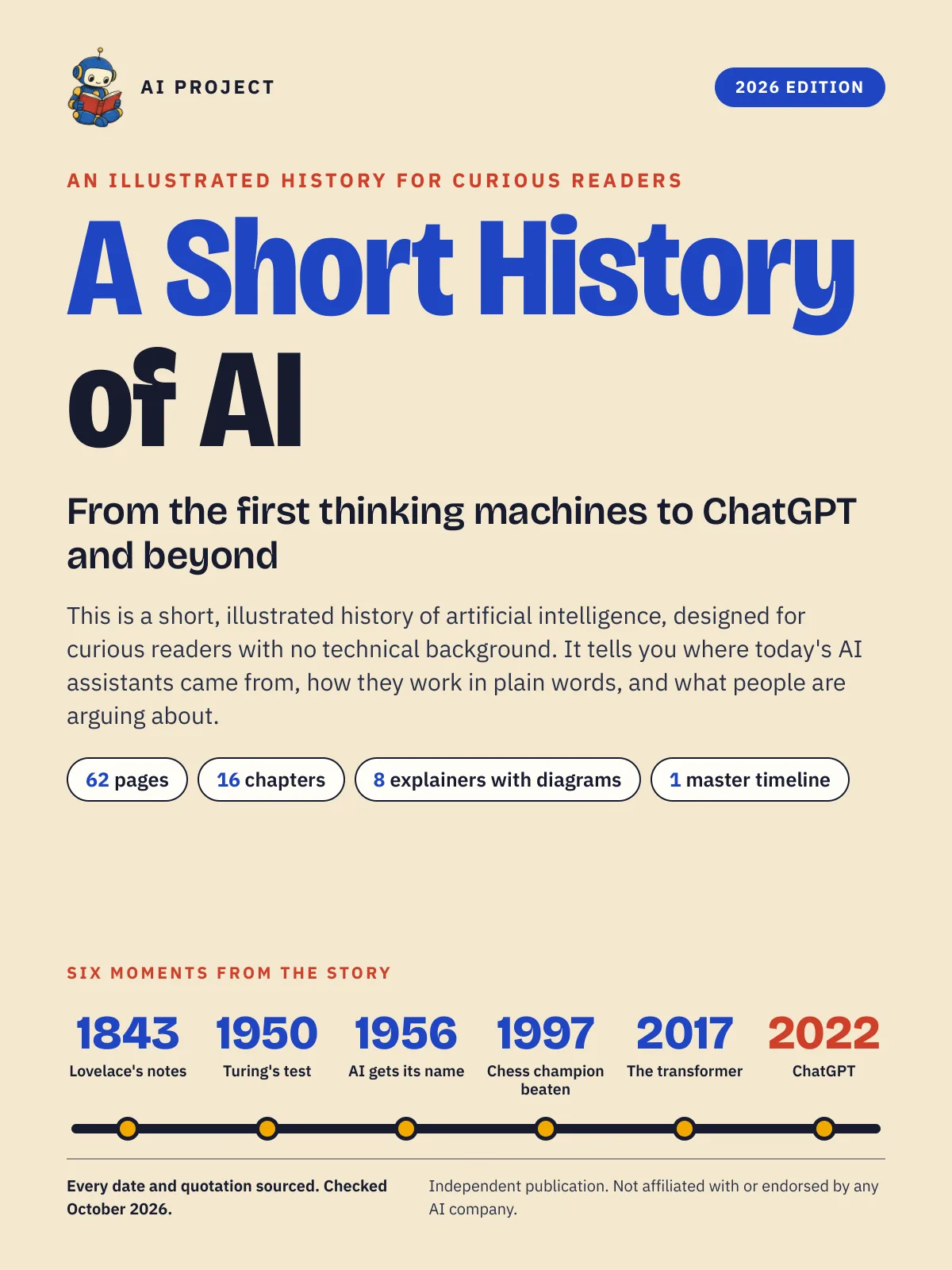 Item 1477
A Short History of AI: From the First Thinking Machines to ChatGPT and Beyond (2026 Edition)
AI Project
$19.99Was $29.99