
Look inside
AI Prompting Cheat Sheets: ChatGPT, Claude, Gemini, Copilot and Grok (2026 Edition)
A printable pack of one-page reference sheets, designed for people who use an AI assistant for everyday work and study
By AI Project
Price
$9.99Was $16.99
Buying opens soon. Nothing on Bookstorez is on sale yet.
Look inside
What you get
| File | Format | Size |
|---|---|---|
| ai-prompting-cheat-sheets-screen-letter.pdf | 2.7 MB | |
| ai-prompting-cheat-sheets-screen-a4.pdf | 2.7 MB | |
| ai-prompting-cheat-sheets-print-edition-and-prompt-file.zip | ZIP | 5.1 MB |
| Pages | 32 pages | |
About this product
This is a printable pack of one-page prompting reference sheets, designed for people who use ChatGPT, Claude, Gemini, Copilot or Grok for everyday work and study. 2026 Edition: 32 pages, 137 prompts and follow-up lines, checked against the makers' official documentation in October 2026.
An AI assistant answers whatever you type, and how useful the answer is depends mostly on what you tell it. Most prompt packs are long lists of one-line prompts, and most guides to the assistants are out of date within months. This pack puts what you need for one assistant or one kind of job on a single page: where the features are, what to type, and what to watch for. Print the sheets you use and keep them beside your desk.
How it works
A prompt is the message you type to an AI assistant. You do not need to know anything about AI.
- Read the two sheets at the front: the six-part prompt formula, and one prompt built up step by step with the answer before and after.
- Find the sheet for your job or your assistant.
- Copy a prompt from the sheet, or from the plain-text prompt file by its number.
- Replace each part in [SQUARE BRACKETS] with your own words, and send it.
- Treat the first answer as a draft. The "Fixing a bad answer" sheet has the follow-up line for each problem.
What is inside (32 pages)
- Start (pages 2 to 5): what the pack is, the contents, the core prompt formula (role, task, context, format, examples, constraints), and a worked example.
- The five assistants (pages 6 to 16): two sheets each for ChatGPT, Claude, Google Gemini, Microsoft Copilot and Grok. The first sheet says what the assistant is, how to choose a model or mode, where each feature is in the menus, how to give it files, how to give it instructions that persist, and what has changed recently. The second gives the maker's own prompting advice, the privacy settings to know, and prompts that suit that assistant. Then one side-by-side comparison sheet: what each maker calls the same feature, and which assistant to start with for which job.
- Nine task sheets that work in any assistant (pages 17 to 25): writing and editing, summarising documents, research and fact-checking, spreadsheets and data, email, meetings, learning a subject, coding help, and images. Eight prompts on each, with what to give the assistant first and what to avoid.
- When it goes wrong (pages 26 to 28): 18 follow-up lines for fixing a bad answer, eight ways an AI answer goes wrong and how to catch each one, and a privacy sheet on what not to paste, with each maker's settings.
- Keep (pages 29 to 32): a one-page glossary, a "my best prompts" sheet with a filled-in example first, and a page on this edition, the files and the sources.
Checked, and dated
Every feature name, menu path and setting on the assistant sheets was taken from the maker's own help centre or documentation in October 2026: 124 official pages in all. Each assistant sheet has a "changed recently" box, because much of what older guides say is no longer true. Where a maker does not document something, the sheet says so. These products change often. The checked date is printed at the foot of every page.
What it does not do
- It does not include an AI assistant or an account. A free account with any of the five is enough for the task sheets. Some features on the assistant sheets need a paid plan, and the sheets say which.
- It does not list prices or plan allowances. They change too often to print.
- It is not a course for developers and does not cover the makers' APIs.
- It makes no promise about results. AI assistants make mistakes, and the pack says plainly how to check them.
What you download
- The screen edition in US Letter and in A4, in colour, with bookmarks, links from the contents page and a sheet you can type your own prompts into.
- One ZIP with the print edition in both sizes (white pages, light on ink), the plain-text file of every prompt, and the Start here page.
- You need only one paper size: Letter for the USA and Canada, A4 for almost everywhere else.
Good to know
- Independent guide. Not affiliated with or endorsed by OpenAI, Anthropic, Google, Microsoft or xAI.
- Published by AI Project. Produced with the help of AI tools, with every product fact checked against the makers' pages.
- The fillable sheet is made for a desktop PDF reader such as the free Adobe Acrobat Reader. Many phone and browser PDF viewers do not keep typed entries.
- Print at 100% or "actual size", not "fit to page".
- The prompts and explanations are in English.
Contents
- Cover
- Start
- Start here
- Contents, and how to read a sheet
- The core prompt formula
- One prompt, built step by step
- The five assistants
- ChatGPT: find your way around
- ChatGPT: prompts that suit it
- Claude: find your way around
- Claude: prompts that suit it
- Gemini: find your way around
- Gemini: prompts that suit it
- Copilot: find your way around
- Copilot: prompts that suit it
- Grok: find your way around
- Grok: prompts that suit it
- Which assistant for which job
- Task sheets
- Writing and editing
- Summarising documents
- Research and fact-checking
- Spreadsheets and data
- Meetings
- Learning a subject
- Coding help
- Images
- When it goes wrong
- Fixing a bad answer
- Checking an answer
- Privacy: what not to paste
- Keep
- Glossary
- My best prompts: a filled-in example
- My best prompts
- This edition, your files and the sources
More from AI Project
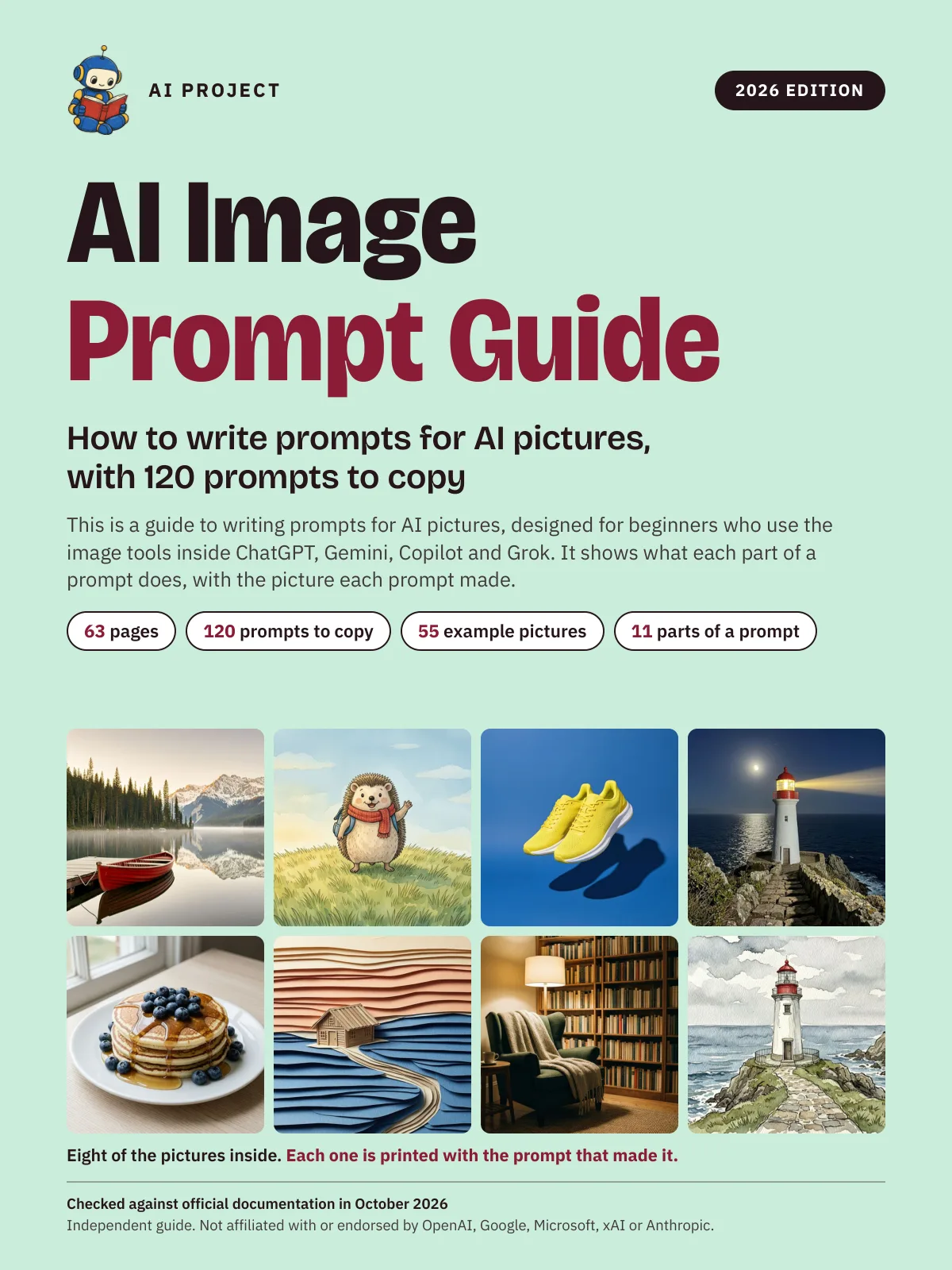 Item 1479
AI Image Prompt Guide: How to Write Prompts for AI Pictures, with 120 Prompts to Copy (2026 Edition)
AI Project
$9.99Was $15.99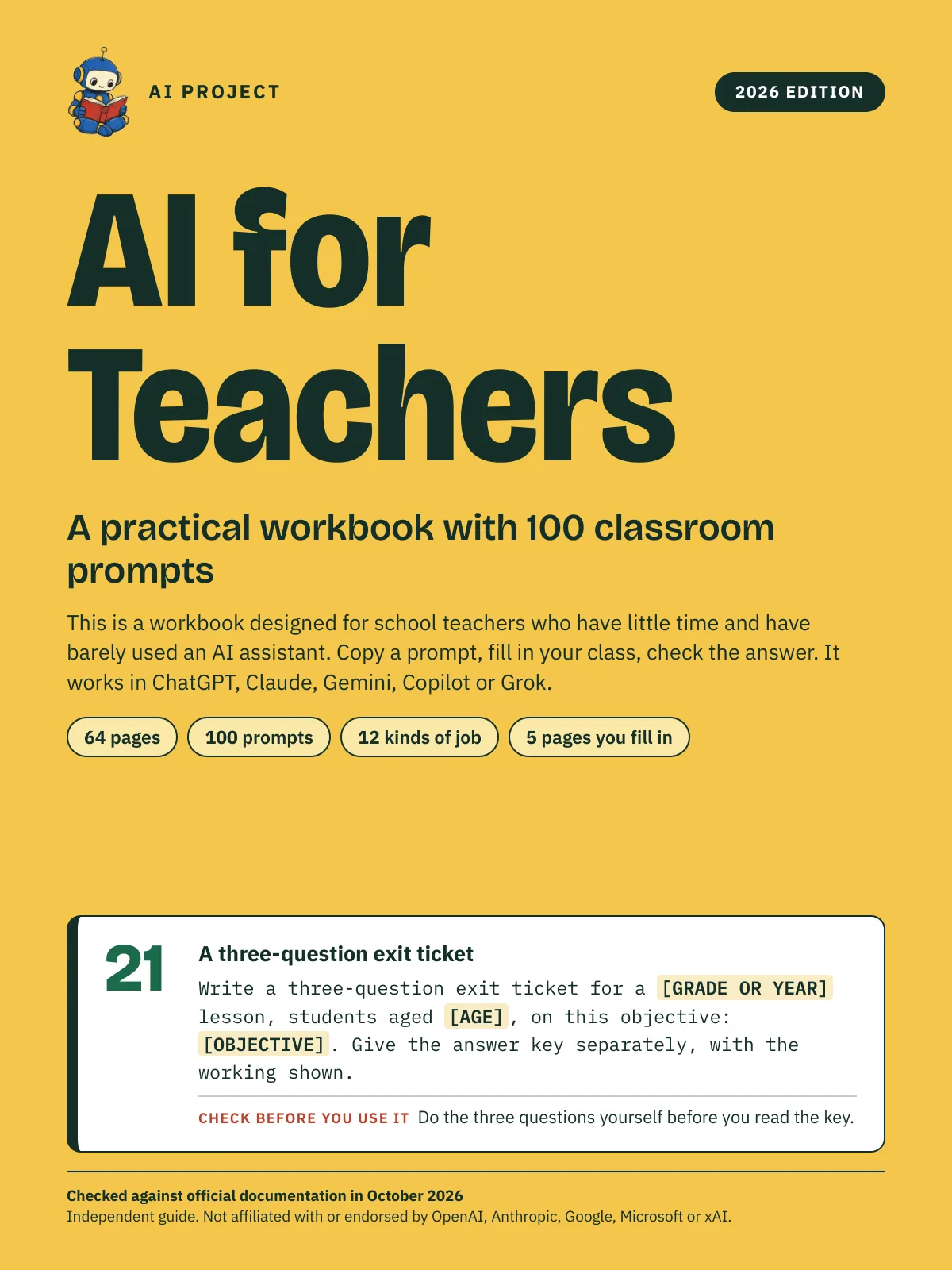 Item 1478
AI for Teachers: A Practical Workbook with 100 Classroom Prompts (2026 Edition)
AI Project
$12.99Was $19.99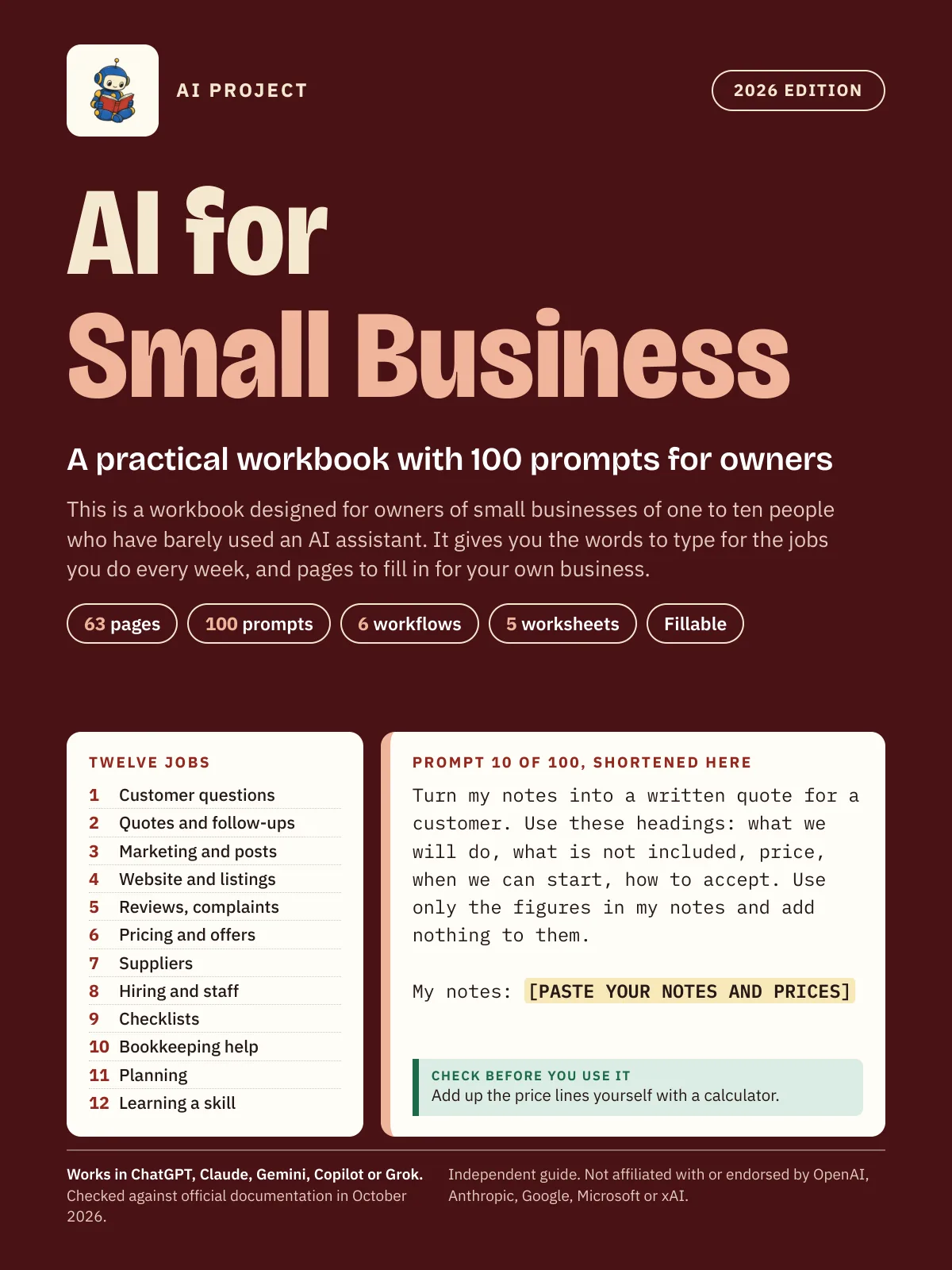 Item 1475
AI for Small Business: A Practical Workbook with 100 Prompts for Owners (2026 Edition)
AI Project
$12.99Was $19.99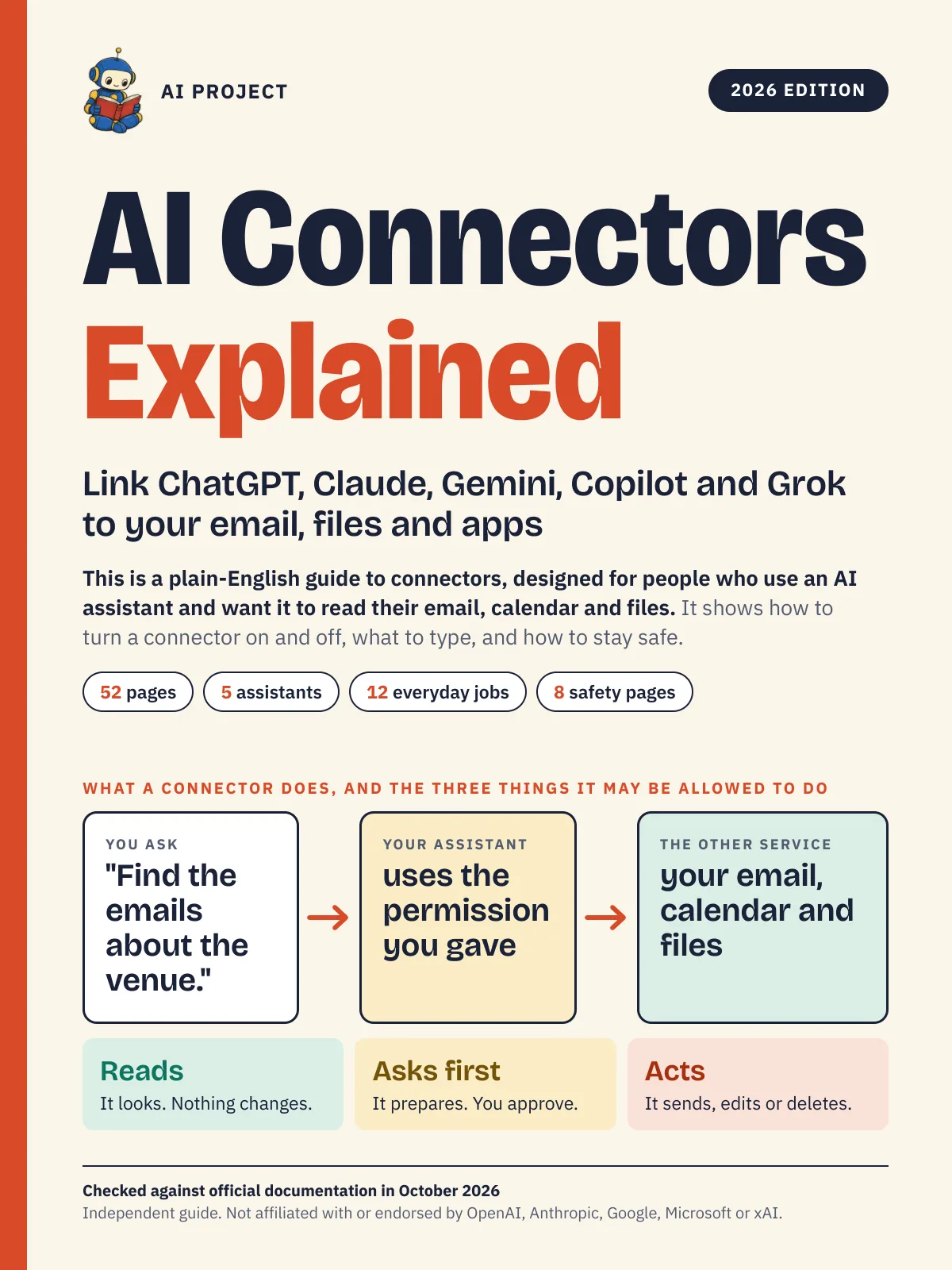 Item 1476
AI Connectors Explained: Link ChatGPT, Claude, Gemini, Copilot and Grok to Your Email, Files and Apps (2026 Edition)
AI Project
$12.99Was $19.99