
Look inside
Google Gemini for Beginners: A Practical Guide to the Gemini App (2026 Edition)
A step-by-step guide to the Google Gemini app, designed for people who have never used it
By AI Project
Price
$12.99Was $19.99
Buying opens soon. Nothing on Bookstorez is on sale yet.
Look inside
What you get
| File | Format | Size |
|---|---|---|
| gemini-for-beginners-screen-letter.pdf | 2.4 MB | |
| gemini-for-beginners-screen-a4.pdf | 2.4 MB | |
| gemini-for-beginners-my-prompts-fillable-letter.pdf | 83.1 KB | |
| gemini-for-beginners-my-prompts-fillable-a4.pdf | 83.6 KB | |
| gemini-for-beginners-print-edition-and-prompts.zip | ZIP | 3.8 MB |
| Pages | 59 pages | |
About this product
This is a step-by-step guide to the Google Gemini app, designed for people who have never used it, or who have tried it a few times and suspect it can do more than they have seen. 2026 edition: 59 pages, 15 features, 10 everyday jobs, 40 prompts.
Gemini is Google's AI assistant. You type or say what you want, called a prompt, and it writes back. It can explain, sum up, draft and plan, read your files and photos, make pictures, look things up on Google, and work with your Gmail, Drive, Calendar and Maps if you let it. Most beginners type one short question, get a general answer and stop there. This guide shows you what to type instead, where each feature is, and how to check what comes back.
Checked against Google's official documentation in October 2026. Every feature name, menu and setting in the guide was read that month on Google's own pages: its Gemini Apps Help, its Privacy Hub, its plans page and its published prompting guidance. That is 59 official pages, listed on the last page. Anything that could not be confirmed there was left out. Gemini changes often and Google releases features to people gradually, so the guide has a full page on why your screen may differ and where to look.
How you use it
- Read five short pages on what Gemini is, the plans, where things are on the screen and why your Gemini may look different from someone else's.
- Follow the worked first conversation, typing the exact prompts shown.
- Learn six prompting habits. Each has a vague prompt, the improved prompt with its parts marked, and why it works.
- Pick one of ten everyday jobs and do it with your own material.
- Keep the prompt library and the quick reference open while you work.
What is inside (59 pages)
- Start here and a one-page map of the guide, with linked contents.
- Meet Gemini (5 pages): what it is in plain words, what it is good and not good at, free use and the Google AI plans in general terms, a simple drawing of the screen with ten numbered parts, and the six things that decide which features you see.
- Your first conversation (2 pages): one worked example in six steps, with the exact prompts and what you might get back.
- Prompting well (8 pages): how a good prompt is built from Google's four parts (persona, task, context, format) plus an example and a check, six habits that follow Google's own published prompting guidance, each with a before and an after, and a page of follow-ups for when the first answer is not right.
- The features (18 pages): uploading files and images, getting a file back in Docs, Sheets or PDF, Canvas, creating and editing images, answers from the web and the Sources button, Deep Research, models and thinking level, Connected Apps for Gmail, Drive and Calendar, Maps, YouTube, Flights and Hotels, Personal Intelligence with Memory and Instructions for Gemini, skills (and what is happening to Gems), notebooks, Gemini Live and voice, Guided Learning with quizzes and flashcards, and managing, sharing and deleting chats. Each page says what the feature is for, how to find it and who gets it, with a worked example. Then nine more things worth knowing, and a page on limits.
- Ten everyday jobs (10 pages): catch up on your email and draft a reply, plan a day out with real places, get the point of a long YouTube video, understand a bill or an official letter, build a simple budget spreadsheet, study for a test, research a big purchase, write a cover letter in Canvas, rehearse a difficult conversation out loud, and make a picture for an invitation. Each has the prompt, what to expect, two follow-ups and a final check.
- When Gemini gets it wrong (3 pages): the five ways it goes wrong, five checks to run before you rely on an answer, and what not to paste, with the official privacy settings and where they are.
- A prompt library (5 pages): 40 copy-and-paste prompts in eight groups, including one group for your Google apps and one for places, videos and travel.
- Reference: fillable "My prompts" pages with a filled-in example first, a glossary of 31 terms, a quick reference and the list of sources.
What it does not do
- It does not quote subscription prices. They change, and it points you to Google's own plans page.
- It does not cover work and school accounts in detail, what Gemini does as a phone assistant, or the tools for developers.
- It uses simple drawings of the screen, not screenshots.
- It does not promise results, income or time saved.
What you download
- The guide in US Letter and A4, for reading on screen, with linked contents and page references.
- Fillable "My prompts" pages in both sizes, for typing into on a computer.
- One ZIP with the low-ink print edition in both sizes (white pages, light on ink), every prompt in one plain-text file, and the Start here page.
- The plain-text file opens on any computer, tablet or phone and is the easiest place to copy a prompt from.
- You need only one paper size: Letter for the USA and Canada, A4 for almost everywhere else.
Good to know
- Independent guide. Not affiliated with or endorsed by Google.
- You need a Google Account, which is free and not included. No paid plan is needed for most of the guide; pages for paid features are marked. Google sets age rules, and several features are for people aged 18 or over. Some features are not offered in every country.
- 2026 edition, checked October 2026. When this was checked, Google was replacing Gems with skills and bringing in Personal Intelligence, and the guide explains how to tell which you have.
- Gemini can be wrong and sound sure. The guide gives you the checks; what you do with an answer stays your responsibility. It is not legal, financial or medical advice.
- The fillable pages are made for a desktop PDF reader such as the free Adobe Acrobat Reader. Many phone and tablet apps do not keep typed entries.
- Print at 100% or "actual size", not "fit to page".
Contents
- Cover
- Start here
- Start here
- Map of this guide, and contents
- Meet Gemini
- What Gemini is, and where you use it
- What Gemini is good at, and not good at
- Free, and the Google AI plans
- Finding your way around the screen
- Why your Gemini may look different
- Your first conversation
- A first conversation, step by step
- Prompting well
- How a good prompt is built
- Habit 1: Start with the task, in plain sentences
- Habit 2: Give it the background
- Habit 3: Say who is speaking, and who is reading
- Habit 4: Ask for the shape, and set limits
- Habit 5: Show an example of what you want
- Habit 6: Break a big job into steps
- The second message: follow-ups that work
- The features
- The features at a glance
- Upload files and images
- Get a file back
- Canvas
- Create and edit images
- Web answers and Sources
- Deep Research
- Models and thinking level
- Connected Apps
- Maps, YouTube and travel
- Memory and instructions
- Skills (and Gems)
- Notebooks
- Gemini Live and voice
- Learning tools
- Managing your chats
- Also worth knowing
- Limits, and making them last
Category: Guides
Topics: Artificial intelligence prompts · Workplace productivity · Language learning with AI
AI-assisted
More from AI Project
 Item 1479
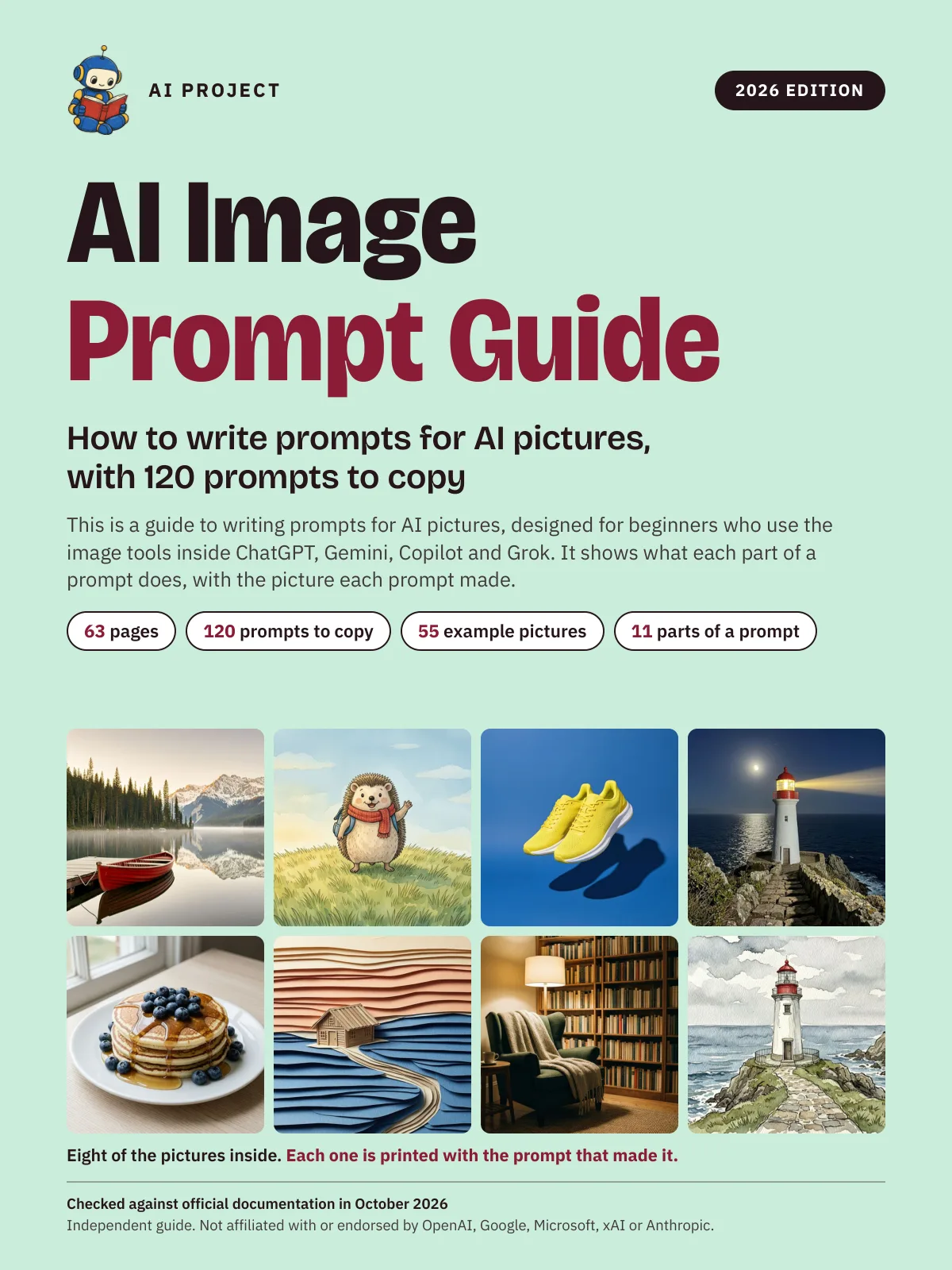
AI Image Prompt Guide: How to Write Prompts for AI Pictures, with 120 Prompts to Copy (2026 Edition)
AI Project
$9.99Was $15.99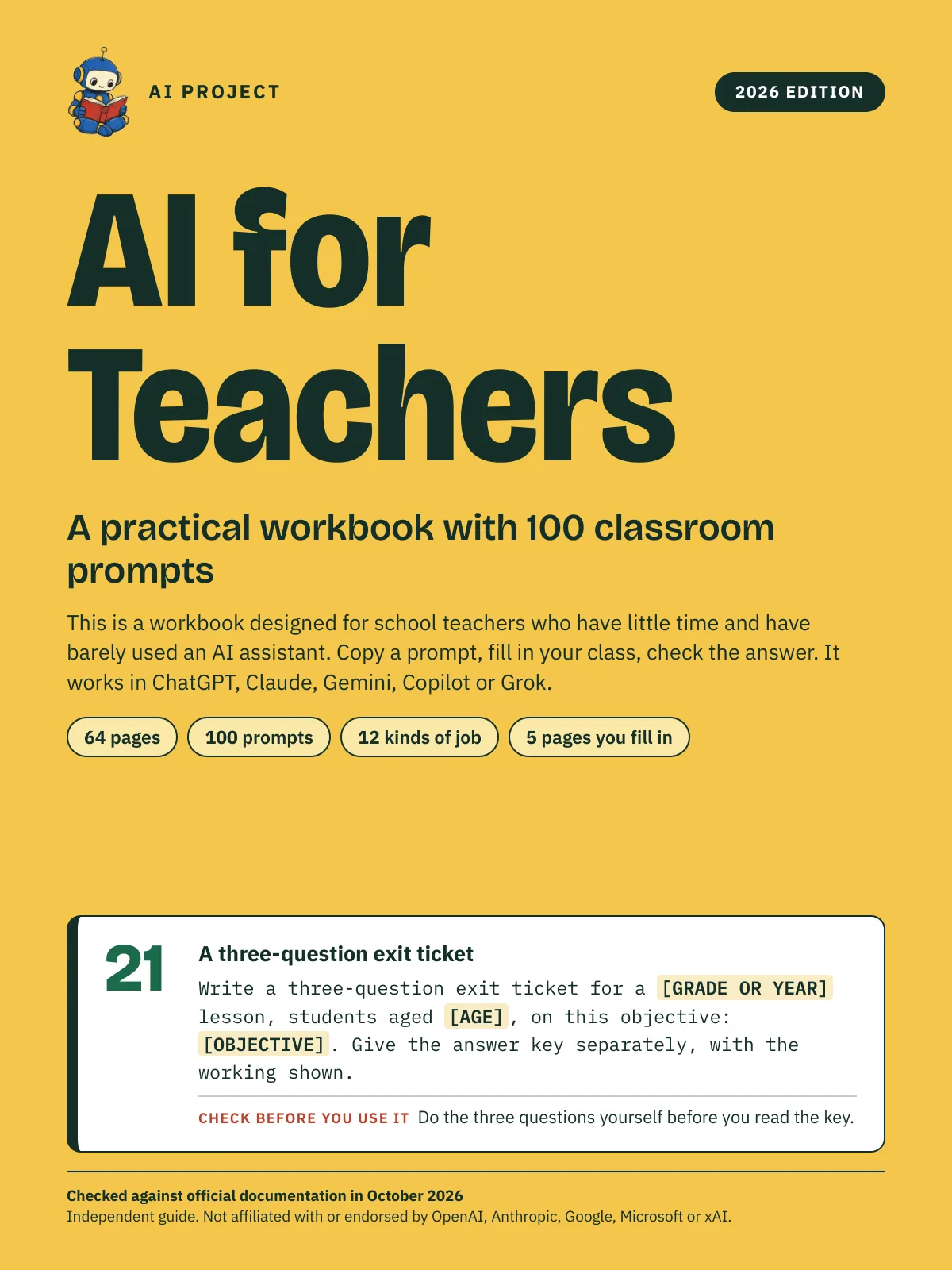 Item 1478
AI for Teachers: A Practical Workbook with 100 Classroom Prompts (2026 Edition)
AI Project
$12.99Was $19.99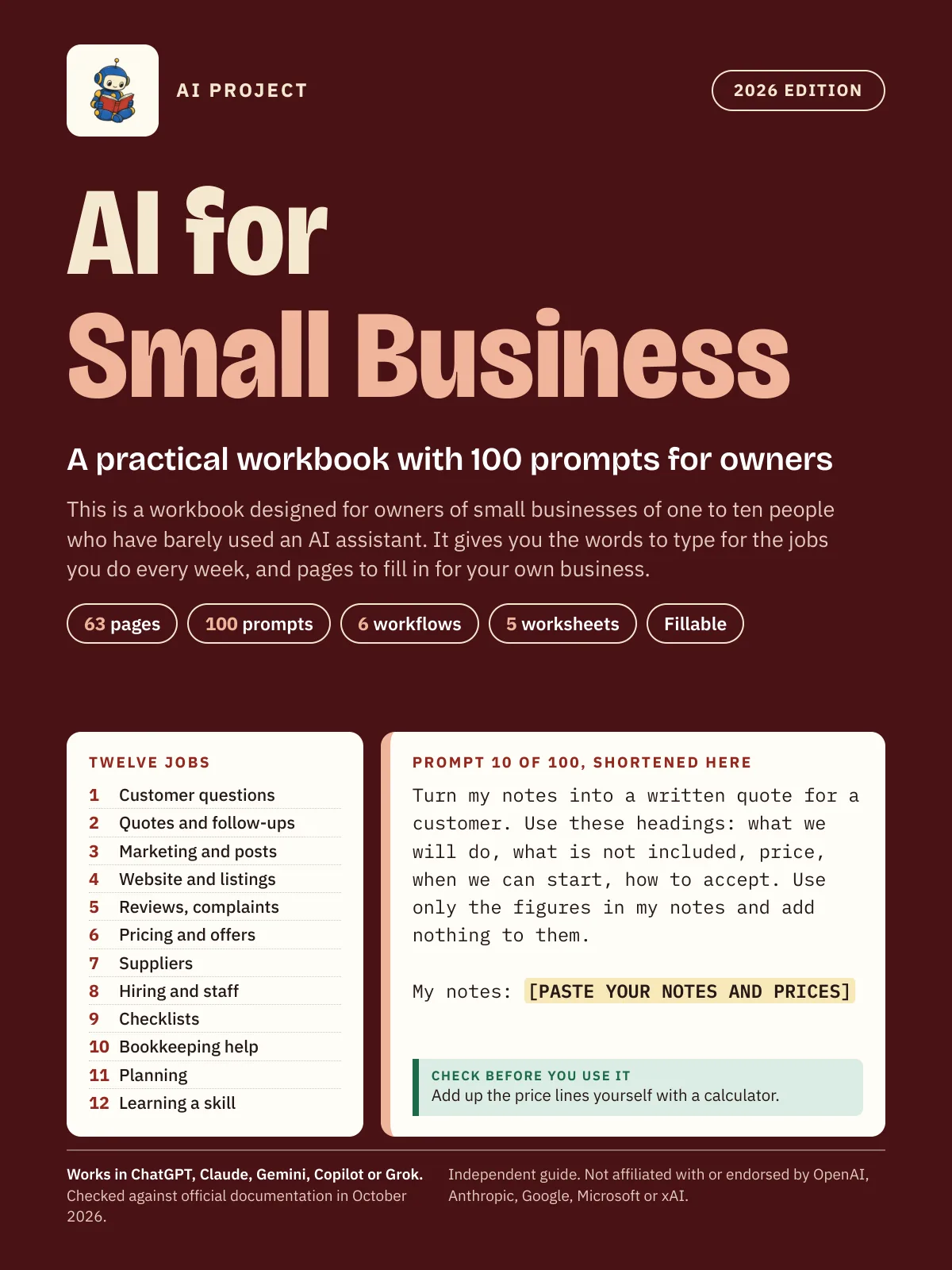 Item 1475
AI for Small Business: A Practical Workbook with 100 Prompts for Owners (2026 Edition)
AI Project
$12.99Was $19.99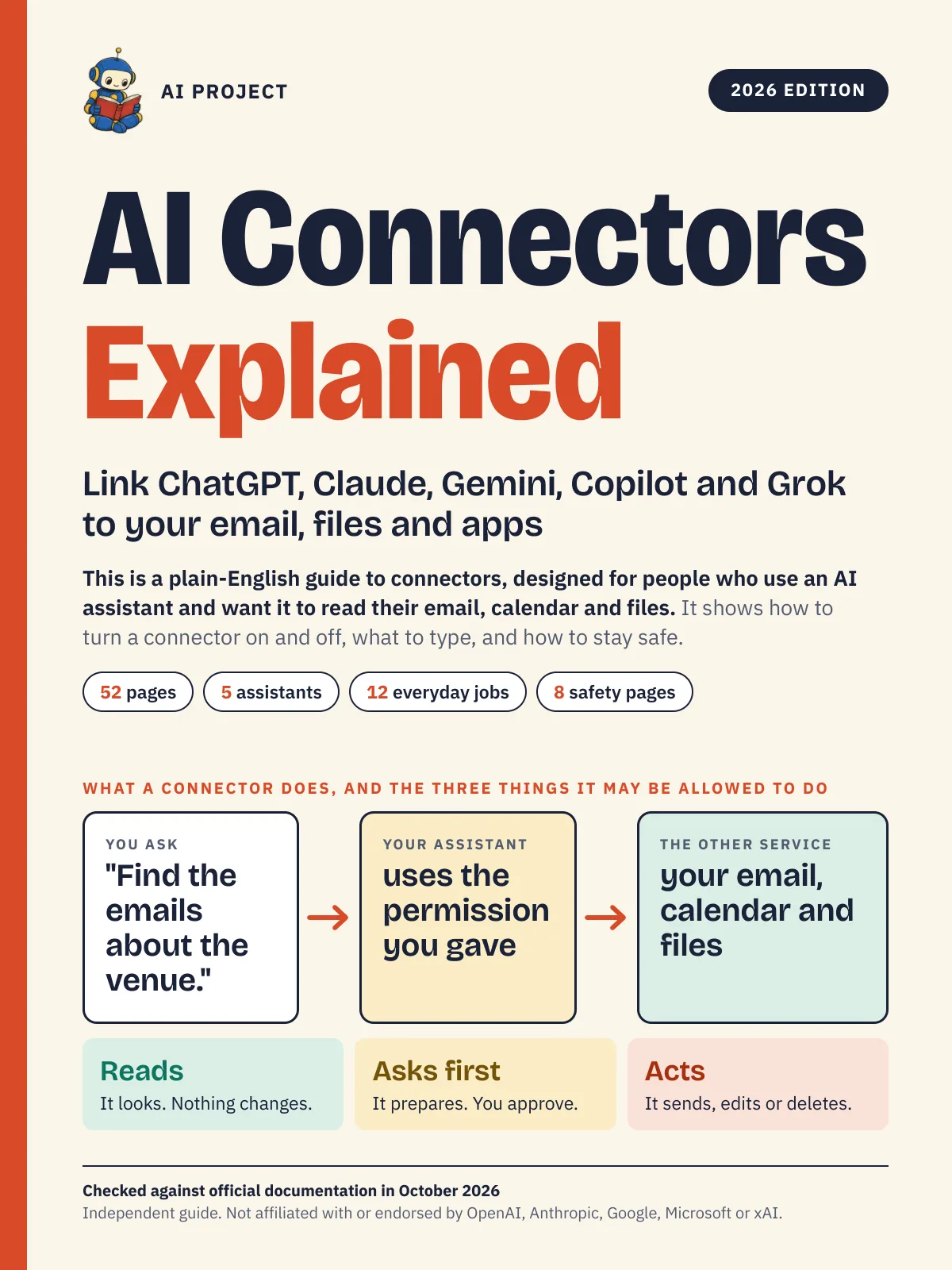 Item 1476
AI Connectors Explained: Link ChatGPT, Claude, Gemini, Copilot and Grok to Your Email, Files and Apps (2026 Edition)
AI Project
$12.99Was $19.99