
Look inside
Grok for Beginners: A Practical Guide to Grok AI (2026 Edition)
A step-by-step guide to the Grok AI assistant, designed for people who have never used it
By AI Project
Price
$12.99Was $19.99
Buying opens soon. Nothing on Bookstorez is on sale yet.
Look inside
What you get
| File | Format | Size |
|---|---|---|
| grok-for-beginners-screen-letter.pdf | 2.3 MB | |
| grok-for-beginners-screen-a4.pdf | 2.3 MB | |
| grok-for-beginners-my-prompts-fillable-letter.pdf | 82.9 KB | |
| grok-for-beginners-my-prompts-fillable-a4.pdf | 83.4 KB | |
| grok-for-beginners-print-edition-and-prompts.zip | ZIP | 4.8 MB |
| Pages | 58 pages | |
About this product
This is a step-by-step guide to the Grok AI assistant, designed for people who have never used it, or who have only asked it the odd question inside X and want to do more with it. 2026 edition: 58 pages, 14 features, 10 everyday jobs, 40 prompts.
Grok is an AI assistant made by xAI. You type or say a message, called a prompt, and it answers. It can explain, summarize, draft and plan, read your files, make images, and search the web and public posts on X while it answers. Most beginners type one short question, get a general answer and stop there. This guide shows you what to type instead, where each feature is, and how to check what comes back.
Checked against official documentation in October 2026. Every feature name, menu and setting in the guide was read that month on xAI's own pages (x.ai, grok.com, docs.x.ai) and, for Grok inside X, on the X Help Center: 32 official pages, listed on the last page.
An honest note about this one. xAI documents much less than other makers. For a few features it publishes no steps at all. Where that is so, the guide says "xAI does not document this", tells you what is confirmed and where to look, and does not guess. That makes it a little shorter on menu paths than its sister guides, and more reliable for it.
How you use it
- Read five short pages on what Grok is, the three places you use it (grok.com, the apps, inside X) and how they differ, the plans, and where things are on the screen.
- Follow the worked first conversation, typing the exact prompts shown.
- Learn six prompting habits. Each has a vague prompt, the improved prompt with its parts marked, and why it works.
- Pick one of ten everyday jobs and do it with your own material.
- Keep the prompt library and the quick reference open while you work.
What is inside (58 pages)
- Start here and a one-page map of the guide, with linked contents.
- Meet Grok (5 pages): what it is in plain words; grok.com, the Grok apps and Grok inside X compared side by side; what it is good and not good at; free and paid plans in general terms, with a table of who gets what; and a simple drawing of the screen with ten numbered parts.
- Your first conversation (2 pages): one worked example in six steps, with the exact prompts and what you might get back.
- Prompting well (8 pages): how a good prompt is built, six habits each with a before and an after, and a page of follow-ups for when the first answer is not right. xAI publishes very little prompting advice, so the habits are the guide's own, and the page says so; the tips xAI does publish are quoted where they apply.
- The features (17 pages): modes (Fast, Expert, Multi-agent), live search of the web and X, uploading files and images, creating documents, slides, spreadsheets and PDFs, skills, Imagine for images and video, voice and dictation, connectors, automations, projects, memory and custom instructions, Build for web pages and small apps, history, Private Chat and sharing, and Grok inside X. Each page says what the feature is for, how to find it and who gets it, with a worked example. Then nine more names worth knowing, and a page on usage limits.
- Ten everyday jobs (10 pages): follow a breaking story, check a claim that is spreading, find out what people say about a product, summarize a long PDF, draft a difficult email, plan a trip, make a budget spreadsheet, learn a new subject, make an image for an invitation, and set up a morning brief. Each has the prompt, what to expect, two follow-ups and a final check.
- When Grok gets it wrong (3 pages): the six ways it goes wrong, five checks to run before you rely on an answer, and privacy, with the official settings for grok.com and for X side by side.
- A prompt library (5 pages): 40 copy-and-paste prompts in eight groups, starting with live search.
- Reference: fillable "My prompts" pages with a filled-in example first, a glossary of 30 terms, a quick reference and the list of sources, including what was left out because it could not be confirmed.
What it does not do
- It does not quote subscription prices or usage allowances. They change, and it points you to the official plans page.
- It does not give steps that xAI has not published: where custom instructions are, how to switch memory off, how to create a project. It tells you what is confirmed and to look in Settings.
- It does not cover Grok Bot, the developer tools or business accounts, beyond saying what they are.
- It uses simple drawings of the screen, not screenshots.
- It does not promise results, income or time saved.
What you download
- The guide in US Letter and A4, for reading on screen, with linked contents and page references.
- Fillable "My prompts" pages in both sizes, for typing into on a computer.
- One ZIP with the low-ink print edition in both sizes (white pages, light on ink), every prompt in one plain-text file, and the Start here page.
- The plain-text file opens on any computer, tablet or phone and is the easiest place to copy a prompt from.
- You need only one paper size: Letter for the USA and Canada, A4 for almost everywhere else.
Good to know
- Independent guide. Not affiliated with or endorsed by xAI or X Corp.
- You need a Grok account or an X account, which is not included. Grok is free to start; pages for features listed on paid plans are marked. xAI's terms set a minimum age of 13, with a parent's permission from 13 to 17.
- 2026 edition, checked October 2026. xAI changes Grok every week. The guide says so plainly and tells you where to look when your screen differs.
- Grok can be wrong and sound sure, and a post on X is a claim, not a checked fact. The guide gives you the checks; what you do with an answer stays your responsibility. It is not legal, financial or medical advice.
- The fillable pages are made for a desktop PDF reader such as the free Adobe Acrobat Reader. Many phone and tablet apps do not keep typed entries.
- Print at 100% or "actual size", not "fit to page".
Contents
- Cover
- Start here
- Start here
- Map of this guide, and contents
- Meet Grok
- What Grok is
- Where you use it: grok.com, the apps, inside X
- What Grok is good at, and not good at
- Free and paid plans
- Finding your way around the screen
- Your first conversation
- A first conversation, step by step
- Prompting well
- How a good prompt is built
- Habit 1: Say exactly what you want
- Habit 2: Give context: who it is for, and why
- Habit 3: Show an example of what you want
- Habit 4: Ask for the format and the tone
- Habit 5: Break big jobs into steps
- Habit 6: Ask for fresh facts, and for sources
- The second message: follow-ups that work
- The features
- The features at a glance
- Modes: Fast, Expert, Multi-agent
- Live search: web and X
- Upload files and images
- Create files
- Skills
- Imagine: images and video
- Voice and dictation
- Connectors
- Automations
- Projects
- Memory and custom instructions
- Build: apps, sites, games
- History, Private Chat, sharing
- Grok inside X
- Also worth knowing
- Usage limits, and making them last
- Ten everyday jobs
More from AI Project
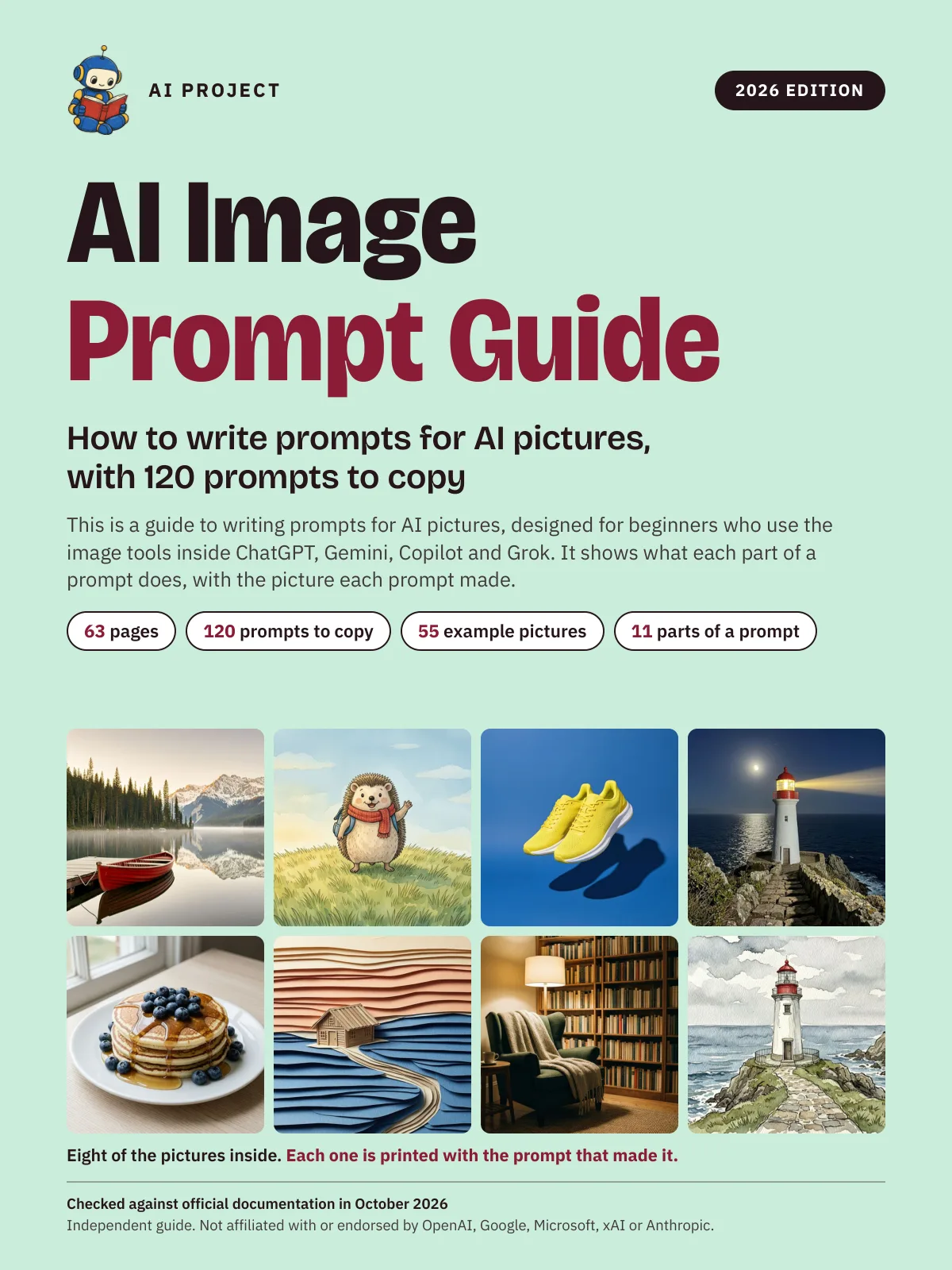 Item 1479
AI Image Prompt Guide: How to Write Prompts for AI Pictures, with 120 Prompts to Copy (2026 Edition)
AI Project
$9.99Was $15.99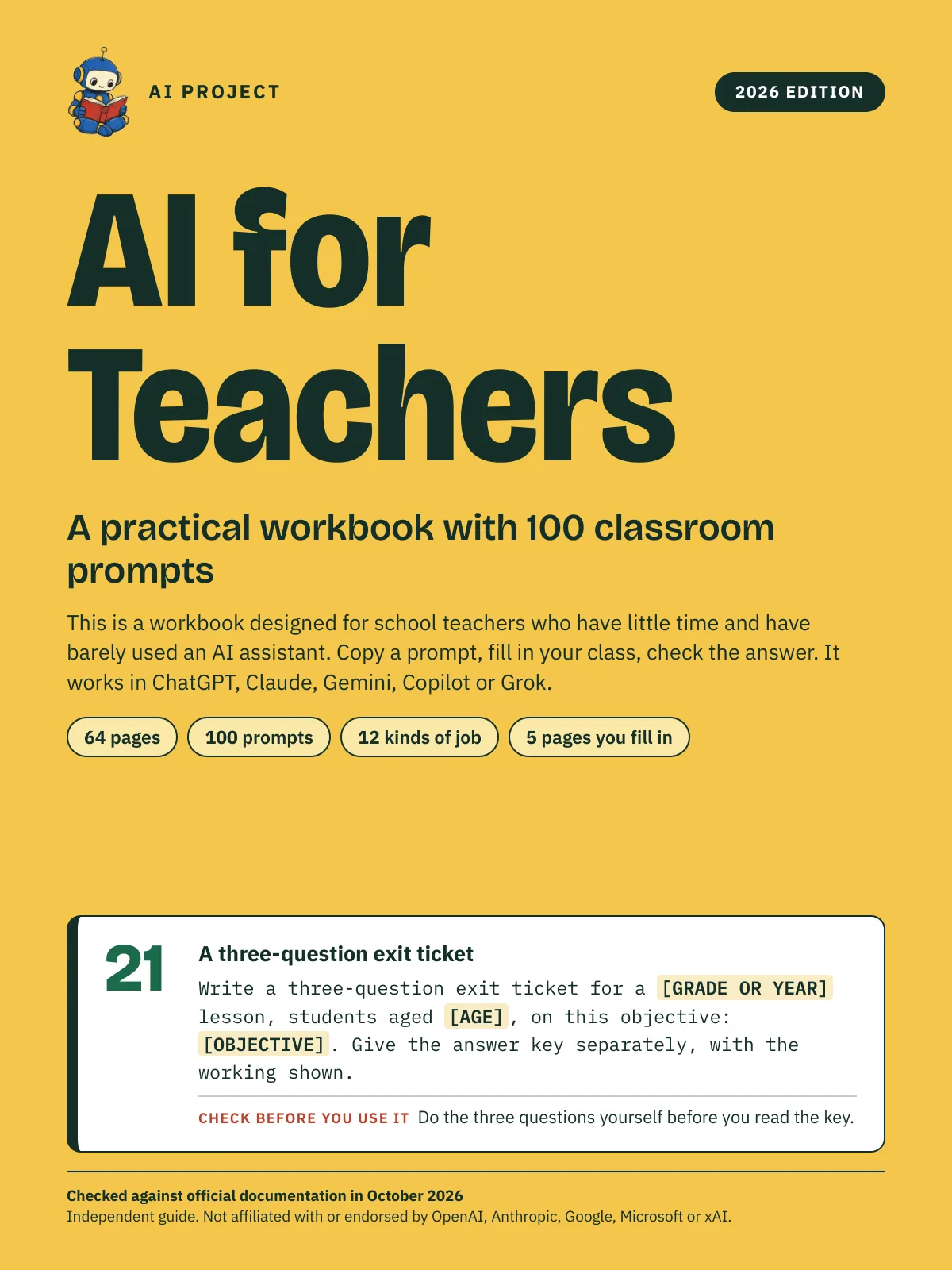 Item 1478
AI for Teachers: A Practical Workbook with 100 Classroom Prompts (2026 Edition)
AI Project
$12.99Was $19.99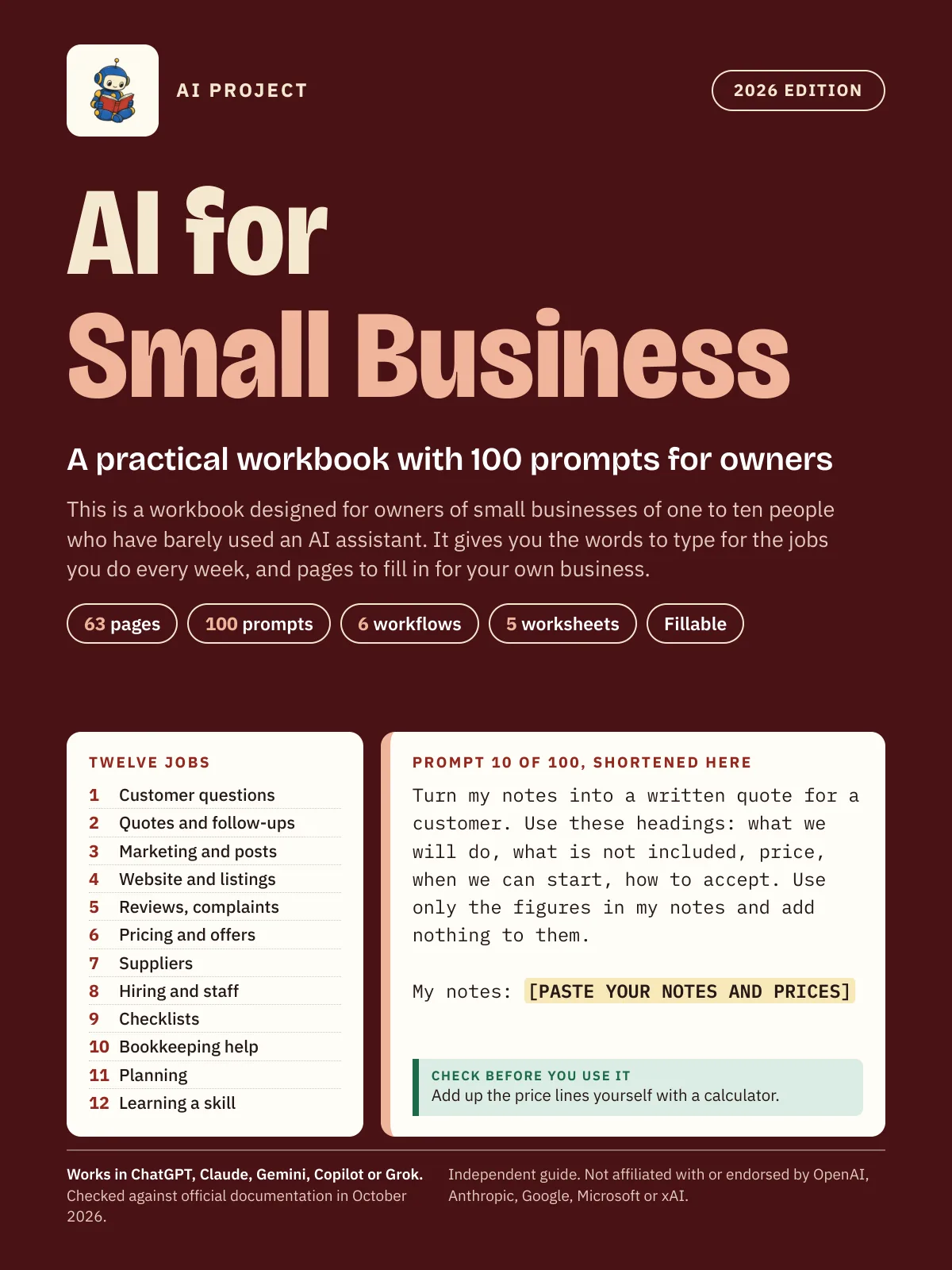 Item 1475
AI for Small Business: A Practical Workbook with 100 Prompts for Owners (2026 Edition)
AI Project
$12.99Was $19.99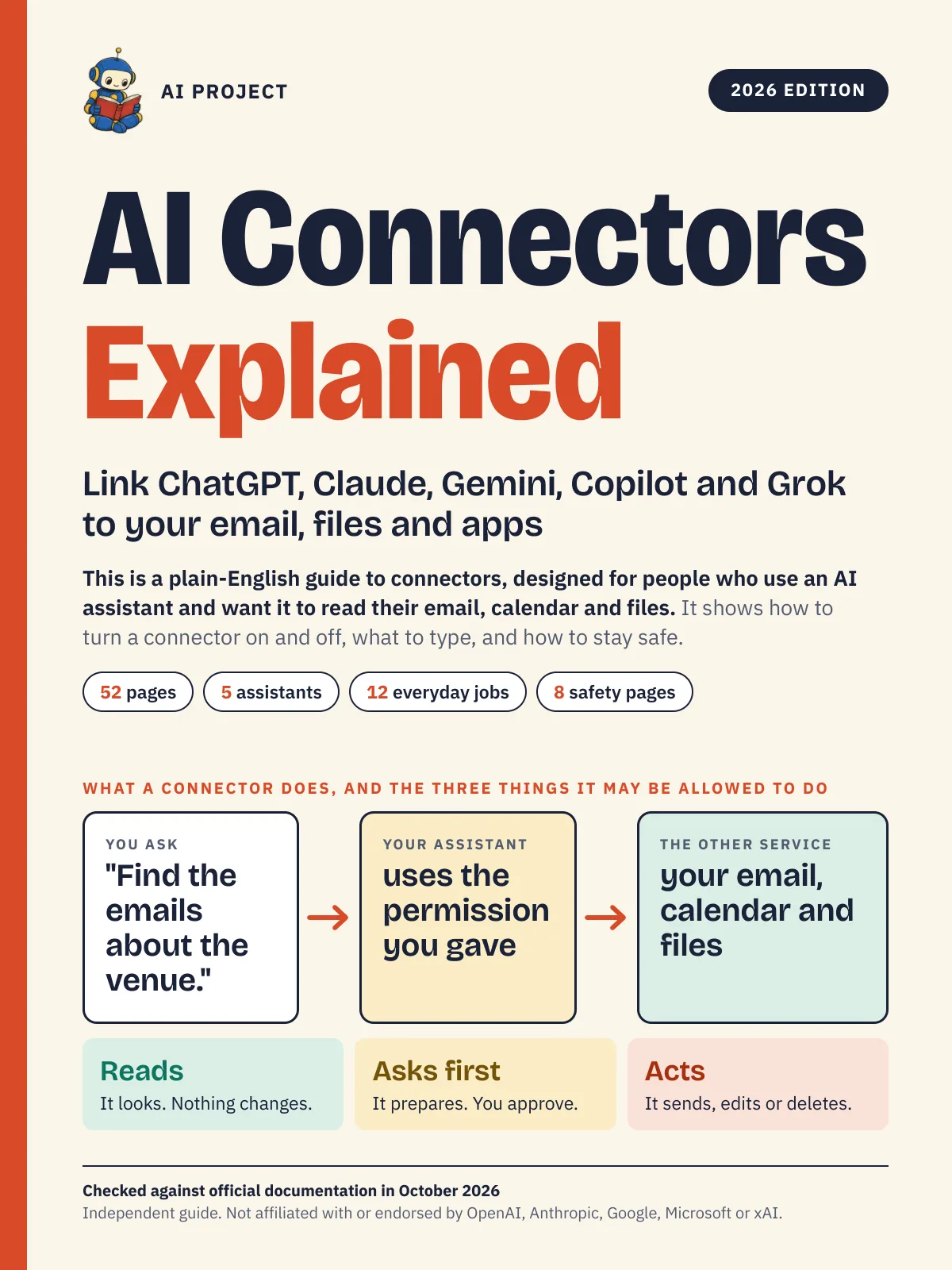 Item 1476
AI Connectors Explained: Link ChatGPT, Claude, Gemini, Copilot and Grok to Your Email, Files and Apps (2026 Edition)
AI Project
$12.99Was $19.99