
Look inside
The AI Prompt Cookbook: 150 Copy-and-Paste Prompts for Work (2026 Edition)
A book of 150 ready-to-use prompts designed for people who use an AI assistant at work. For ChatGPT, Claude, Gemini, Copilot and Grok.
By AI Project
Price
$9.99Was $39.99
Buying opens soon. Nothing on Bookstorez is on sale yet.
Look inside
What you get
| File | Format | Size |
|---|---|---|
| ai-prompt-cookbook-screen-letter.pdf | 3.0 MB | |
| ai-prompt-cookbook-screen-a4.pdf | 3.0 MB | |
| ai-prompt-cookbook-fillable-letter.pdf | 3.0 MB | |
| ai-prompt-cookbook-fillable-a4.pdf | 3.0 MB | |
| ai-prompt-cookbook-print-and-copy-files.zip | ZIP | 6.1 MB |
| Pages | 93 pages | |
About this product
This is a book of 150 ready-to-use prompts designed for people who use an AI assistant at work. You find the job you need done, copy the prompt, replace the parts in [BRACKETS] with your own details, and paste it into ChatGPT, Claude, Gemini, Copilot or Grok. It is a 93-page PDF in US Letter and A4, with every prompt also supplied as a text file and a Word document so you can copy without retyping.
"Cookbook" is the usual name for a collection of prompt recipes. Each recipe is one complete prompt for one job, set out the same way every time.
Why 150 and not 1,000
Packs of a thousand prompts are mostly one-liners such as "Write a blog post about [TOPIC]". A one-liner gets a general answer. Each prompt here is complete: it says the task, what the assistant needs to know, the form the answer should take and its limits. Where facts matter, the prompt tells the assistant to keep to what you gave it and to mark a gap with the word CHECK, so that it does not invent something to fill it.
How you use it
- Find the job in the contents, the chapter tabs, or the index by job ("I need to say no", "I need to make something shorter").
- Copy the prompt from the page or from the text file.
- Replace the parts in [BRACKETS]. Every full-page recipe shows an example filled in.
- Paste it into your assistant and read the answer against the "good answer" notes.
- Say the follow-up that comes with the recipe, then check anything that matters.
One recipe is worked from start to finish before the recipes begin: the prompt, the same prompt filled in with a real-looking customer email, the kind of answer to expect, and a follow-up.
What is inside (93 pages)
- 150 recipes in 12 chapters, by job: writing and editing (14), email and messages (14), meetings and notes (11), summaries and long documents (11), research and fact checks (11), planning and projects (14), spreadsheets and data (14), marketing and social posts (14), sales and customer service (14), hiring and managing people (11), learning and training (11), personal admin at work (11).
- 30 full-page recipes, each with the job, when to use it, the prompt, an example filled in, what a good answer looks like, three follow-up prompts and three variations.
- 120 compact recipes, four to a page, each with a follow-up and a variation.
- Markers on every recipe: minutes to fill in and run, a level (starter, standard, advanced), and a paperclip where it works best with a file attached.
- The five-minute method behind every recipe (role, task, context, format, examples, limits), shown on one prompt built up step by step.
- Six chains, drawn as diagrams, that use several recipes in a row: for example, from a meeting transcript to an actions email, or from a long report to a one-page decision paper.
- When it goes wrong: twelve lines for fixing a weak answer, a page on checking an answer, and a page on what not to paste.
- Your pages: a context block to fill in once and reuse, and room for eight recipes of your own.
- Two indexes: by job and by keyword.
What you download
- The book in US Letter and A4, for reading on screen. The contents, indexes and chain diagrams are links.
- A fillable edition in both sizes, with boxes to type into on your own pages. Use a desktop PDF reader such as the free Adobe Acrobat Reader.
- One ZIP with a low-ink print edition in both sizes, every prompt as a plain text file and as a Word document, and a one-page Start Here sheet.
Good to know
- 2026 Edition, checked in October 2026. The method was compared with the prompting guidance published by OpenAI, Anthropic, Google and Microsoft, and the sources are listed in the book.
- The prompts are written to work in any assistant you type to. They do not depend on a particular paid plan. Where a recipe works best with a file attached, it also works with the text pasted in.
- Software checked every prompt for completeness and for duplicates. The prompts were not test-run in each assistant, and assistants give different answers on different days, so read every answer before you use it. The example answer in the book is an illustration.
- No results are promised. An assistant can be wrong and sound sure: the book shows you how to ask well and how to check.
- Both paper sizes are in the download. Print at 100% or "actual size".
Independent guide. Not affiliated with or endorsed by OpenAI, Anthropic, Google, Microsoft or xAI. Made with AI assistance.
Contents
- Cover
- Start here
- Contents
- How a recipe is laid out
- The five-minute method
- 1. Writing and editing
- 1 Turn rough notes into a clear first draft
- 2 Outline a document before you write it
- 3 Tighten a draft without changing the meaning
- 4 Cut a draft to a word limit
- 5 Rewrite for a different reader
- 6 Get an honest critique before you send
- 7 Change the tone, keep the facts
- 8 Proofread and list every change
- 9 Write in your own style from samples
- 10 Reorder a messy document
- 11 Explain a technical subject in plain words
- 12 Write step-by-step instructions
- 13 Write ten title or headline options
- 14 Write short remarks to say out loud
- 2. Email and messages
- 15 Reply to a difficult email
- 16 Write a request that gets an answer
- 17 Follow up without nagging
- 18 Say no politely
- 19 Shorten an email to five lines
- 20 Deliver bad news in writing
- 21 Catch up on a long email thread
- 22 Introduce yourself to a stranger
- 23 Write an apology for a mistake
- 24 Turn an email into a chat message
- 25 Announce a change to the team
- 26 Raise a problem with your manager
- 27 Write a thank-you that means something
- 28 Draft three replies to choose from
- 3. Meetings and notes
- 29 Turn a meeting transcript into decisions and actions
- 30 Write an agenda with timings
- 31 Prepare questions before a meeting
- 32 Tidy rough notes into minutes
Category: Ebooks
Topics: Artificial intelligence prompts · Workplace productivity · Resume writing
AI-assisted
More from AI Project
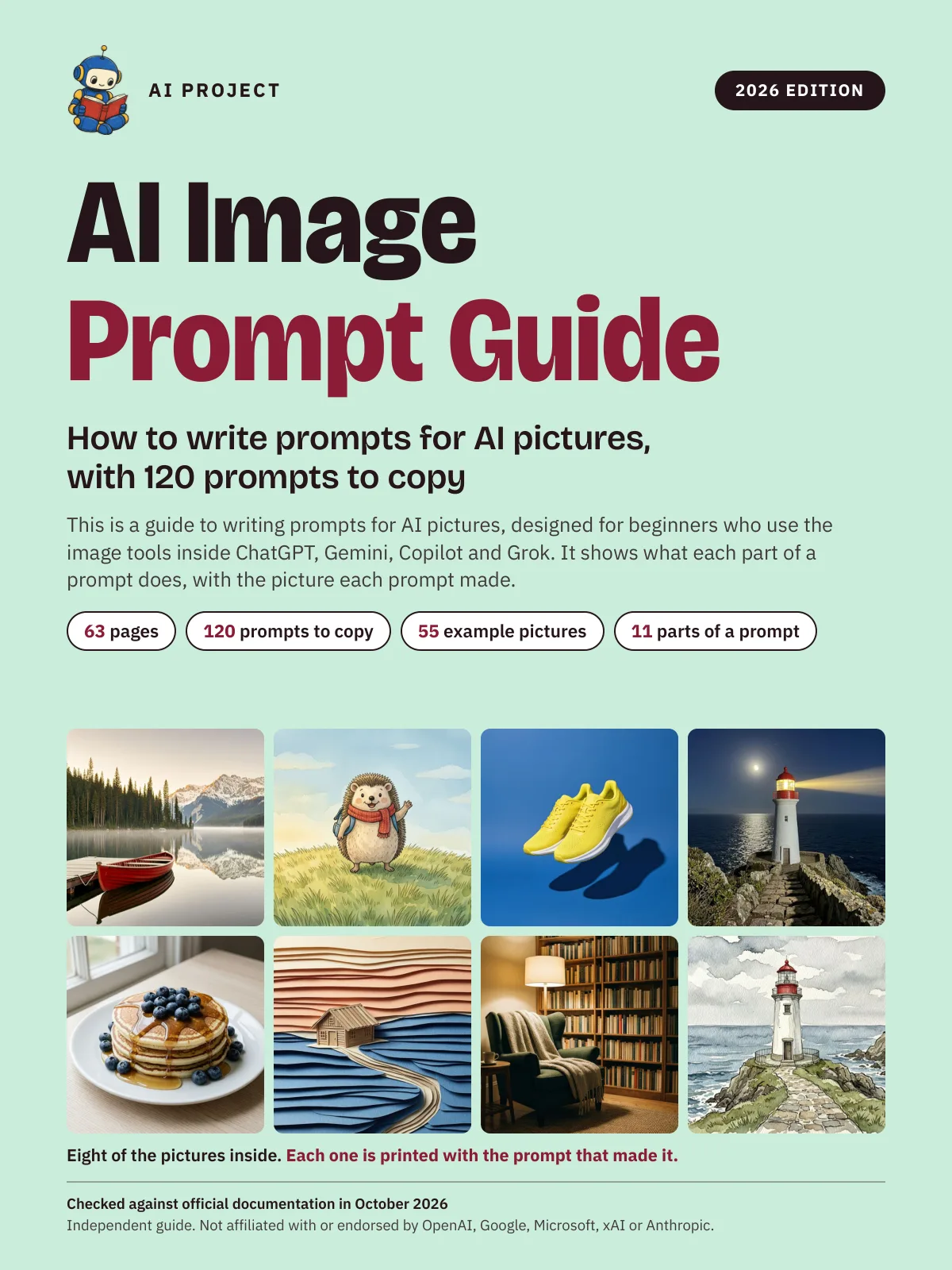 Item 1479
AI Image Prompt Guide: How to Write Prompts for AI Pictures, with 120 Prompts to Copy (2026 Edition)
AI Project
$9.99Was $15.99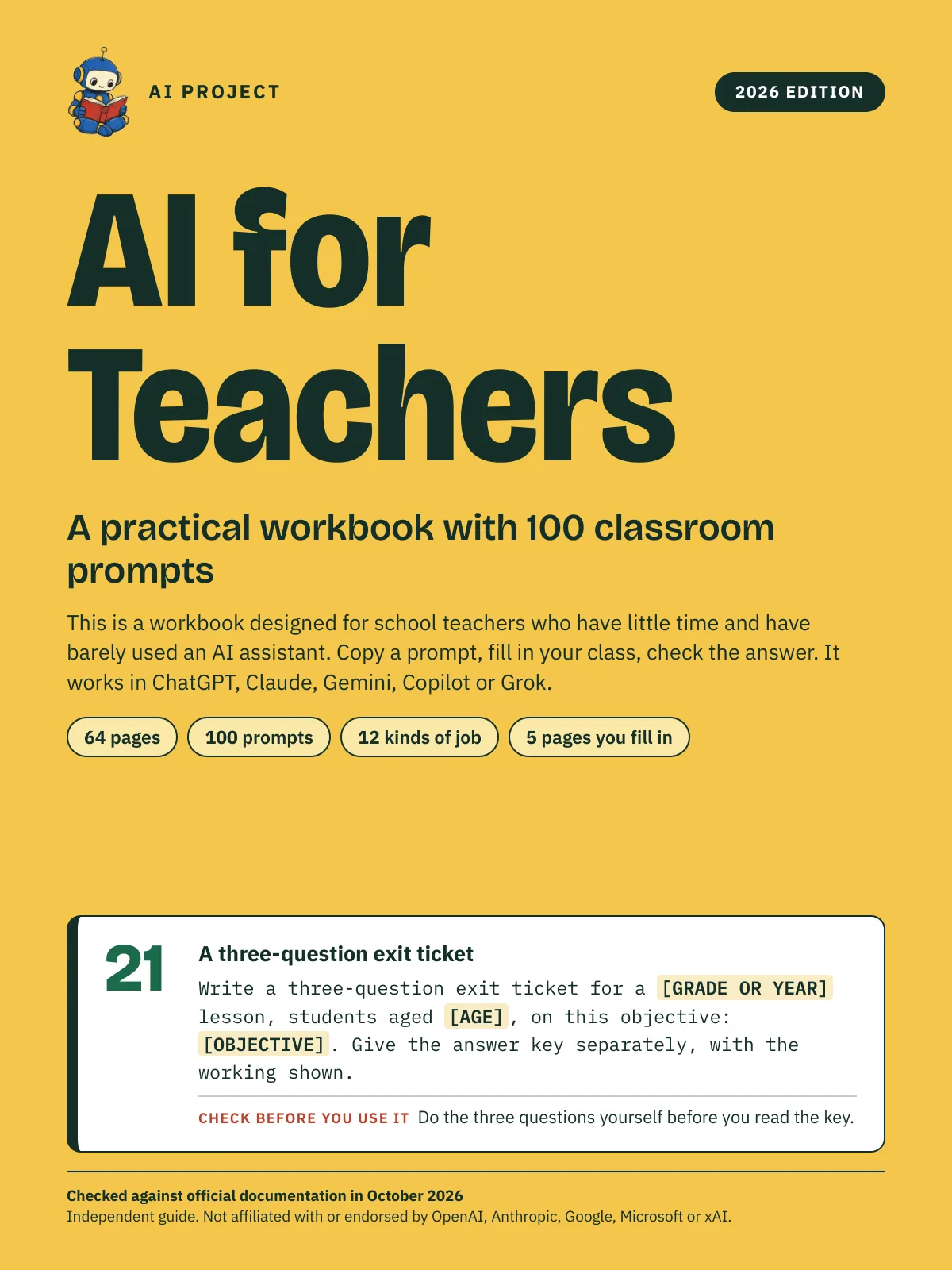 Item 1478
AI for Teachers: A Practical Workbook with 100 Classroom Prompts (2026 Edition)
AI Project
$12.99Was $19.99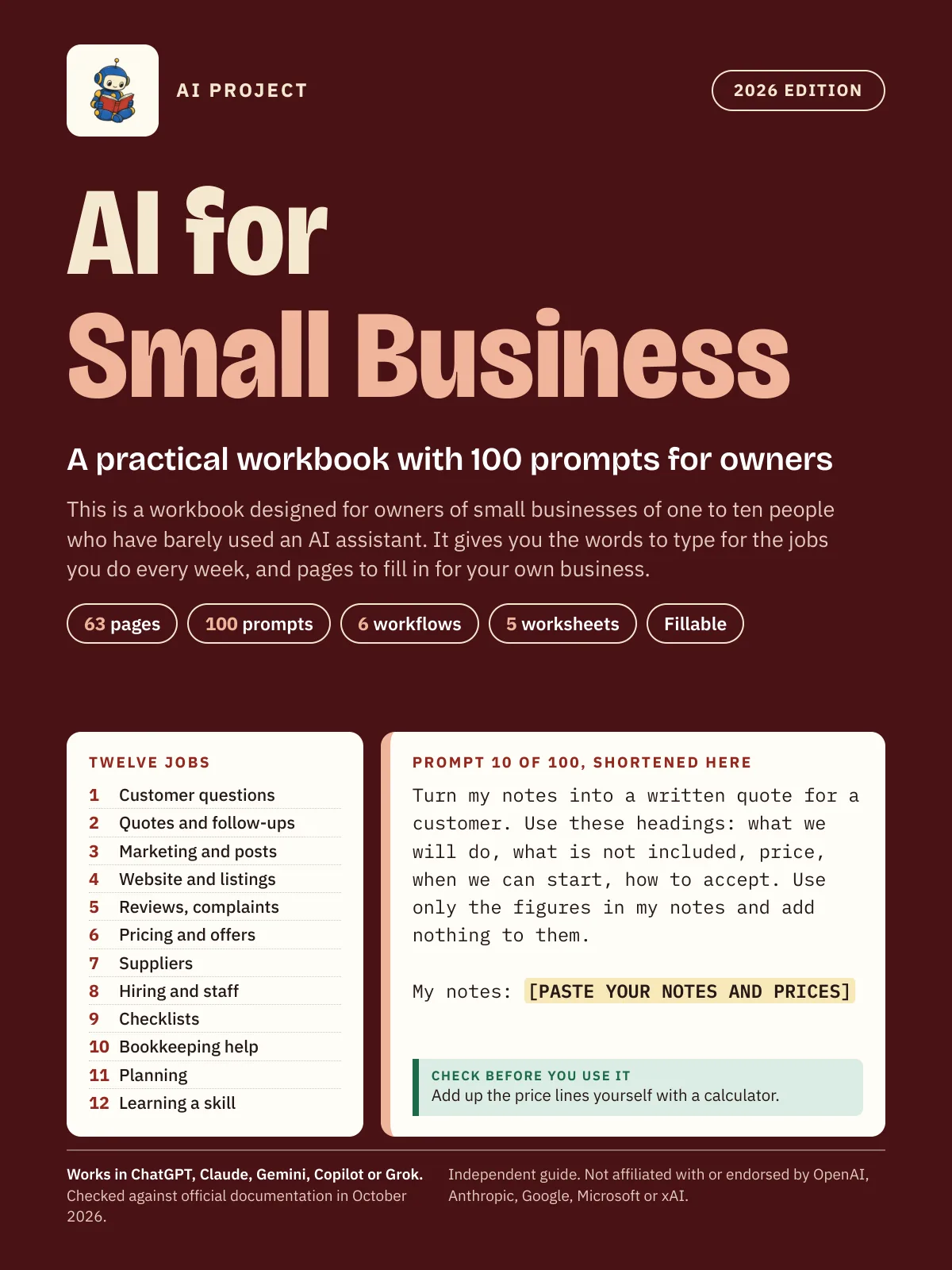 Item 1475
AI for Small Business: A Practical Workbook with 100 Prompts for Owners (2026 Edition)
AI Project
$12.99Was $19.99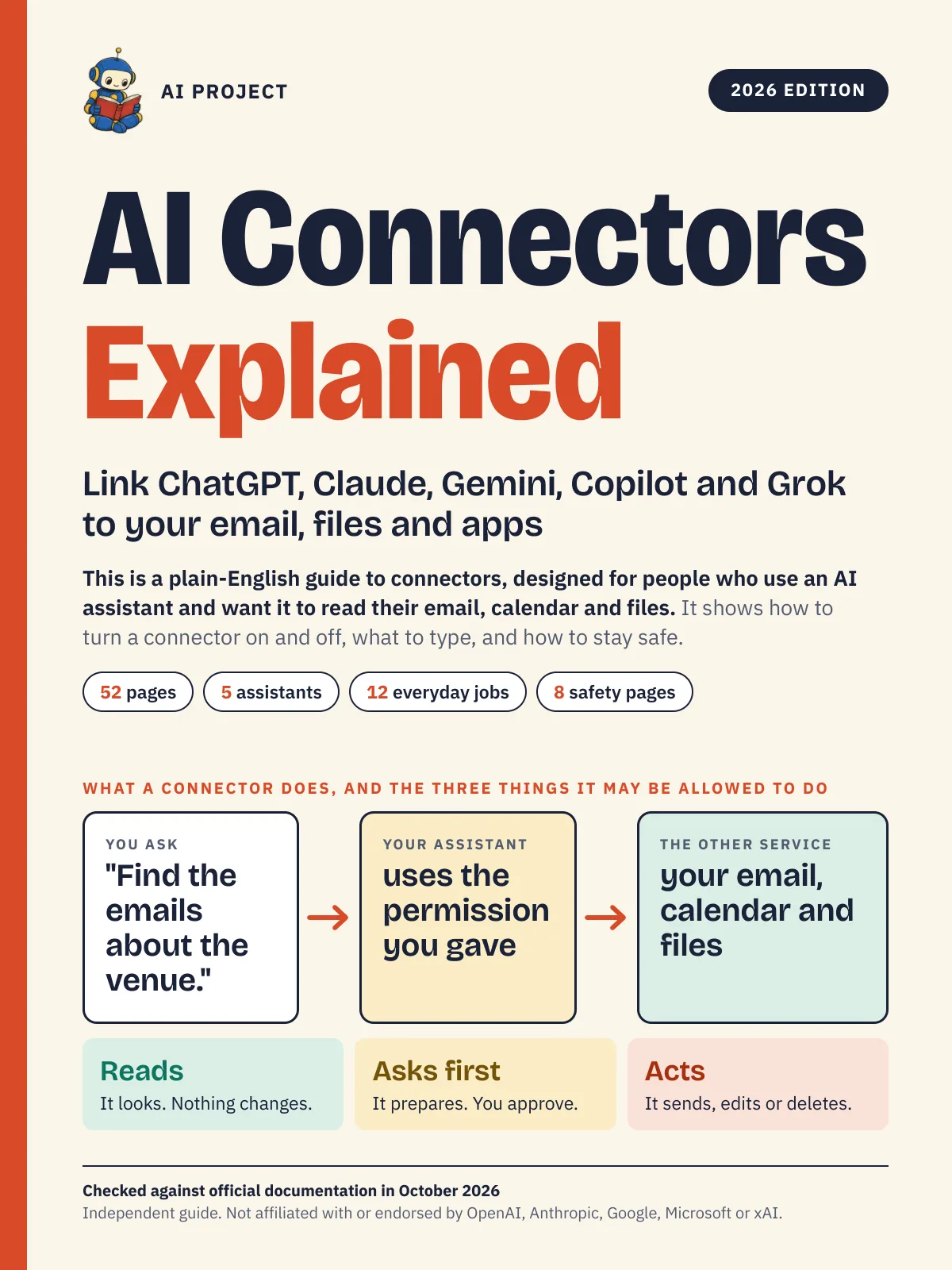 Item 1476
AI Connectors Explained: Link ChatGPT, Claude, Gemini, Copilot and Grok to Your Email, Files and Apps (2026 Edition)
AI Project
$12.99Was $19.99