AI guides and prompts
Plain guides to ChatGPT, Claude, Gemini and the rest.
Looking for a clearer way to use ChatGPT, Claude or Gemini? Start with the task you want help with, then compare the guides on this shelf. Check which tool each guide covers, how its examples are explained, and whether the approach fits your experience and intended use.
16 products
About ai guides and prompts
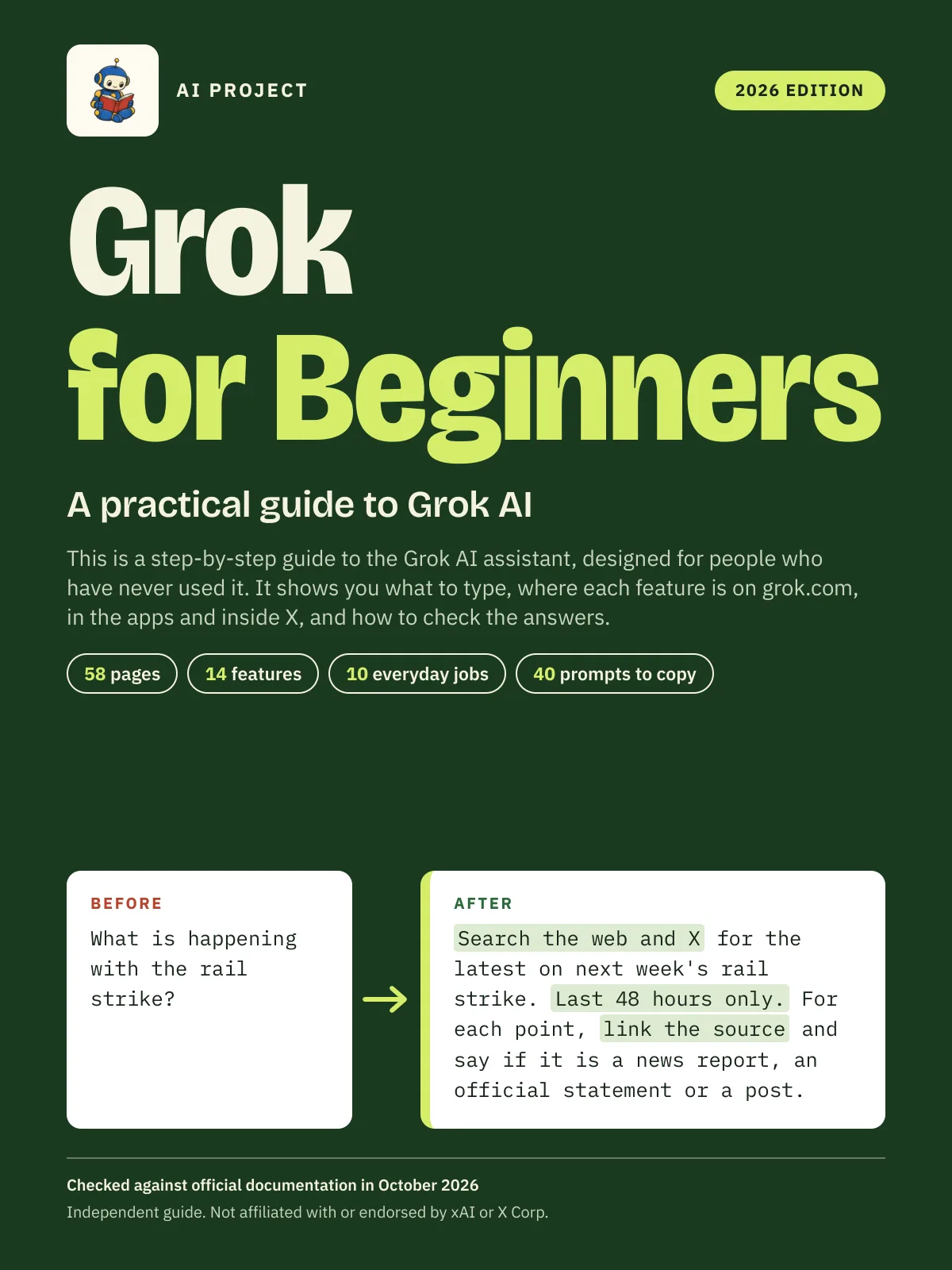
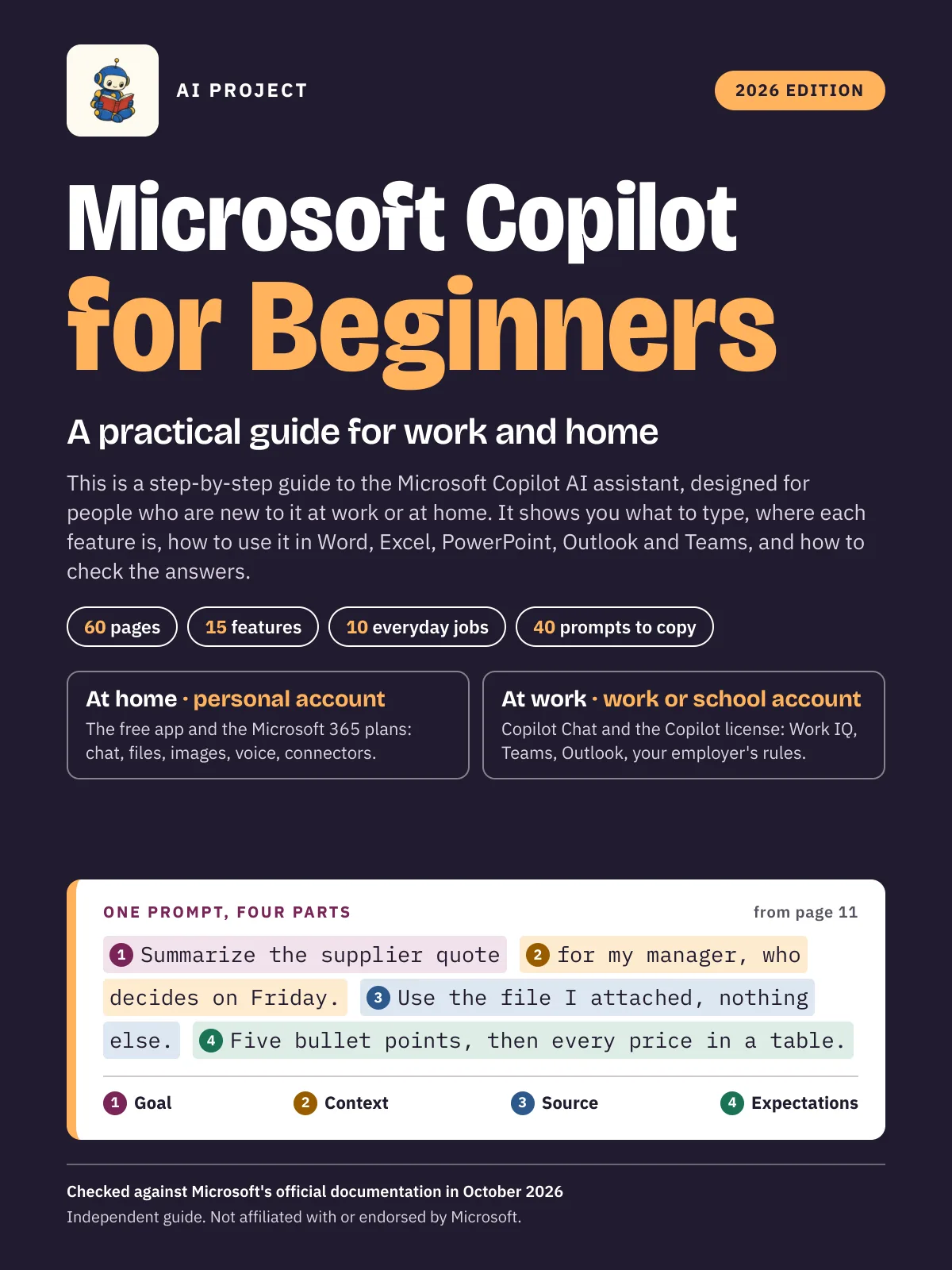
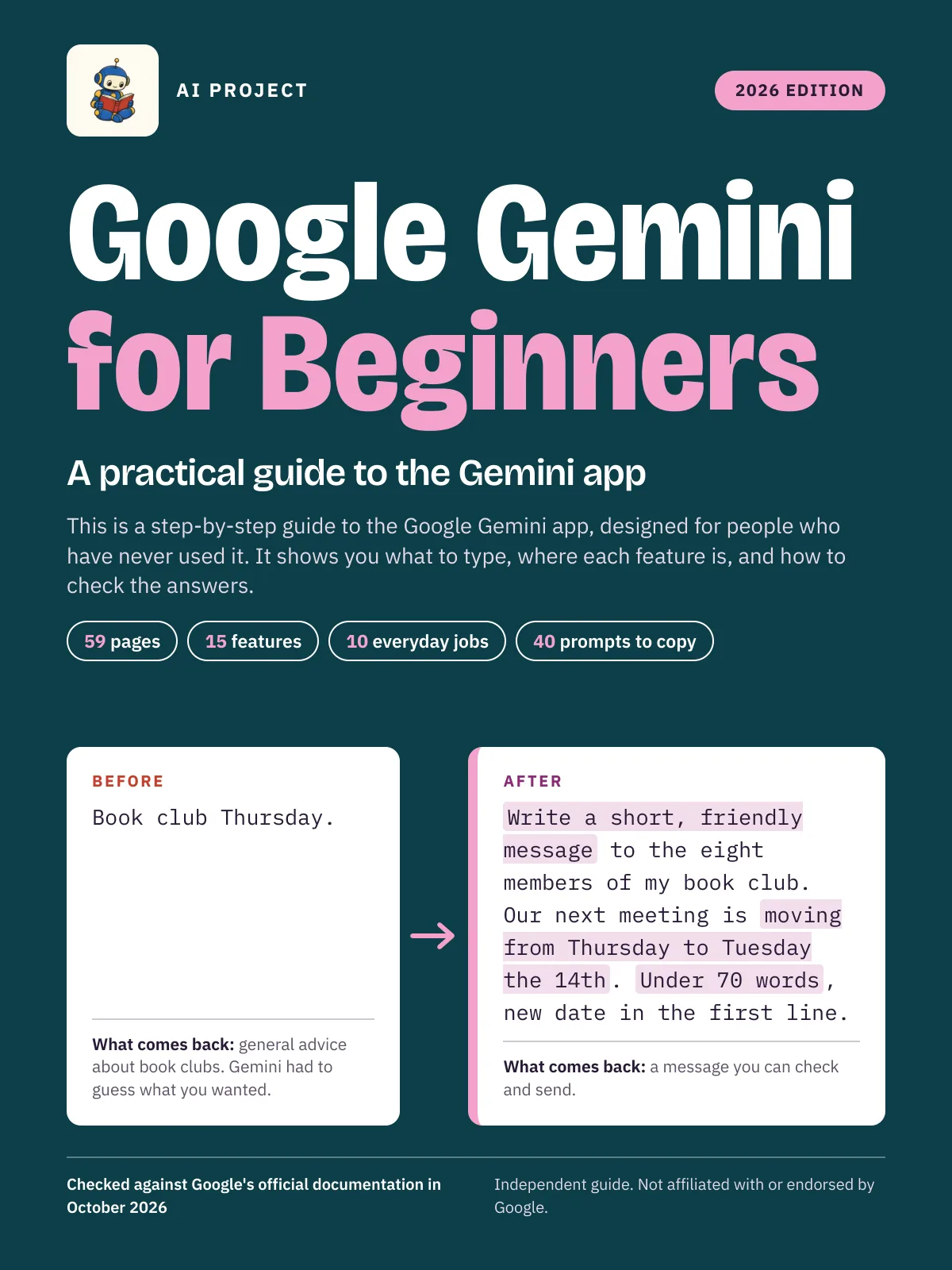
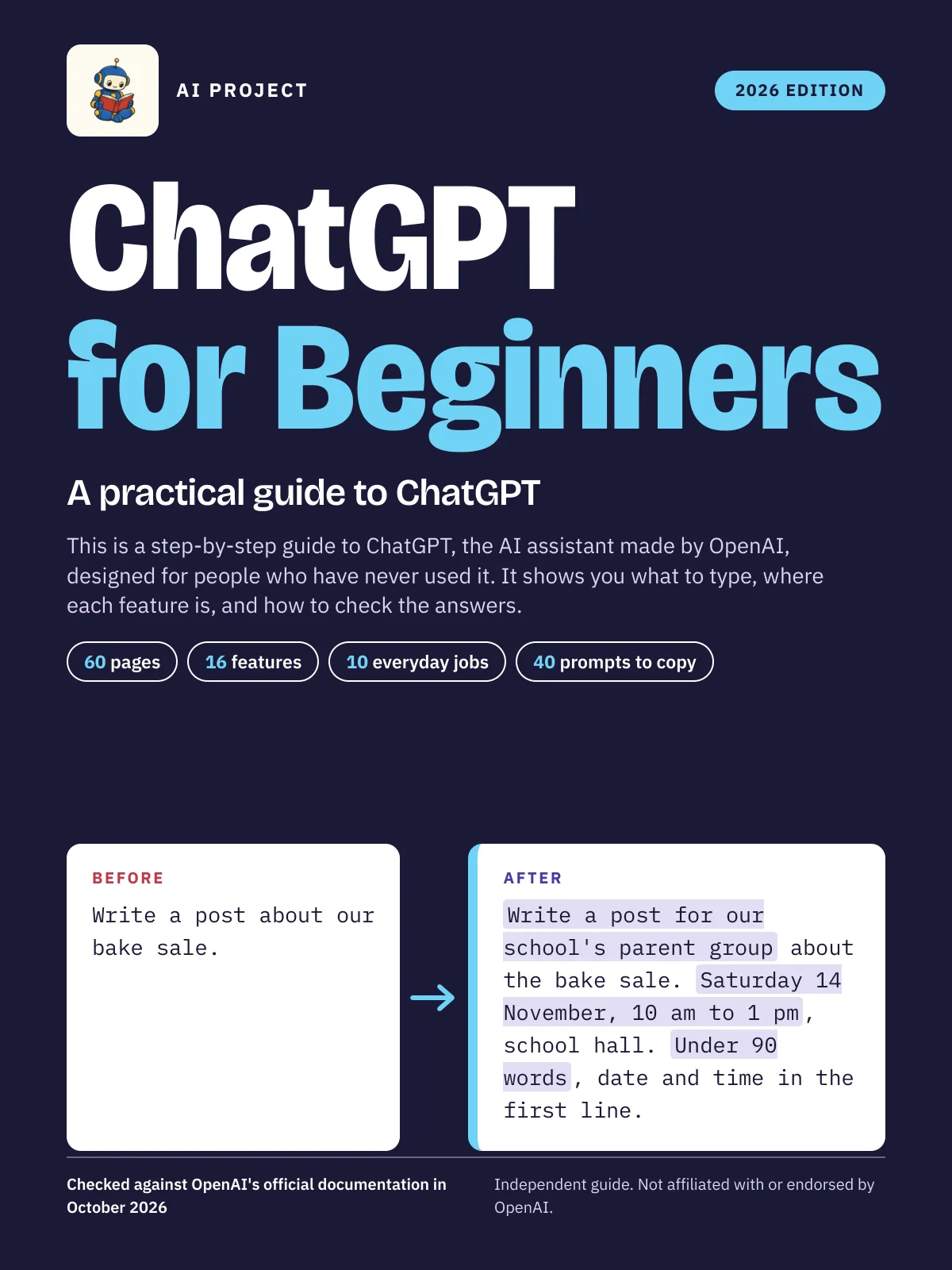
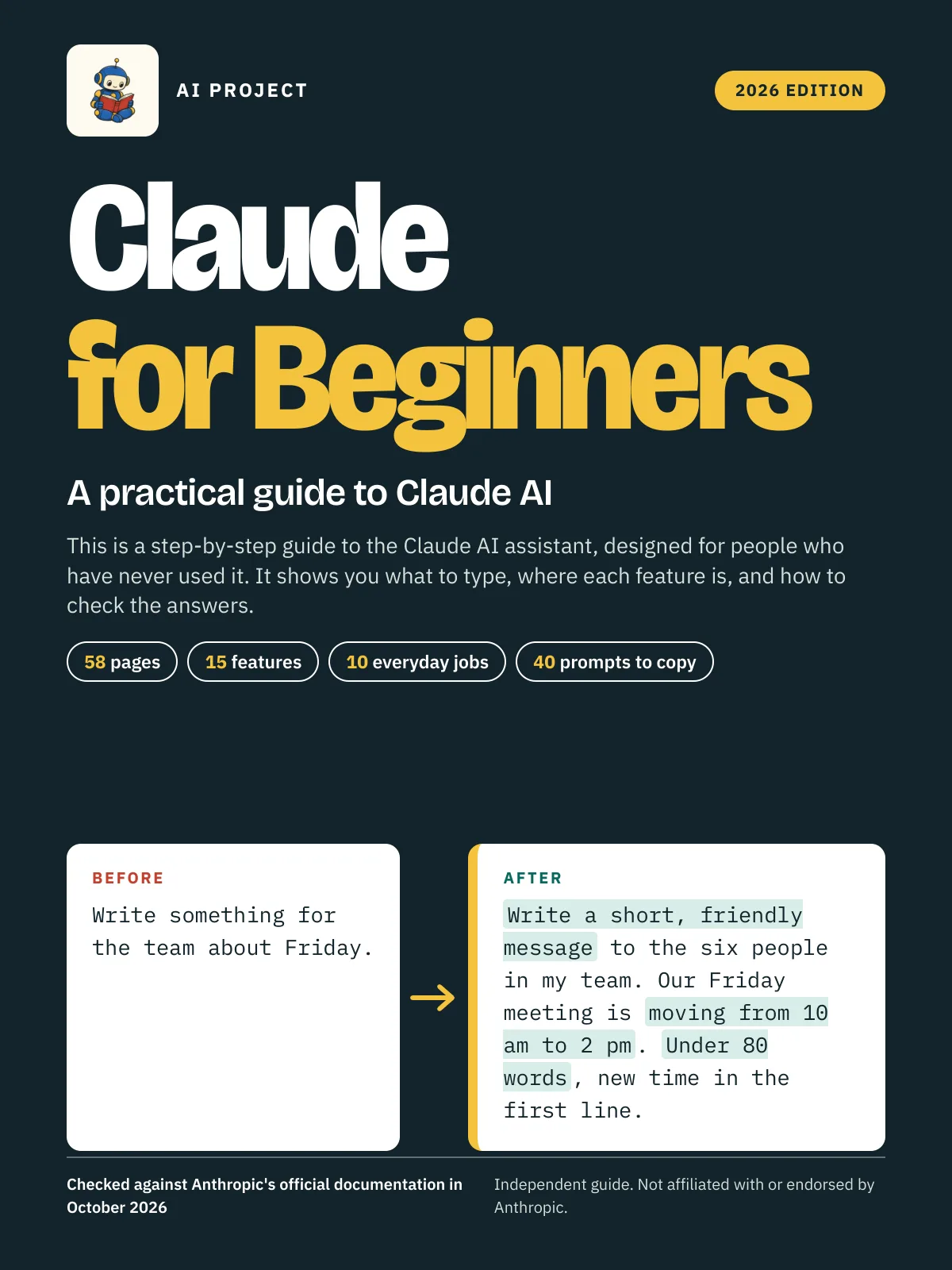
If you are after a ChatGPT for beginners guide, or one for another assistant, this shelf has a step-by-step book for each of five. ChatGPT for Beginners is written for people who have never used it, or who have asked a few questions and suspect it can do more, and there are matching guides to Claude, Google Gemini, Microsoft Copilot and Grok. Each runs to 58 to 60 pages, with 14 to 16 features, ten everyday jobs and 40 prompts, and shows you what to type, where each feature is and how to check what comes back.
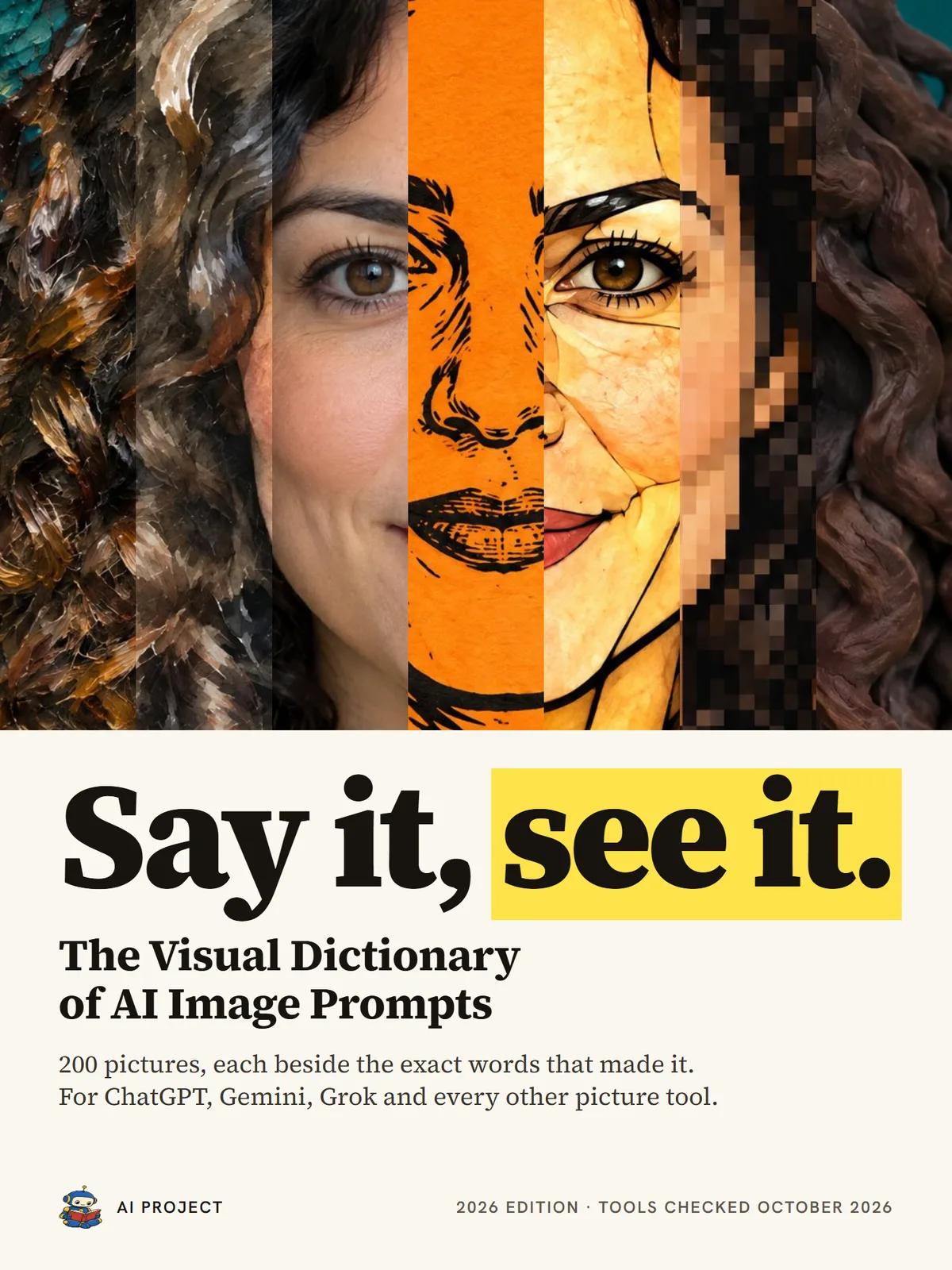
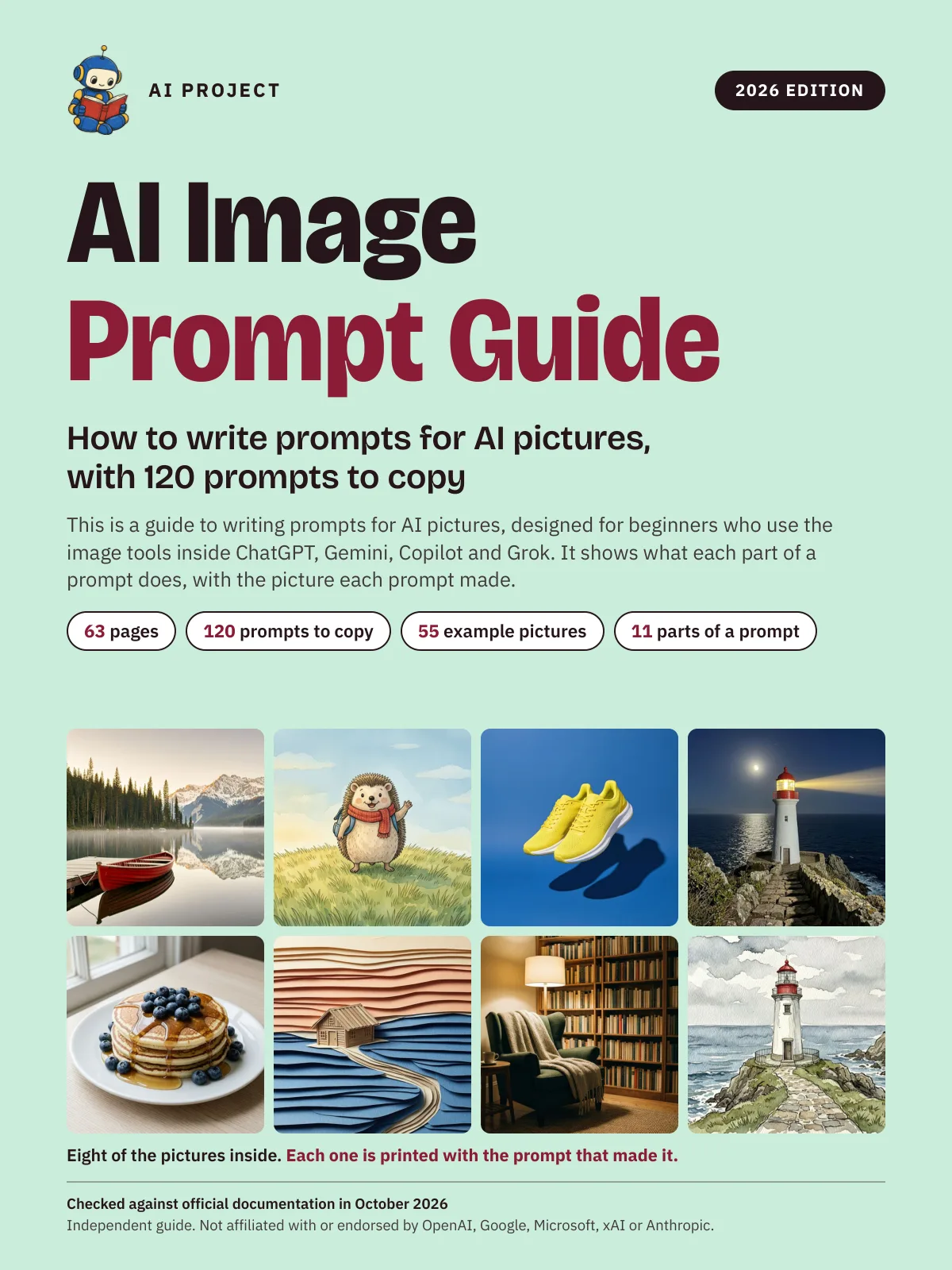
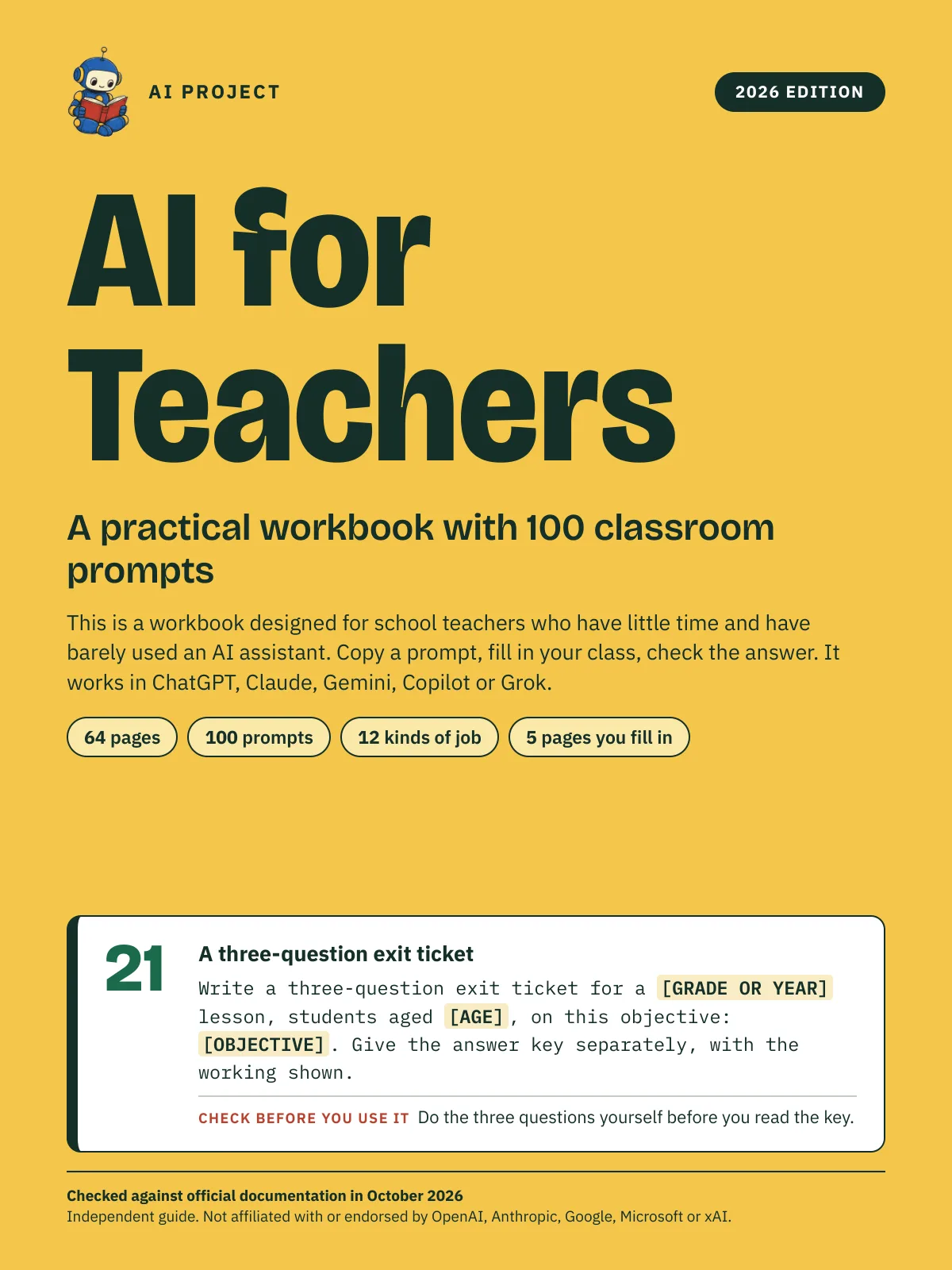
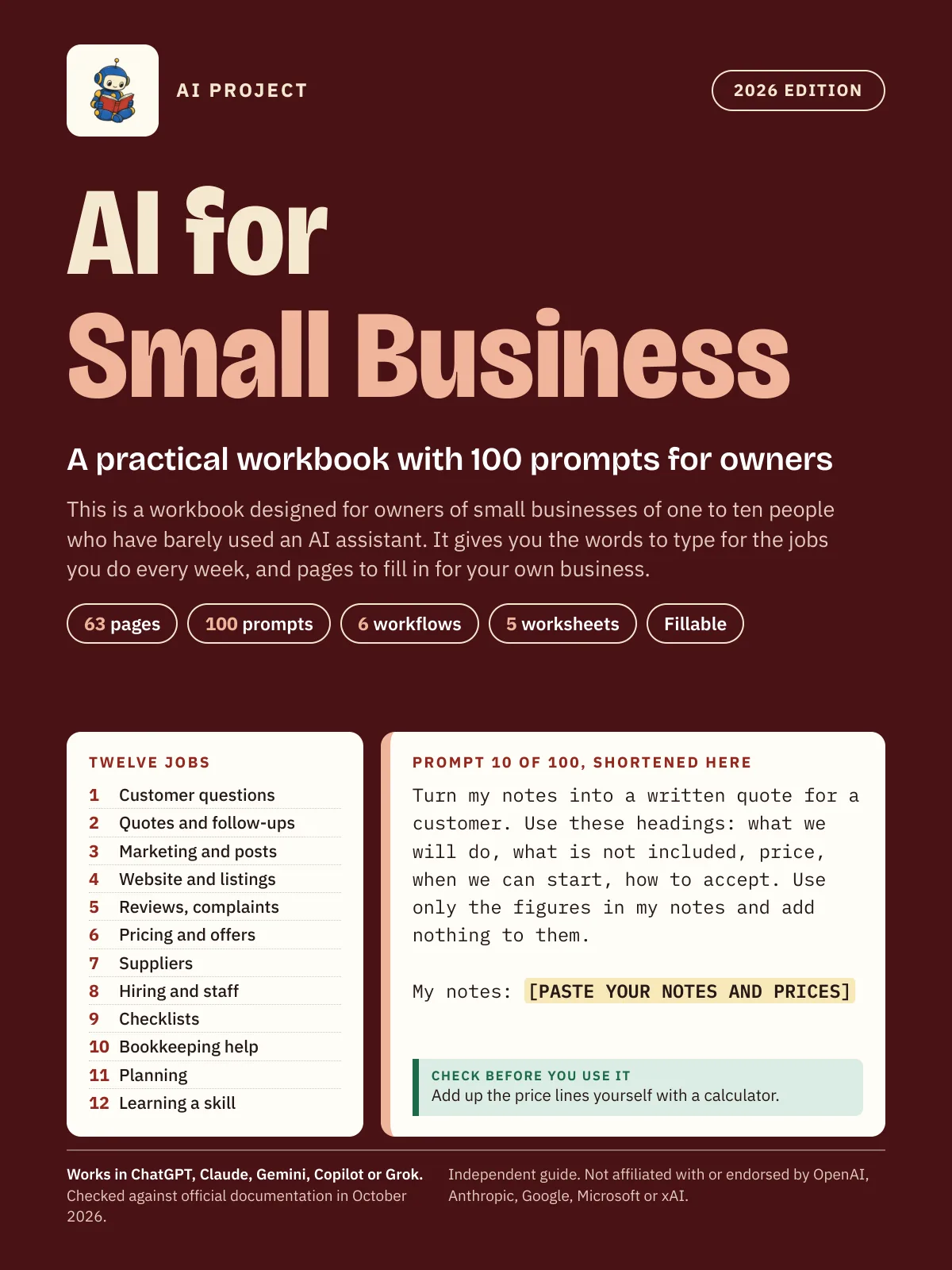
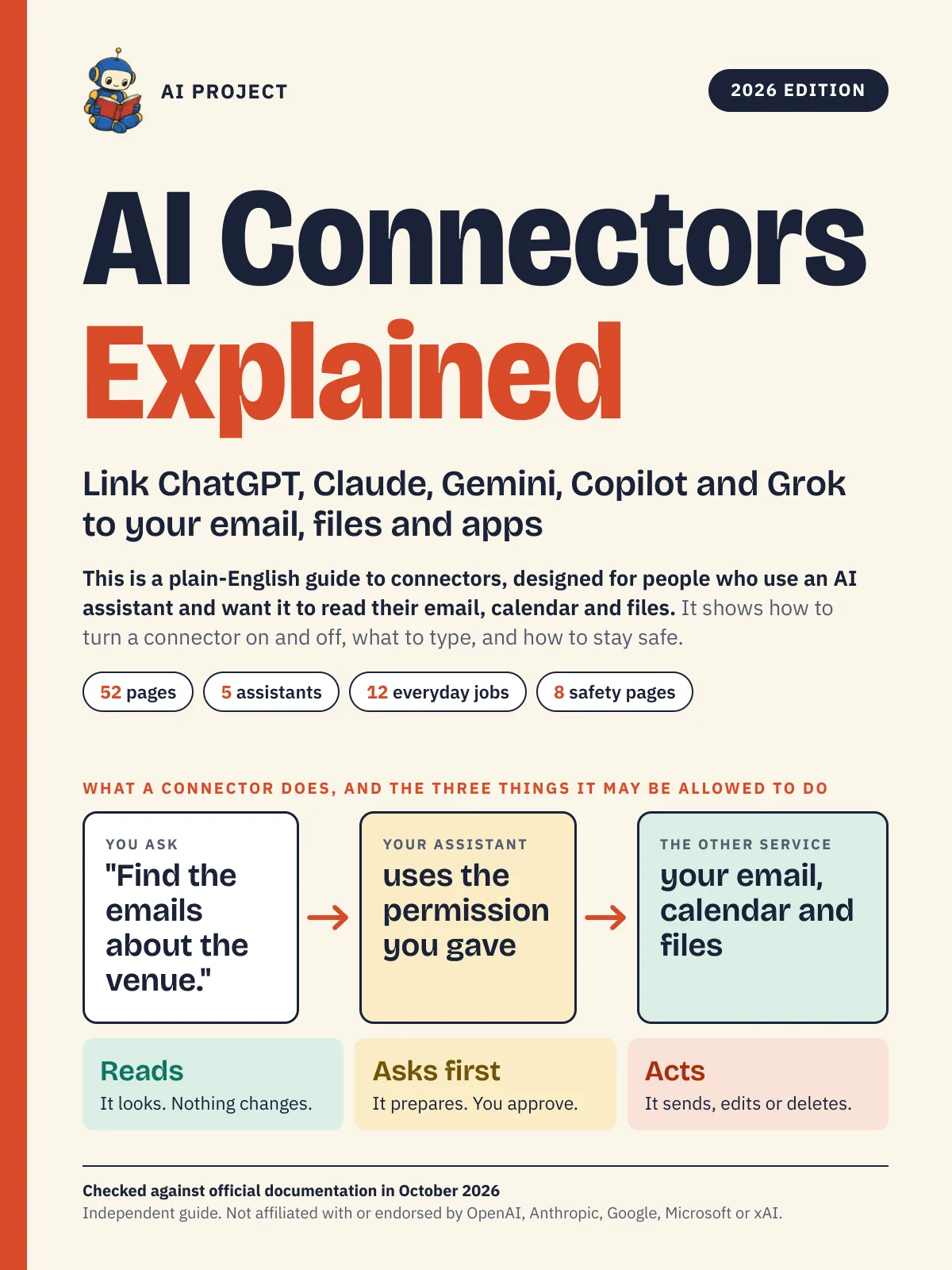
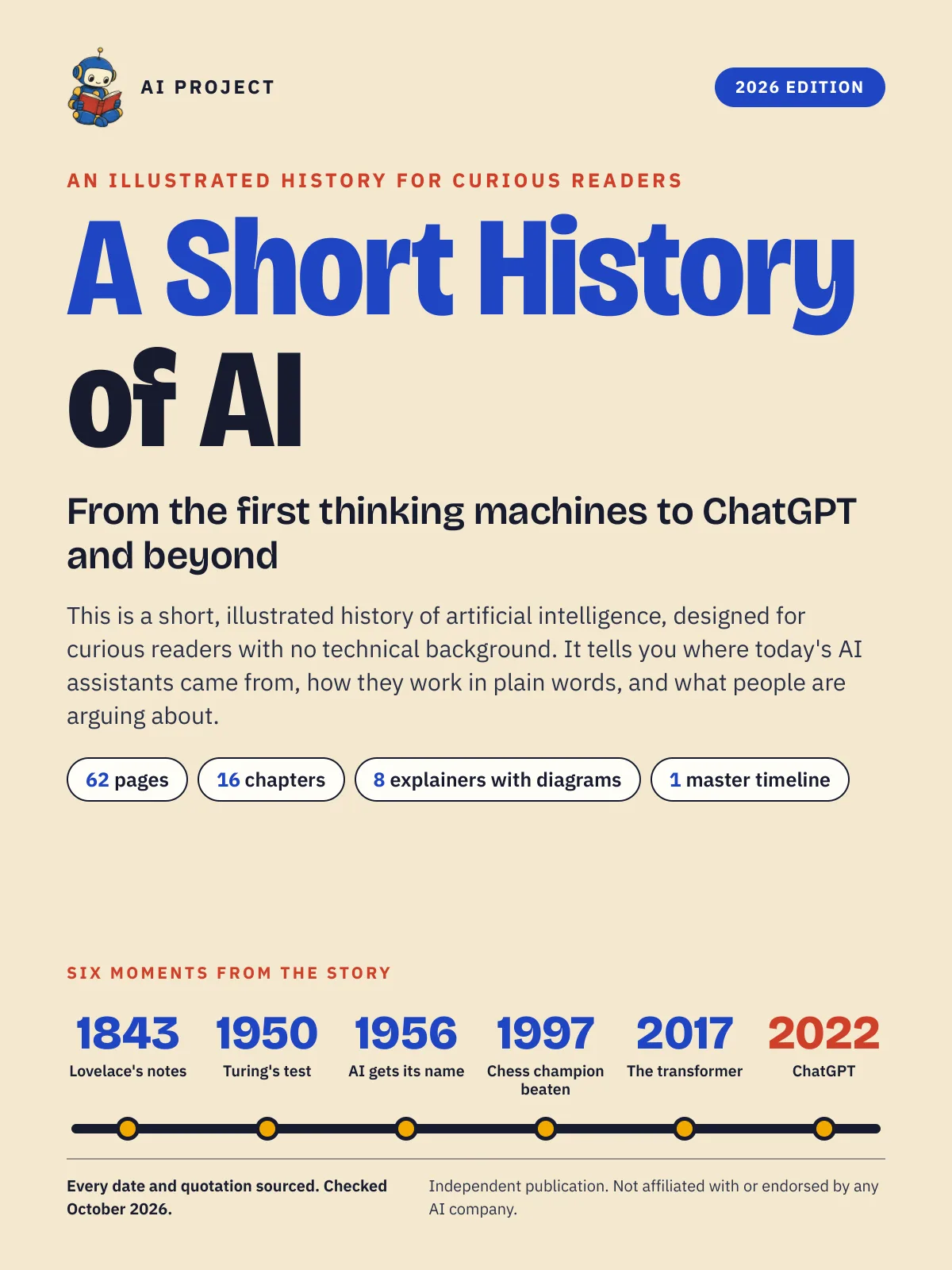
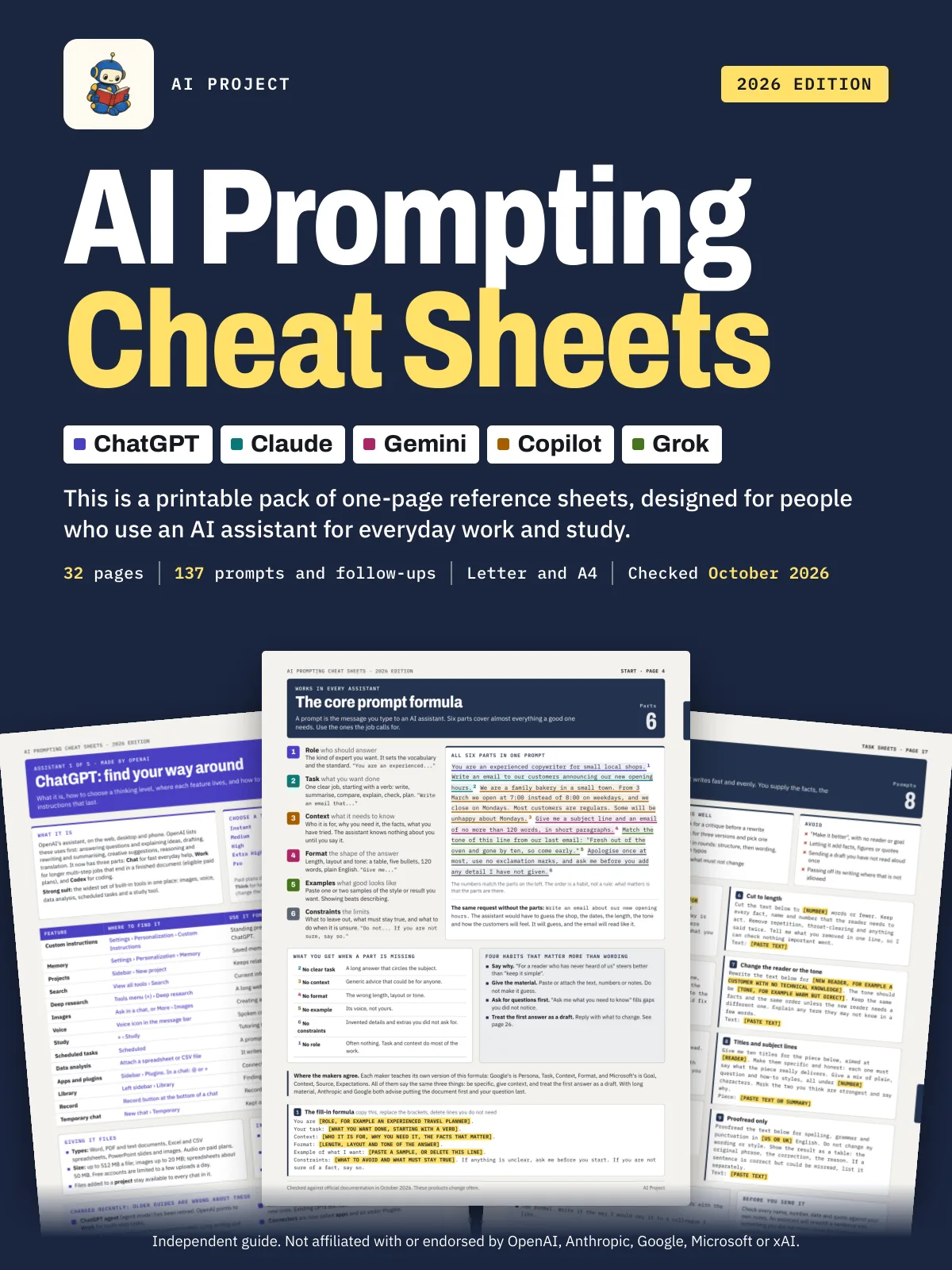
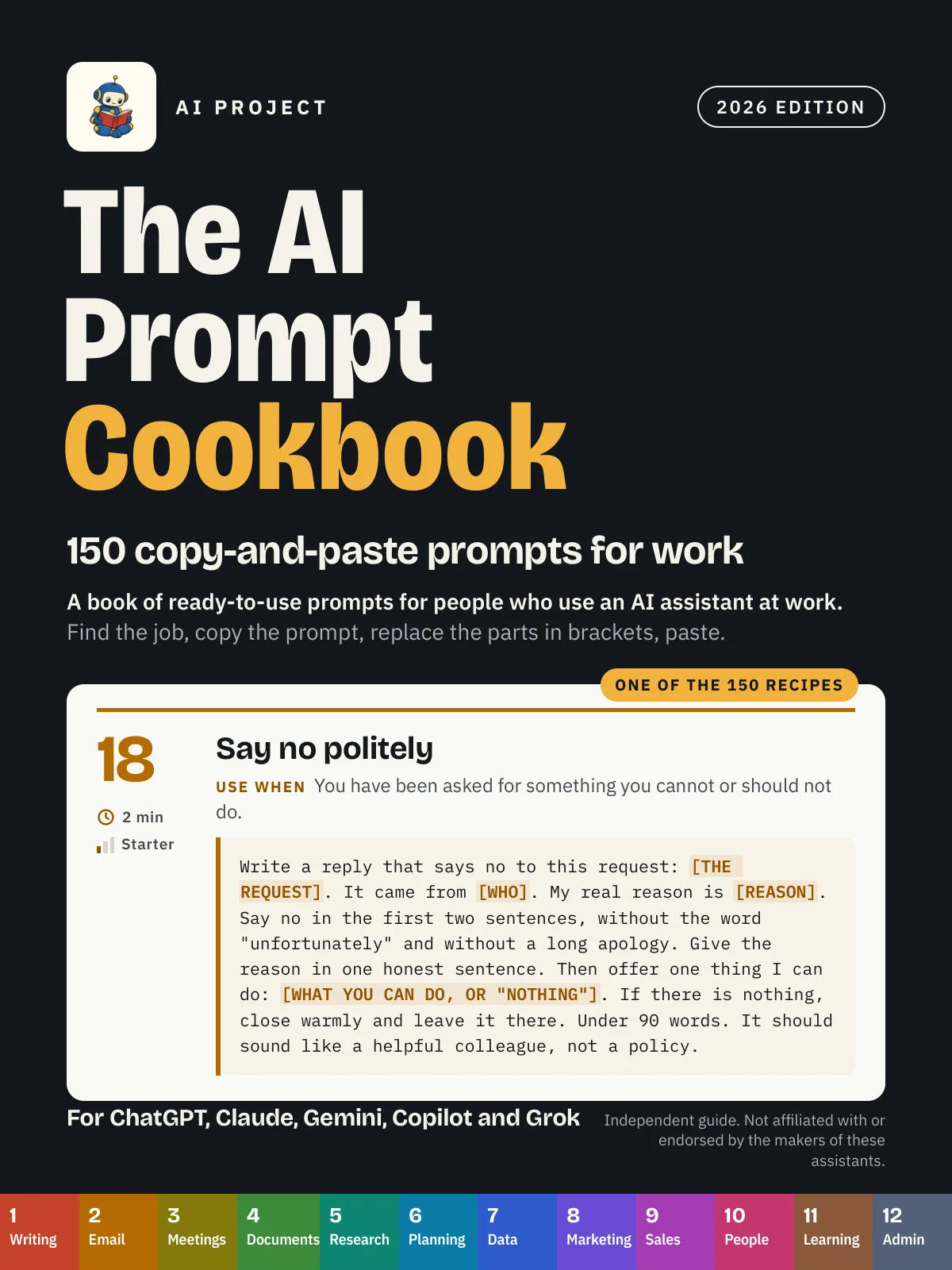
Once you feel at home, the other books go further: prompt collections for work, for small businesses and for teachers, two books on making AI pictures, a guide to connecting an assistant to your email and files, and printable cheat sheets. A Short History of AI is for curious readers with no technical background who want to know where all of this came from.
Every book here is a 2026 edition, and several say they were checked against the makers' own documentation in October 2026. If you have written an AI guide for beginners yourself, you can sell it on Bookstorez too.
Questions
- Which ChatGPT for beginners guide suits someone who has never used it?
- ChatGPT for Beginners is written for exactly that reader. It covers 16 features and ten everyday jobs across 60 pages, with 40 prompts to try.
- I use a different assistant. Is there a guide for mine?
- There are matching beginner's guides to Claude, Google Gemini, Microsoft Copilot and Grok, each set out the same way, so choose the one you already have.
- Do I need any technical knowledge?
- No. The beginner's guides are written for people who have never used the assistant, and A Short History of AI is written for readers with no technical background.
- What is an AI connector?
- A connector is a permission that lets an assistant look inside another service, such as Gmail, Outlook, Google Drive or your calendar. AI Connectors Explained shows how to set one up and spends eight pages on staying safe.